Introduction
If you’re in New Zealand and keep facing spinning loading screens or login failures when using Weibo, you’re not alone. A stable local network doesn’t guarantee access to this Chinese social media platform, as regional restrictions and network configuration issues are often the root causes. This article compiles tested, effective solutions to help you regain access to Weibo quickly.
First, Troubleshoot Basic Network and Device Issues
When encountering loading failures, start with the most basic local checks to avoid unnecessary complex operations. First, verify if your local network is working properly by accessing common overseas platforms like Google or YouTube. If these platforms also fail to load, the problem lies with your local network, and you should contact your internet service provider for assistance.
Next, try switching your network environment, such as switching from home WiFi to mobile data, or connecting to a different public WiFi network. If Weibo loads normally after the switch, your current network has DNS or router configuration issues. Additionally, restarting your router and device can resolve temporary network cache conflicts automatically.
Note: If using a company or school network, firewall restrictions may be in place. In this case, prioritize testing with personal mobile data first.
Adjust Weibo App and Account Settings
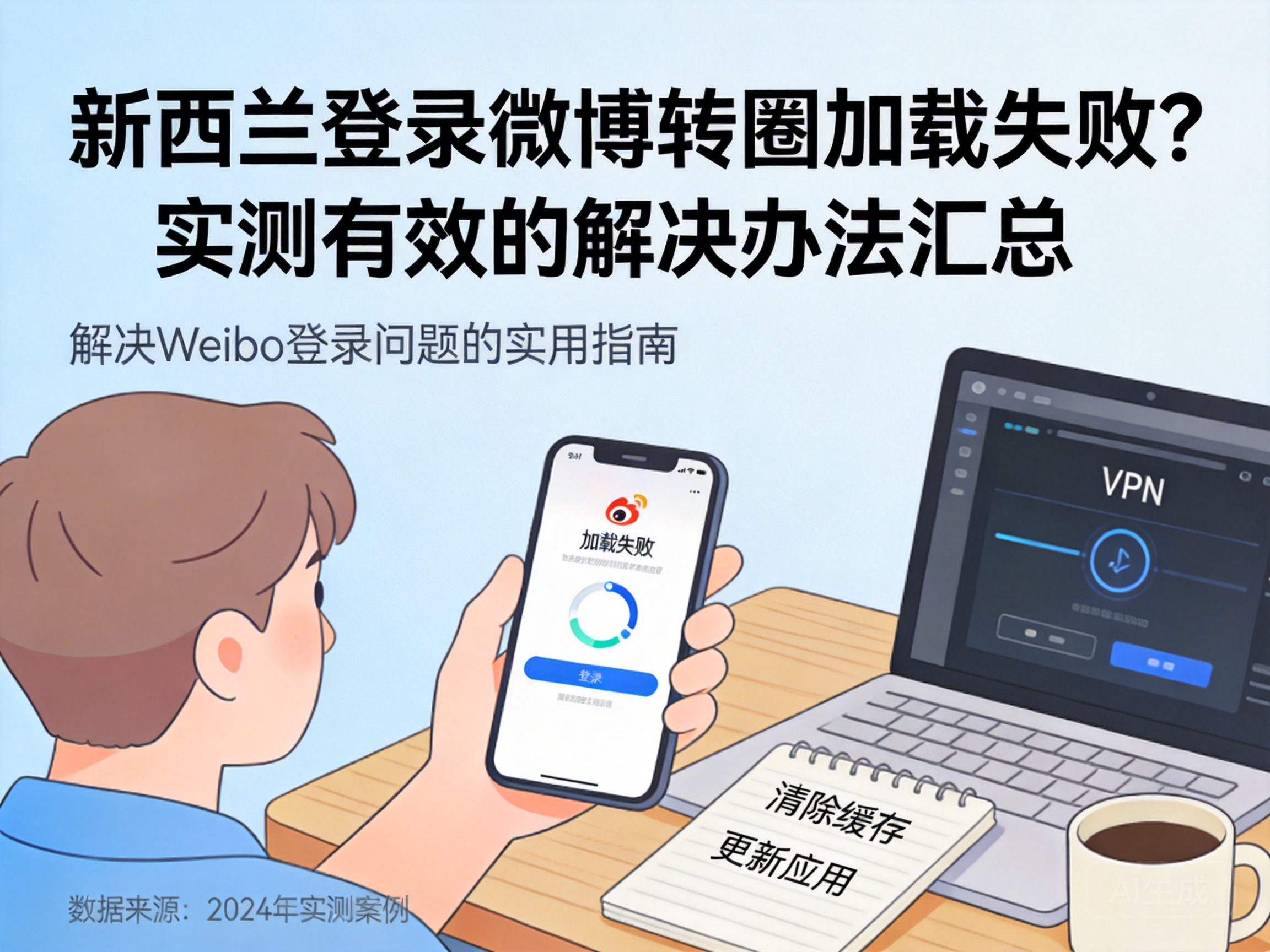
Once basic network checks are clear, you can adjust settings for the Weibo app itself. First, clear the app’s cached data. Over time, accumulated redundant cache can cause loading anomalies. On mobile devices, go to system settings, find Weibo in app management, and select "Clear Cache"—avoid deleting app data to preserve local saved content.
If clearing cache doesn’t work, uninstall and reinstall the Weibo app. Outdated versions or corrupted installation packages can cause login compatibility issues. Always download the latest version from official app stores, not third-party sources.
Also, check if your account has any restrictions, such as security limits triggered by cross-regional logins. You can verify your identity via your bound phone number or email in Weibo’s account security center to lift potential login restrictions.
Resolve Regional Network Restriction Issues
Some Weibo services have strict regional access limits, and New Zealand is not an authorized region, which is one of the core causes of login and loading failures. In this case, you need to use a network tool to simulate a domestic Chinese network environment.
When choosing a compliant network acceleration tool, select a legitimate service that supports domestic Chinese servers, and avoid unregistered illegal tools. Prioritize low-latency nodes in first-tier Chinese cities like Shanghai or Guangzhou, as these offer better stability and speed.
After connecting, don’t log into Weibo immediately. First, test connectivity by accessing a static Chinese website, such as people.com.cn. If it loads normally, try logging into Weibo—this usually resolves spinning loading issues.
Advanced Network Configuration Troubleshooting
If the above methods don’t work, check for more detailed network configuration issues. First, verify your device’s DNS settings. Default DNS servers on some overseas networks cannot resolve Weibo’s domestic server addresses. Manually switch to public Chinese DNS servers like 114.114.114.114 or 223.5.5.5, which can resolve domestic domain names more stably.
Modifying DNS is simple: on mobile devices, go to the advanced WiFi settings and select manual DNS input; on computers, modify the IPv4 DNS server address in network adapter properties. Restart your device after making changes, then try logging into Weibo again.
Additionally, check if your VPN or proxy tool is set to global mode. This mode can misroute Weibo’s login requests. Switching to a mode that only accelerates Chinese applications can reduce such conflicts.
Conclusion
Weibo loading failures and login issues in New Zealand are mostly caused by regional restrictions, local network cache, or app setting problems. Troubleshoot from basic to advanced steps: resolve local network and app issues first, then address regional restrictions, and you should regain normal access. If all methods fail, contact Weibo’s official customer service with your device model and network environment details for targeted technical support.


