
Introduction
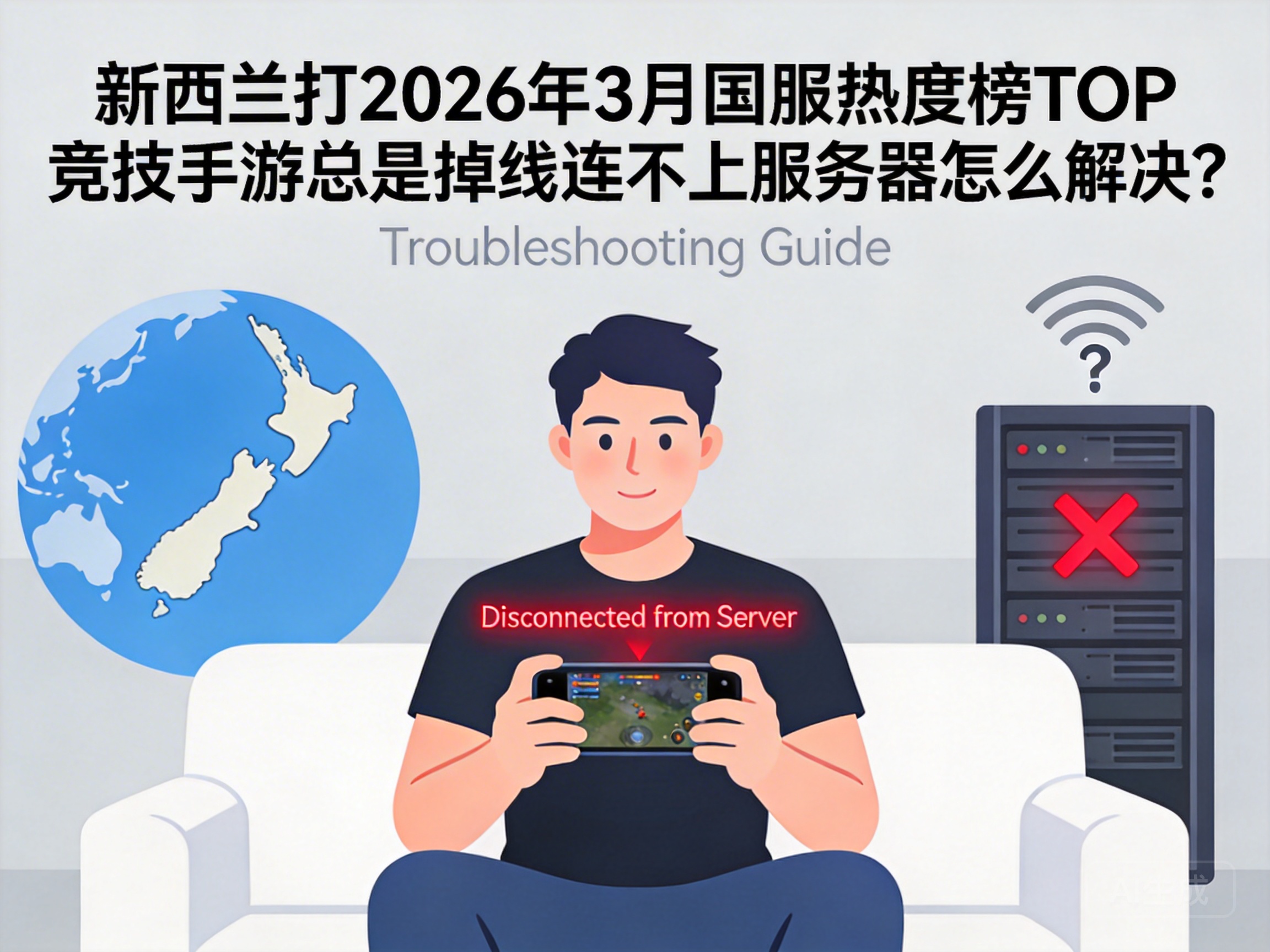
Players in New Zealand who try to log into the top competitive mobile games on the March 2026 Chinese server popularity list have likely experienced frequent disconnections and server connection failures. These issues not only interrupt ranked match rhythms but may also damage account credibility scores, severely impacting the gaming experience. This article provides a practical step-by-step solution targeting the core pain points of cross-region network access.
First, Troubleshoot Local Network Issues to Rule Out Non-Cross-Region Problems
Many players assume disconnections stem from cross-region network issues, but checking the local network first avoids unnecessary work. Start by testing local network stability, such as opening common overseas websites in a browser or playing games on local servers to observe lag or disconnections.
If the local network is stable, check the mobile game's basic settings. Ensure the game is updated to the latest version—2026's competitive mobile games regularly release network adaptation patches, and outdated versions may have compatibility issues. Also, verify the game's network permissions to confirm it has access to cellular data and Wi-Fi.
Note: If the local network itself has issues, such as weak router signals or overdue broadband fees, contact the local operator to resolve these first before addressing cross-region network problems.
Optimize Cross-Region Network Connections to Solve Core Geographic Restrictions
High latency and packet loss in cross-region networks are the main barriers for New Zealand players connecting to Chinese game servers. This is because most Chinese game servers are deployed domestically, and direct connections from New Zealand involve long routes with multiple nodes, increasing the risk of data loss.
The most direct solution is to use a game-specific accelerator. By 2026, accelerators have exclusive line optimizations for mainstream competitive mobile games. Prioritize products that support Chinese servers and offer direct dedicated lines from New Zealand to China. Once enabled, the accelerator automatically optimizes data transmission paths, reduces node transfers, and lowers packet loss rates.
Additionally, use a wired connection if possible. If using Wi-Fi, stay close to the router to avoid signal attenuation from walls. For cellular data, prioritize 5G networks, which offer better stability and transmission speeds than 4G, making them more suitable for the real-time data transmission required by competitive mobile games.
Adjust Game and Device Settings to Adapt to Cross-Region Network Environments
Beyond network optimization, adjusting game and device settings can reduce disconnection risks. First, lower network-related game parameters, such as disabling bandwidth-intensive features like "HD Voice" and "Real-Time Spectating" to reduce network load.
Next, check background apps on your device and close unnecessary download tasks and streaming applications. These apps consume large amounts of bandwidth, crowding out game data transmission. Enable your phone's "Game Mode"—a standard feature on 2026's mainstream phones—which automatically allocates more network and processor resources to the game, avoiding interference from background processes.
Finally, try resetting the game's network settings. Locate the "Network Reset" option in the game's settings menu; this clears the game's local network cache and re-establishes the server connection, potentially resolving disconnections caused by cache errors.
Contact Official Customer Support to Troubleshoot Account and Server-Specific Issues
If the above methods fail, the problem may be account or server-specific. First, check the game's official announcements to confirm if there are maintenance or failure notices for Chinese servers in March 2026. Some popular games may temporarily limit access, preventing overseas players from logging in.
If the server is operational, contact the game's official customer support, providing your account information, screenshots of your network environment, and error messages from disconnections. By 2026, competitive mobile game support teams typically have dedicated channels for overseas players to help investigate account geographic restrictions or temporary login limitations due to abnormal activity.
You can also try logging into the same account on another device to rule out hardware or system compatibility issues with your original device. If other devices can log in normally, your original device may require a system update or factory reset.
Summary
For New Zealand players experiencing disconnections when playing top March 2026 Chinese server competitive mobile games, the issues mainly stem from local network failures, cross-region network latency, incompatible device settings, or account and server problems. By following the troubleshooting steps of local network checks, network optimization, setting adjustments, and customer support assistance, most disconnection issues can be resolved. To maintain a stable experience, keep the game updated and use a consistent, stable accelerator line to effectively reduce disconnection risks.




