Introduction
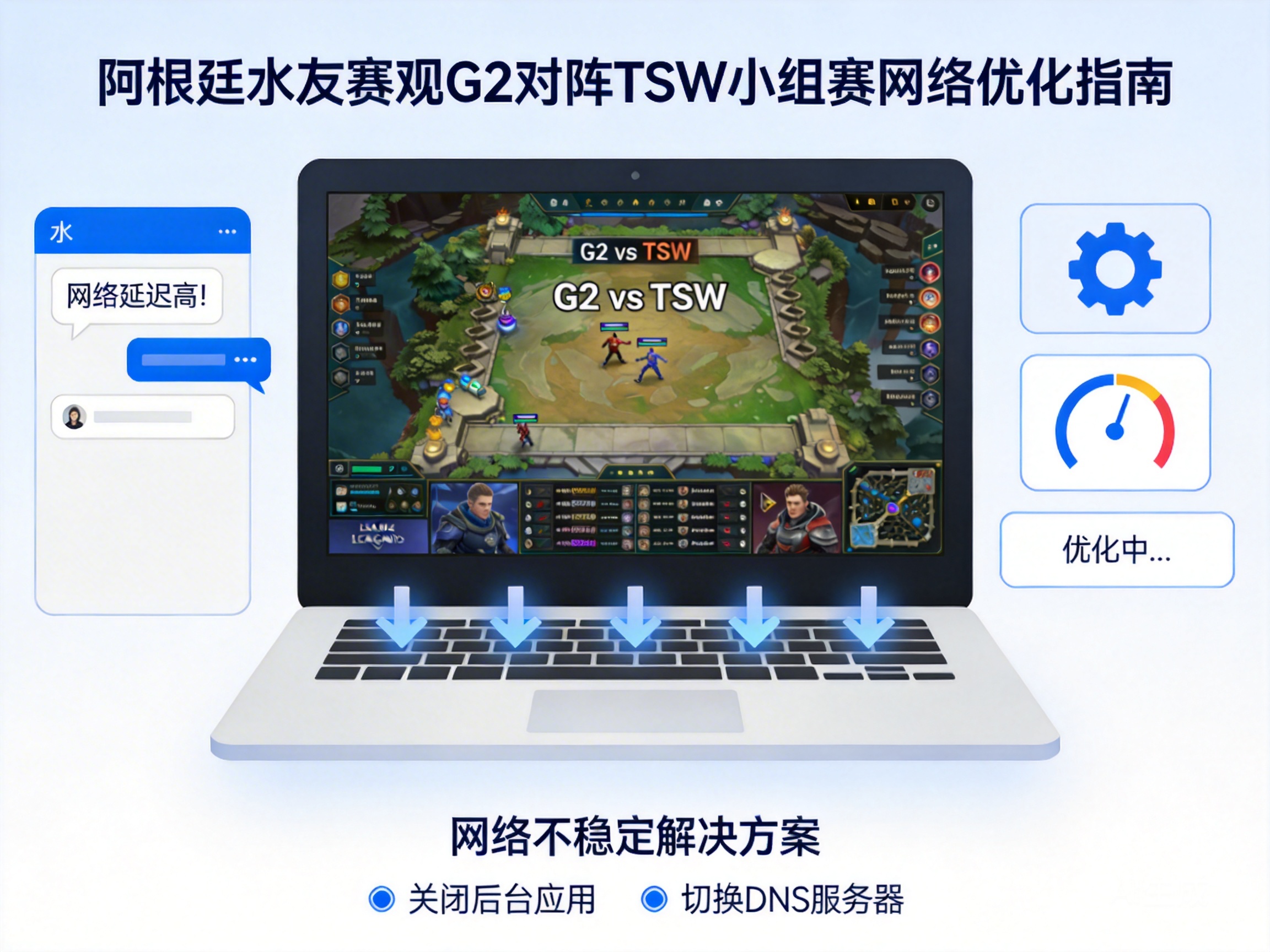
For League of Legends players in Argentina, participating in local fan matches while watching the G2 vs TSW World Championship group stage is a popular combination of entertainment and viewing, but unstable internet often ruins the experience. Either the fan match suffers from soaring latency or disconnection, or the live stream freezes and pixelates, making internet optimization a top priority.
Prioritize Bandwidth Allocation: Prevent Conflicts Between Two Tasks
Running two high-bandwidth programs—gaming and live streaming—simultaneously is one of the core causes of internet lag for players in Argentina. You can first manually allocate bandwidth using your router’s QoS (Quality of Service) feature, which allows the router to prioritize game data transmission and prevent live streaming from occupying too many resources.
- Log in to your router’s backend, find the QoS settings, and set the League of Legends client process to the highest priority
- Limit the bandwidth usage of the live streaming platform, for example, setting the maximum bandwidth of a single stream to 2-3Mbps, which meets 720P clarity requirements without affecting the game
- Close idle high-bandwidth programs like automatic background updates and cloud disk synchronization to reduce unnecessary network consumption
Tip: If your router does not have QoS functionality, you can use computer-side bandwidth management software such as NetLimiter to achieve similar traffic allocation effects.
Adjust Nodes and Routes: Match the Optimal Local Network Path
Argentina is far from the official live streaming servers of the League of Legends World Championship and some third-party servers for fan matches. Network loss during cross-regional transmission is the main source of latency fluctuations. Choosing the right network nodes for different scenarios can effectively reduce latency volatility.
For fan matches, if it is a server built by local players, prioritize local Argentine game accelerator nodes to avoid cross-regional transit; if it is a global server fan match, choose a transit node close to the event server. When watching the G2 vs TSW live stream, prioritize live streaming platforms with local Argentine CDN nodes, such as Twitch’s Latin America zone. CDN nodes cache live content locally in advance, reducing stuttering caused by transoceanic transmission.
Optimize Hardware and Local Network: Build a Solid Network Foundation
In addition to software settings, aging or improperly configured local network hardware can also cause unstable internet when running two tasks simultaneously. First, check the placement of your router; avoid placing it in corners or next to metal furniture, as these locations block WiFi signals. It is recommended to place it in an unobstructed central area of the room.
If using a WiFi connection, switch to the 5GHz band first, which has less signal interference and higher transmission speed, making it suitable for high-demand scenarios like gaming and live streaming. If possible, use an Ethernet cable to connect directly to your computer—wired networks are far more stable than WiFi and can completely avoid issues caused by wireless signal fluctuations. Also, restart your router regularly to clear cache and avoid performance degradation from long-term operation.
Emergency Solutions: Alternate Strategies in Extreme Network Environments
If you encounter extreme situations such as temporary failures of local Argentine internet service providers or network congestion during peak event hours, you can choose some emergency optimization methods. For example, adjust the live stream resolution to 480P or even standard definition, which significantly reduces bandwidth demand and ensures basic game operation; or use a mobile hotspot as a backup network, as some operators’ mobile networks may be more stable than fixed broadband during peak hours.
Additionally, you can download the replay of the G2 vs TSW match in advance and watch it after the fan match. Although you cannot watch it synchronously, it avoids the combined network consumption of two tasks, making it suitable for players with poor network conditions.
Conclusion
The unstable internet issue for Argentine players participating in League of Legends fan matches while watching the G2 vs TSW group stage can be solved through four layers of strategies: bandwidth allocation, node selection, hardware optimization, and emergency solutions. From software settings to hardware adjustments, combined with targeted strategies for different scenarios, you can effectively balance game smoothness and live stream viewing experience, reducing troubles caused by network problems.




