Introduction
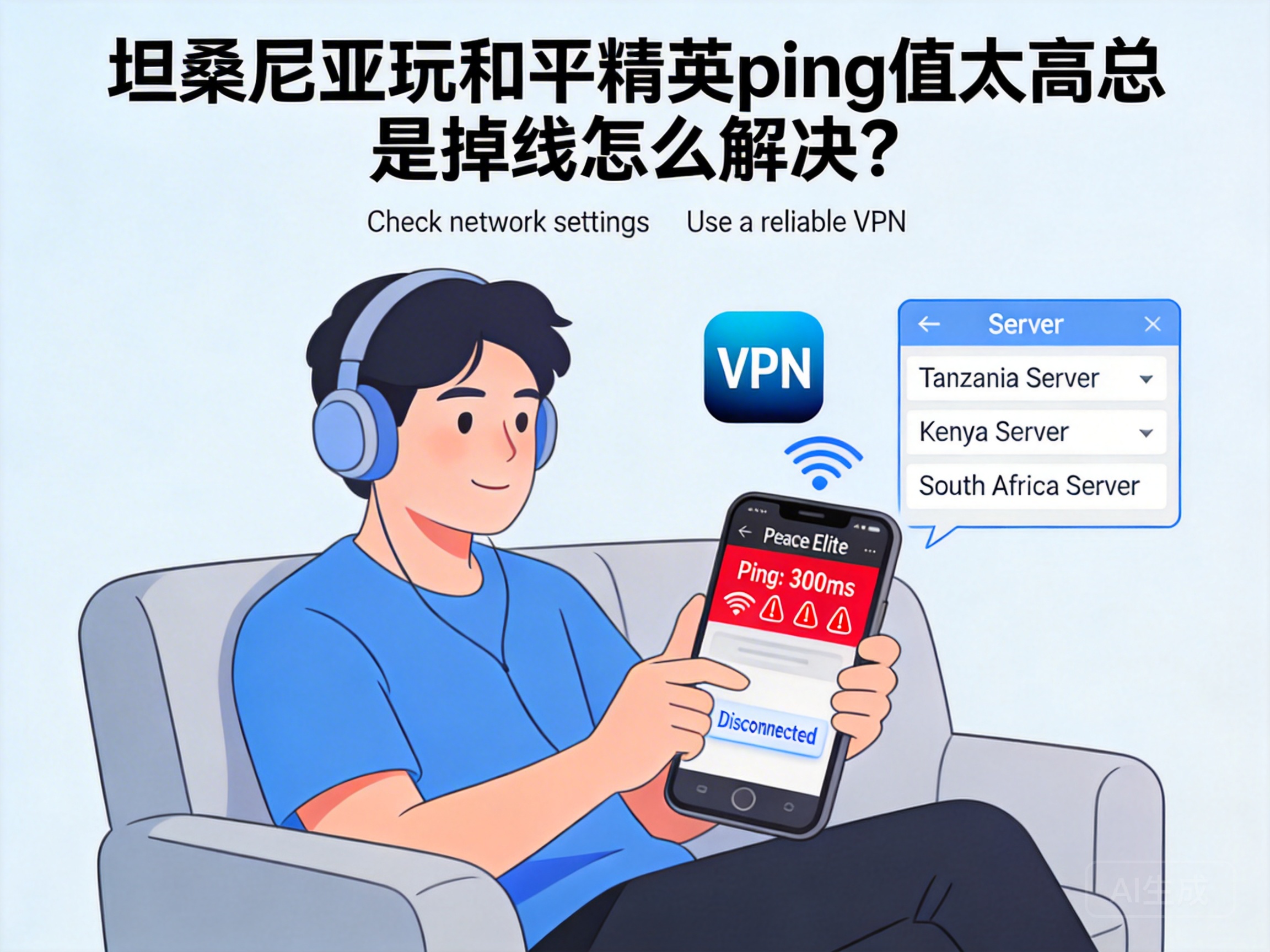
Many players in Tanzania face issues of high ping and constant disconnections when playing PUBG Mobile. Situations like lag right after landing or disconnecting during critical team battles are common, severely ruining the gaming experience. In fact, most of these problems are related to network links and device settings, and can be effectively resolved with the right methods.
Optimize Local Network Environment First
Many players overlook basic local network optimization, which is a common cause of high ping. First, make sure you are connected to the 5G Wi-Fi band. The 2.4G band in some areas of Tanzania is crowded with devices and has strong signal interference, while the 5G band provides a more stable transmission rate.
Second, minimize the distance between the router and your device, and avoid signal blockage by walls or metal furniture. If using mobile data, move to an area with full signal strength, and close background apps that are downloading or updating to reduce bandwidth usage.
Pro Tip: You can check the real-time network speed in your phone settings. If it stays below 1Mbps, contact your local operator to troubleshoot line issues.
Choose a Suitable Game Acceleration Tool
Since most PUBG Mobile servers are located in the Asia-Pacific region, direct connections from Tanzania go through multiple transit links, resulting in high latency. A suitable game acceleration tool can effectively shorten the data transmission path.
When selecting an acceleration tool, prioritize products that support Tanzania nodes and explicitly state compatibility with PUBG Mobile. Simply search for PUBG Mobile and enable one-click acceleration; the tool will automatically match the optimal transit node to reduce data packet loss.
Note that some free acceleration tools may have unstable nodes. If you still experience lag after acceleration, try a paid professional acceleration service, which offers better stability and speed.
Adjust In-Game Basic Settings
Some in-game settings can indirectly affect network load, leading to higher ping. First, disable non-essential effects like HD graphics and dynamic shadows. These effects increase the device's computing pressure and indirectly occupy network bandwidth.
Second, enable the "Network Optimization" feature in the game's network settings. Some versions of PUBG Mobile automatically adjust data packet transmission strategies based on the current network environment. At the same time, set "Voice Call Quality" to "Low" to reduce the impact of voice data on game network usage.
In addition, regularly clear the game cache to avoid excessive cache files causing device lag, which indirectly affects the transmission efficiency of network data.
Switch Game Servers or Versions
If the above methods do not improve the situation, try switching PUBG Mobile servers or versions. The international version of PUBG Mobile currently has African regional servers. Compared to Asia-Pacific servers, Tanzania players have a shorter physical distance to African servers, resulting in lower latency.
Before switching servers, ensure your account supports cross-region login. Some region-bound accounts may require re-registration. Meanwhile, download the corresponding regional game installation package through official channels to avoid network adaptation issues caused by third-party packages.
Note: After switching servers, your friend list may not display fully. Confirm your friends' server locations before teaming up.
Summary
When Tanzania players encounter high ping and disconnection issues in PUBG Mobile, they can troubleshoot and optimize from four aspects: local network, acceleration tools, game settings, and server selection. Start with basic local network adjustments, then combine acceleration tools and game setting optimizations—most issues can be effectively resolved. If no improvement is seen, try switching to the closer African regional servers to further reduce network latency.




