Introduction
The new Chinese server mobile games launching in March 2026 must have excited many game lovers in Tunisia, but the old problem of cross-regional gaming—high latency and excessive ping—has also followed. Your precise inputs are always a step behind, and frequent lag or disconnections in team matches ruin the gaming experience. Don’t worry, this guide compiles practical solutions tailored to the pain points of players in Tunisia.
First, Understand: Why High Latency Happens in Tunisia
First, you need to understand the root cause of high latency to solve it accurately. Most Chinese server mobile game servers are deployed domestically, and the physical distance between Tunisia and China exceeds 10,000 kilometers. Data transmission needs to pass through multiple international nodes, and each additional node may increase latency.
In addition, the bandwidth of international network exits is limited. During peak hours, a large number of users transmitting data at the same time can easily cause congestion, directly leading to a surge in ping values. Some mobile games also lack overseas optimization and are not adapted to the network environment in Africa, which is an invisible cause of high latency.
Tip: Ping refers to the time it takes for data to be sent from your device to the server and back, measured in milliseconds. The lower the value, the smoother the network
Basic Optimization: Start with Devices and Local Network
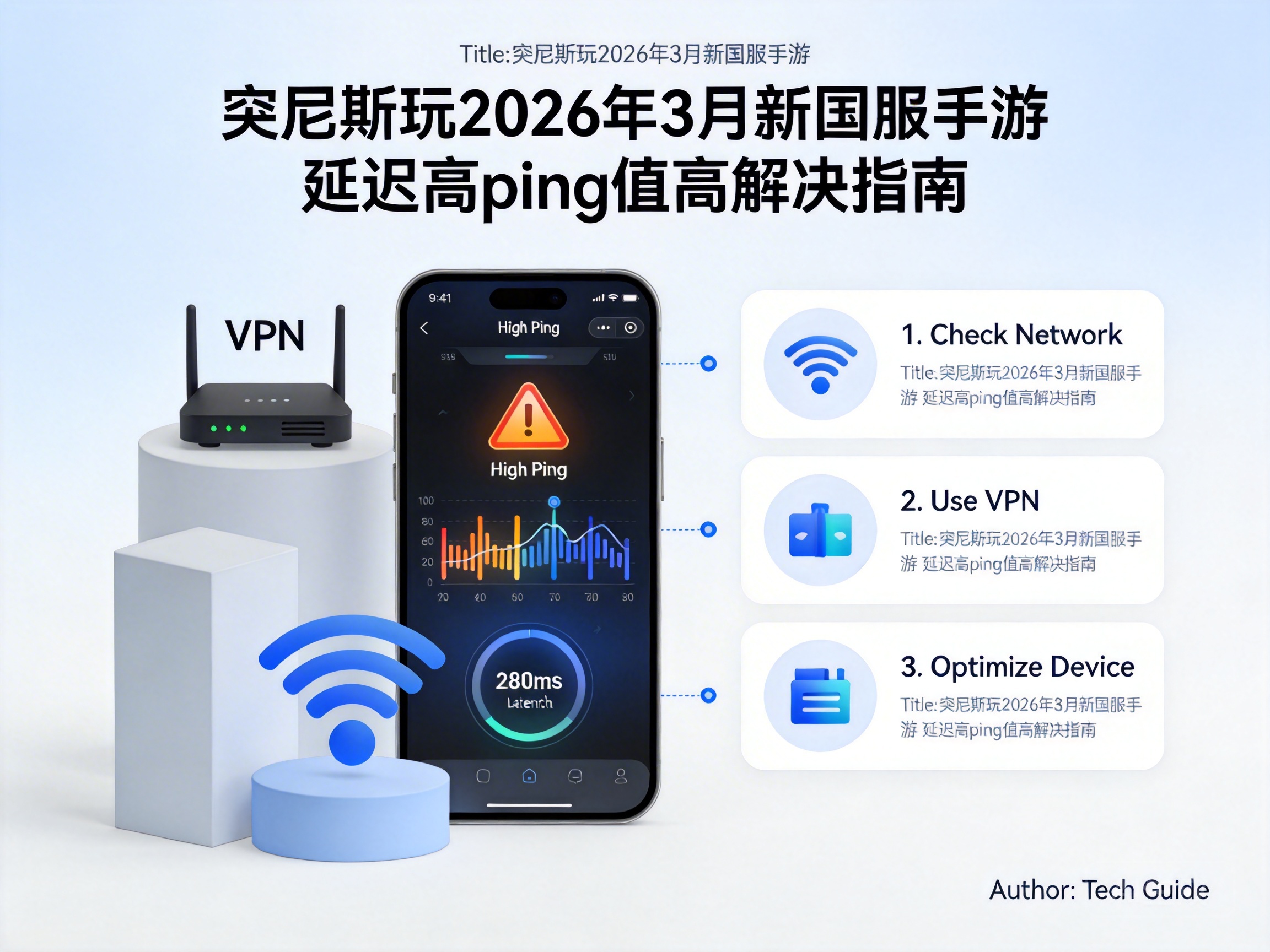
Start with the easiest local settings adjustments, which can improve your experience without additional tools. First, close other apps running in the background of your device, especially those that consume a lot of bandwidth like video or download programs, so that the mobile game can use the network resources exclusively.
Then check your Wi-Fi connection: stay as close to the router as possible to avoid wall obstruction or signal interference. If possible, prioritize a wired network connection, which is much more stable than Wi-Fi. Finally, you can lower the graphics quality, turn off real-time shadows and dynamic effects in the mobile game settings to reduce the computing pressure on your device and indirectly reduce the amount of data transmitted over the network.
- Close bandwidth-heavy background apps
- Switch to a wired network or move closer to the Wi-Fi router
- Lower mobile game graphics and effects
Advanced Solution: Use Network Acceleration Tools for Targeted Optimization
If basic optimization has limited effects, you need to use professional network acceleration tools. The core principle of these tools is to bypass congested public nodes through exclusive international dedicated lines, allowing data to be transmitted to Chinese server game servers via a shorter path.
When choosing an acceleration tool, prioritize products that have lines in Tunisia and explicitly support Chinese server mobile games. Before using it, test the ping values of different nodes and select the one with the lowest latency. In addition, some tools provide acceleration modes for specific mobile games, which can further optimize the transmission protocol and have better effects than general acceleration.
Note: Choose formal and compliant acceleration tools to avoid account security issues caused by uncertified products
Special Adjustments: Contact Your ISP and Game Official
If none of the above methods work, you can try contacting your local ISP to ask if there are network optimization packages for China, or if there is a fault in the current international exit. Some ISPs offer targeted international bandwidth services that can effectively improve cross-regional transmission speeds.
You can also feedback the problem through the game official's customer service channel, explain your network environment in Tunisia, and request the official to optimize network adaptation for the African region. If there are many feedback users, the official will most likely pay attention and launch targeted optimization solutions.
Conclusion
If players in Tunisia encounter high latency when playing newly launched Chinese server mobile games, there’s no need to panic. Start with basic optimization of local devices and networks, then choose professional acceleration tools based on your situation, and finally seek help from ISPs and game officials. By troubleshooting step by step, you can effectively reduce ping values and enjoy the fun of new Chinese server mobile games smoothly.




