Introduction
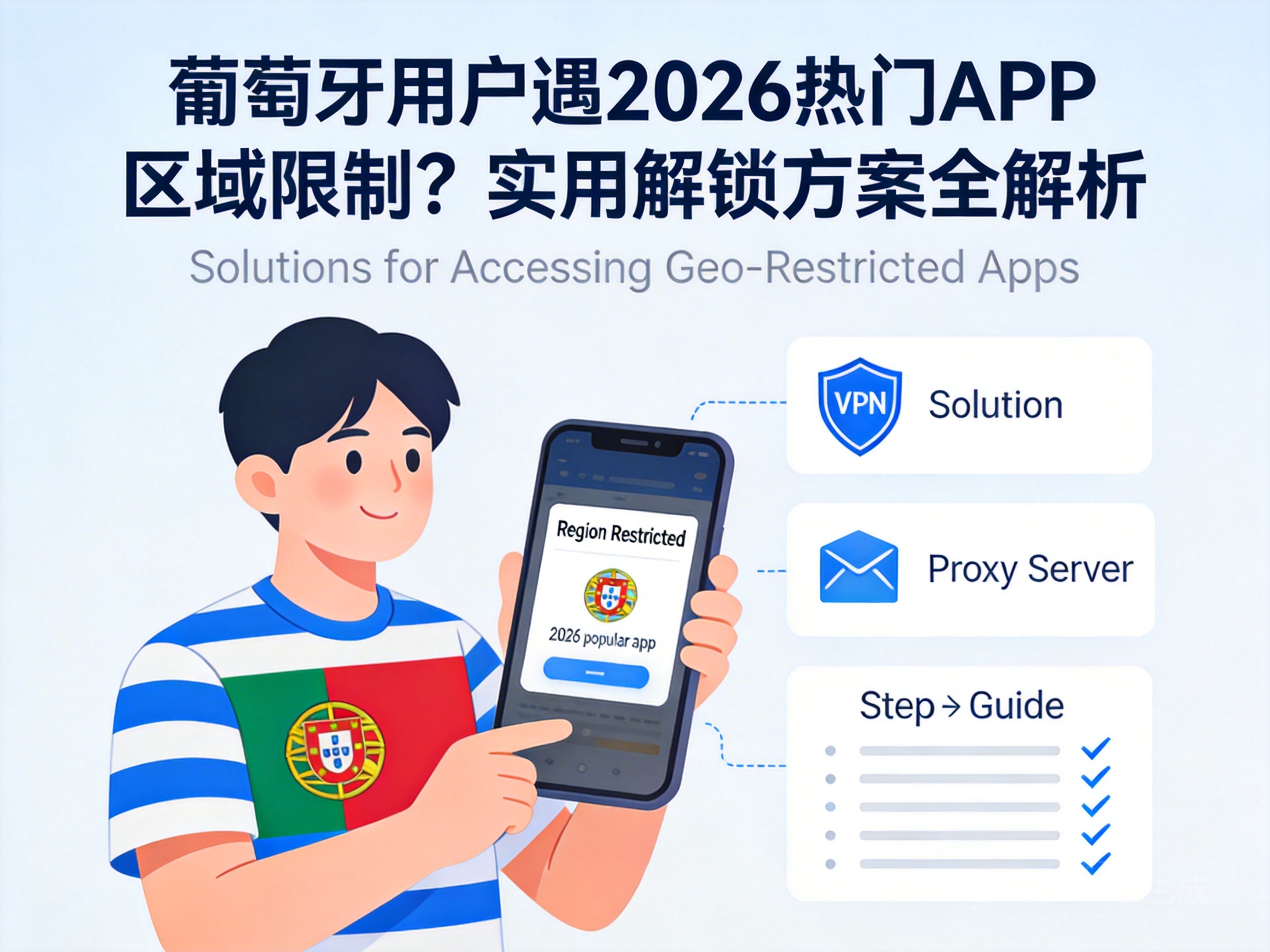
If you're in Portugal and find half of the top 10 popular apps of 2026 are unavailable due to regional restrictions, you're not alone. This frustrating situation is common for many overseas users, but it's not an unsolvable problem. With the right methods, you can easily bypass these restrictions and access all the apps you want.
First: Understand What Regional Restrictions Are
Most people know they can't use an app, but don't understand why. Regional restrictions are essentially geographic access barriers set by app developers based on copyright laws, local policies, or business strategies. For example, some streaming apps only hold distribution rights in specific countries, while utility apps may not have completed local compliance filings.
In Portugal, you'll typically encounter two scenarios: either the app doesn't show up in your app store search results, or you can download it but get a "not available in your region" message when opening it. The unlocking logic differs slightly between the two, but the core idea is to make the app think you're in an allowed region.
Solution 1: Switch Network Nodes with Compliant Tools
This is currently the most mainstream and stable unlocking method. Simply put, you use a Virtual Private Network (VPN) tool to switch your network IP address to a country or region supported by the app. For example, if a popular social app only allows US users, you can connect to a US VPN server.
When choosing a VPN, focus on two key points: first, select a brand with official qualifications and wide server coverage to avoid security risks from free tools; second, prioritize low-latency servers to prevent slow loading or lag. Additionally, some strict apps detect VPNs, so choose tools with a "dedicated IP" feature.
Important Note: When using a VPN, comply with local internet regulations in Portugal and the target app's user agreement to avoid violations.
Solution 2: Change App Store Region Settings
If you can't find the app in your app store, you can directly modify your app store's region settings. For Apple App Store users, log out of your current account, register an Apple ID for the target region, and log in to switch to that region's app store to search and download the app.
Android users can change their Google Play Store region settings, but this requires binding a payment method from the target region, which can be replaced with a virtual gift card in some areas. The advantage of this method is that you don't need to keep a VPN running, but note that some services from your original account may be affected after switching regions.
Solution 3: Download Third-Party App Installation Packages
If the above two methods don't work, you can try downloading third-party app installation packages (APK files). This method is mainly for Android users—just download the target app's installation package from a legitimate overseas app distribution platform and install it directly on your phone.
However, this method carries higher risks: non-official installation packages may contain malware, and you won't get automatic updates through the app store. Only use well-known overseas distribution platforms like APKMirror, and always scan the file with antivirus software before installation.
Summary
Unlocking regional restrictions for 2026's popular apps in Portugal centers around bypassing geographic identification checks. Compliant VPN tools are the top recommendation for stability and security; changing app store regions suits users who regularly use apps from a specific region; third-party installation packages are a backup option. Regardless of the method, always comply with local laws and app agreements to ensure safe use.




