Introduction
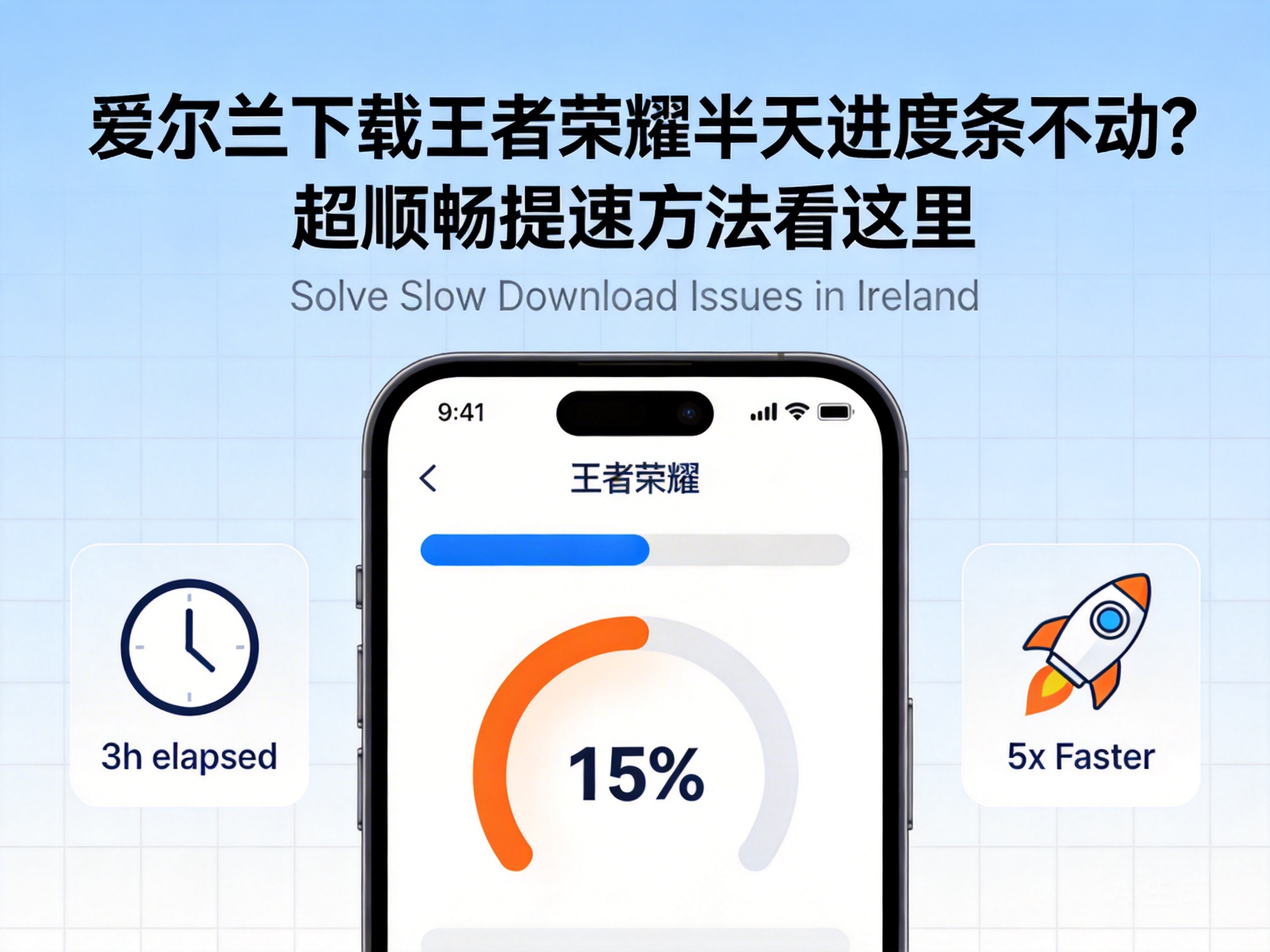
Want to revisit King of Glory while in Ireland, but stuck on a frozen download progress bar? Many overseas players face this issue: the network seems normal, but the game download is extremely slow or even stops completely. In most cases, this is caused by regional network restrictions and cross-border node congestion. With the right methods, you can quickly resolve the problem and start playing smoothly.
First Troubleshoot Basic Network Issues to Rule Out Local Faults
When encountering a stuck download, first rule out basic local network problems before moving on to complex solutions. Check if your home WiFi is working properly by browsing videos or downloading other files. If these tasks are also slow, the issue may lie with your router or broadband connection.
Try restarting your router by unplugging it for 30 seconds before plugging it back in to reset the network connection. If you're using mobile data, switch to WiFi, as cross-border mobile data transmission is usually less stable than broadband. Additionally, close other bandwidth-heavy apps like background video streams or cloud sync services to avoid diverting download resources.
Tip: If you're using public WiFi, the network likely has insufficient bandwidth. Switch to a personal private network before attempting to download again.
Adjust the Game Download Region to Match a Nearest Server
King of Glory's official download servers are mainly located in China. The physical distance from Ireland to Chinese servers significantly increases latency and packet loss, causing download progress to stall. You can manually adjust the download region to match a nearby overseas server.
On the official King of Glory download page, there is usually a region selection option near the download button. Look for the "Exclusive Download Channel for Overseas Servers" and select a European server node. If downloading via a mobile app store, switch to an overseas-adapted version of a Chinese app store, or directly obtain the regional installation package link from the official website.
Note that after adjusting the download region, you may need a corresponding regional account for initial login. To use your original Chinese account, you can switch back to the Chinese server within the game after installation is complete.
Use Network Acceleration Tools to Optimize Cross-Border Transmission Paths
If basic troubleshooting and region adjustments don't work, the most effective solution is to use a professional network acceleration tool. These tools work by establishing a dedicated cross-border node, bypassing congested public network lines to create a stable transmission channel.
When choosing an acceleration tool, prioritize providers with dedicated lines between Europe and China to ensure node stability and speed. First, open the acceleration tool, find the exclusive "King of Glory Download Acceleration" option, activate the acceleration, then open the game download page. Some tools also support direct downloads of accelerated installation packages, eliminating extra steps.
Note: Choose formal, registered platforms for acceleration tools. Avoid unrecorded niche tools to prevent account security issues or additional network risks.
Switch Download Channels to Avoid Official Server Congestion
Official server congestion is another common cause of stuck downloads, especially during game updates or new season launches, when overseas download channels on Chinese servers are overwhelmed by requests. You can try switching download channels to bypass congested official nodes.
For example, download the installation package from a legitimate third-party Chinese game platform, then transfer it to your device in Ireland via cloud storage. Ensure you use installation packages from official platforms to avoid pirated files with malware. Alternatively, ask a friend in China to download the latest installation package and send it to you via cross-border cloud storage, skipping the congested official download process entirely.
Remember to verify the MD5 value of the received installation package to confirm it is complete and undamaged before installation, to avoid installation failures.
Conclusion
A stuck King of Glory download in Ireland is mostly caused by regional network restrictions, cross-border transmission congestion, or local network issues. Start with basic network troubleshooting, then try adjusting the download region, using an acceleration tool, or switching download channels. By following these steps one by one, you can complete the download smoothly and return to the game to start your battles.




