Introduction
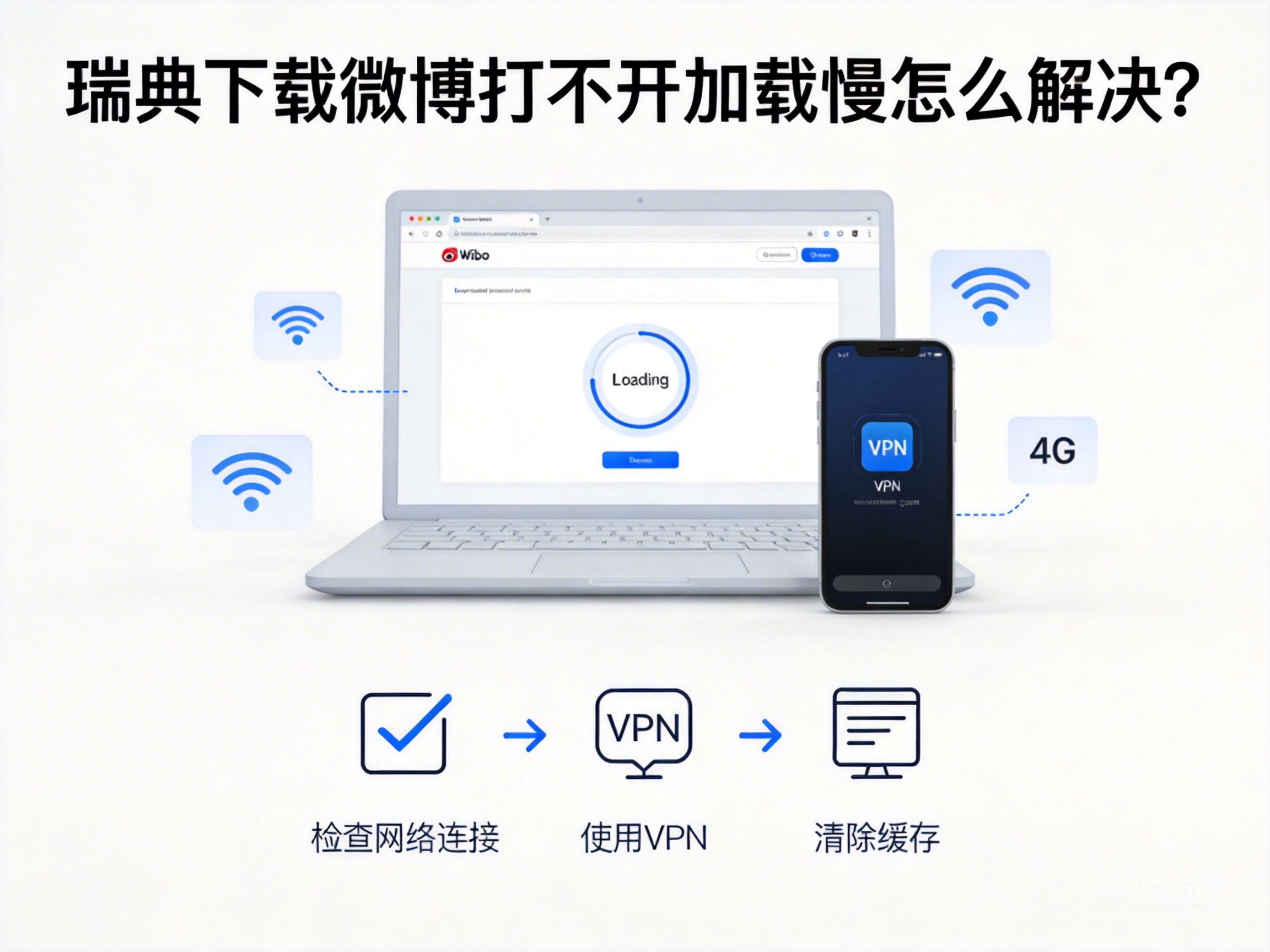
Many Chinese living or working in Sweden often use Weibo to access domestic information and contact relatives and friends, but frequently encounter problems such as inability to open the app or slow loading, which seriously affects the user experience. This problem is mostly caused by regional network restrictions, congestion of cross-border network links, etc., rather than software itself malfunctions, and can be effectively solved through targeted methods.
Troubleshoot Basic Network and Software Issues
When encountering problems with Weibo, you should first troubleshoot basic network and software issues to rule out non-regional restriction failures.
- Switch network environments: Try switching from WiFi to mobile data, or use another available WiFi to confirm if the issue is caused by the stability of the current network. If it returns to normal after switching, the original network has link congestion or restrictions.
- Clear software cache and reinstall: Excessive Weibo cache may cause loading abnormalities. You can enter the application management page in your phone settings to clear Weibo's cache and data; if this doesn't work, uninstall and re-download the latest official version, avoiding third-party modified versions.
Note: Clearing data will delete account login information. Make sure you remember your account password before proceeding.
Resolve Regional Network Restrictions
Some content on Weibo is only open to domestic IPs, and IPs in Sweden cannot access it directly. This is one of the core reasons why the app cannot be opened, and it needs to be solved through IP conversion tools.
The commonly used tool currently is a VPN for returning to China (Virtual Private Network), which can convert the user's Swedish IP to a domestic IP through an encrypted link, thus bypassing regional restrictions. When choosing, prioritize service providers with domestic dedicated line nodes, as these nodes have stronger network stability and can reduce loading delays.
To use it, first download a compliant VPN app for returning to China from the app store, register and log in, select a domestic server node, and then open Weibo after successful connection, which basically solves the inaccessibility issue.
Optimize Cross-Border Network Link Stability
Even if regional restrictions are resolved, congestion on cross-border network links may still cause slow loading of Weibo, which needs further optimization by adjusting network settings.
- Use during off-peak hours: There is a 6-7 hour time difference between Sweden and China. During the early morning to morning hours in China, the number of users on cross-border network links is small, congestion will be significantly relieved, and Weibo loading speed will be greatly improved.
- Close bandwidth-intensive background apps: Running apps that occupy a lot of bandwidth such as video streaming or downloading at the same time will divert network resources, leading to slow Weibo loading. You can close such apps in the phone background to reserve sufficient network bandwidth for Weibo.
Contact Official and Service Provider Support
If the above methods are ineffective, it may be caused by special restrictions on Weibo servers or local network operators, and you need to feedback the issue through official channels.
First, you can submit the problem through Weibo's feedback channel for overseas users, clearly describing your location, network environment and specific malfunctions; if you are using a VPN for returning to China, you can also contact the VPN service provider's customer service to check if there are any node failures or maintenance. Some local Swedish operators may have restrictions on specific network links, so you can consult the operator's customer service to confirm relevant rules.
Summary
When encountering problems such as inability to open or slow loading of Weibo in Sweden, you can troubleshoot and solve them in the order from basic to core: first confirm that there are no faults in the network and software itself, then use a VPN for returning to China to solve regional restrictions, and finally optimize the network link or contact official support. In most cases, using a VPN for returning to China with basic network optimization can restore the normal user experience of Weibo.




