Introduction
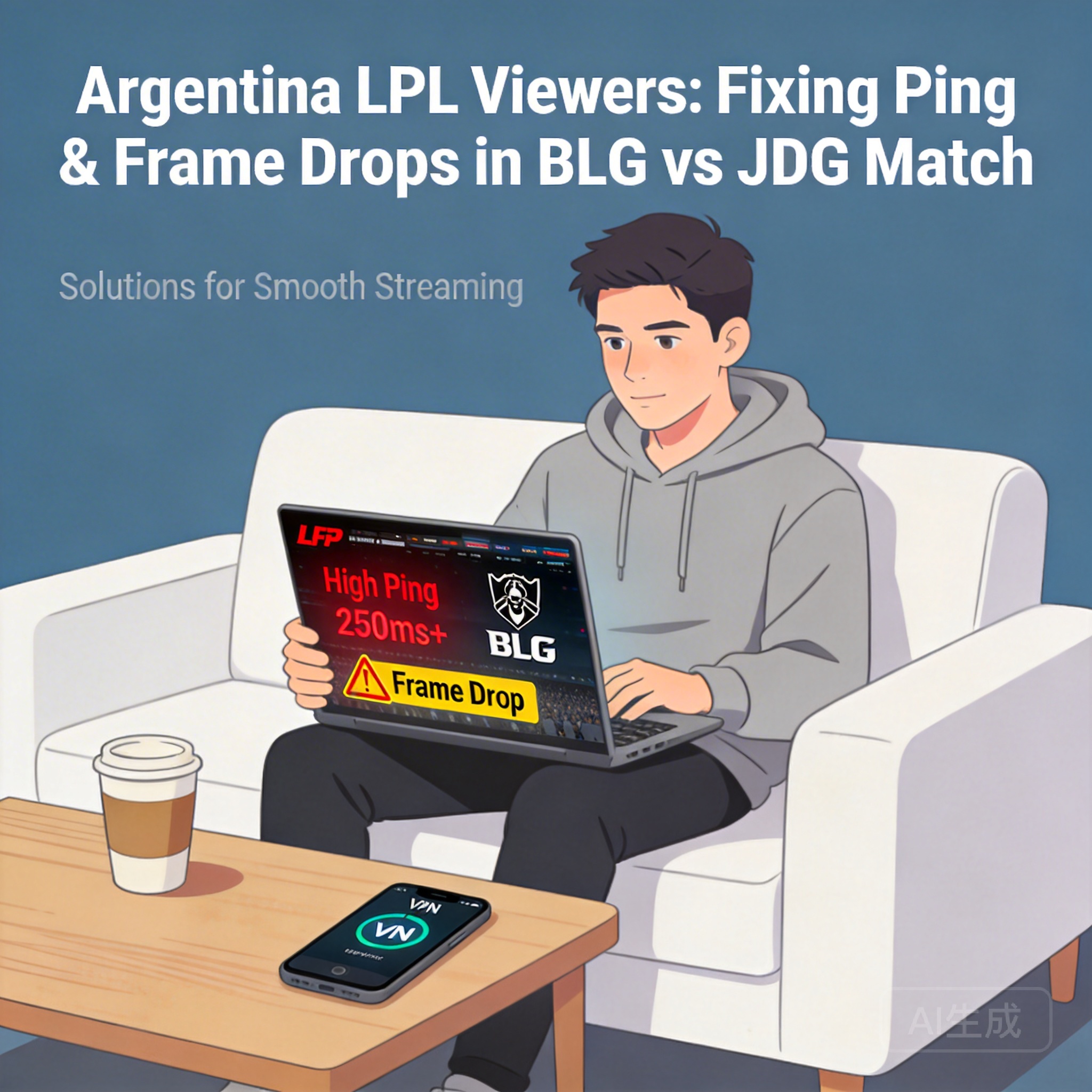
With the growing global influence of the LPL, many esports fans in Argentina are following the Split 1 Upper Bracket Final between BLG and JDG. However, ping spikes and frame drops during cross-region viewing have become major obstacles to a smooth experience. This article compiles targeted solutions based on network environment differences to help Argentine fans enjoy the match without interruptions.
Optimize Local Network Basic Settings
The stability of the local network in Argentina is the foundation of smooth viewing, so start with adjustments to devices and home networks. First, use a wired network connection as much as possible. WiFi signals are easily interfered with by walls and electronic devices, while a wired connection directly reduces ping fluctuations caused by signal instability.
Second, close background programs that occupy bandwidth, such as ongoing downloads, cloud synchronization services, or other online video platforms. These programs split network resources, leading to insufficient bandwidth during the match. Additionally, restart the router and optical modem to clear device caches, avoiding network congestion caused by long-term device operation.
Tip: If using WiFi, move your device within 5 meters of the router and keep it away from signal sources like microwaves and Bluetooth speakers.
Adjust Playback Settings on Event Platforms
Official LPL event platforms and authorized streaming services offer multiple playback parameter options. Argentine fans can manually adjust these settings based on their network conditions. First, reduce the video resolution by switching from 1080P or 4K to 720P or even 480P. Lower resolution reduces the data volume per frame, effectively alleviating frame drops.
Second, disable additional features like live comments and gift effects. These real-time dynamic contents occupy extra network resources and increase data transmission burdens. Some platforms also offer a "Smooth Mode" that automatically adapts to the current bandwidth, prioritizing video playback continuity.
Use Network Acceleration Tools for Cross-Region Connections
Since LPL event servers and streaming nodes are mainly located in China, the long physical network distance between Argentina and China is the core cause of high ping and packet loss. In this case, professional network acceleration tools can be used. Choose services designed for esports events or cross-region video streaming, which optimize cross-border network routes, bypass congested international nodes, and reduce data transmission delays.
When using these tools, prioritize those that support LPL event platforms. Some tools even offer "dedicated viewing acceleration" channels to further improve connection stability. Additionally, select acceleration service providers with local nodes in Argentina to avoid adding extra delays due to cross-border connection issues of the tool itself.
Try Alternative Streaming Channels for Multi-Source Access
If the above methods have limited effects, try switching to different authorized LPL streaming channels. In addition to official platforms, some overseas esports streaming platforms also broadcast LPL matches synchronously. These platforms’ overseas nodes may be closer to Argentina, resulting in shorter data transmission paths and effectively lower ping.
Platforms like Twitch and YouTube Gaming have authorized LPL broadcasts, and some offer CDN (Content Delivery Network) node optimization, automatically matching the closest signal source for viewers. Meanwhile, compare the playback delay and smoothness of different platforms to choose the one most suitable for the local network.
Summary
Ping spikes and frame drops when Argentine fans watch the LPL Upper Bracket Final mainly stem from cross-border network distance, local network interference, and bandwidth occupation. Optimizing the local network, adjusting playback settings, using acceleration tools, and switching streaming channels can effectively improve the viewing experience. Fans can flexibly combine these methods based on their own network conditions to ensure smooth viewing of the BLG vs JDG match.




