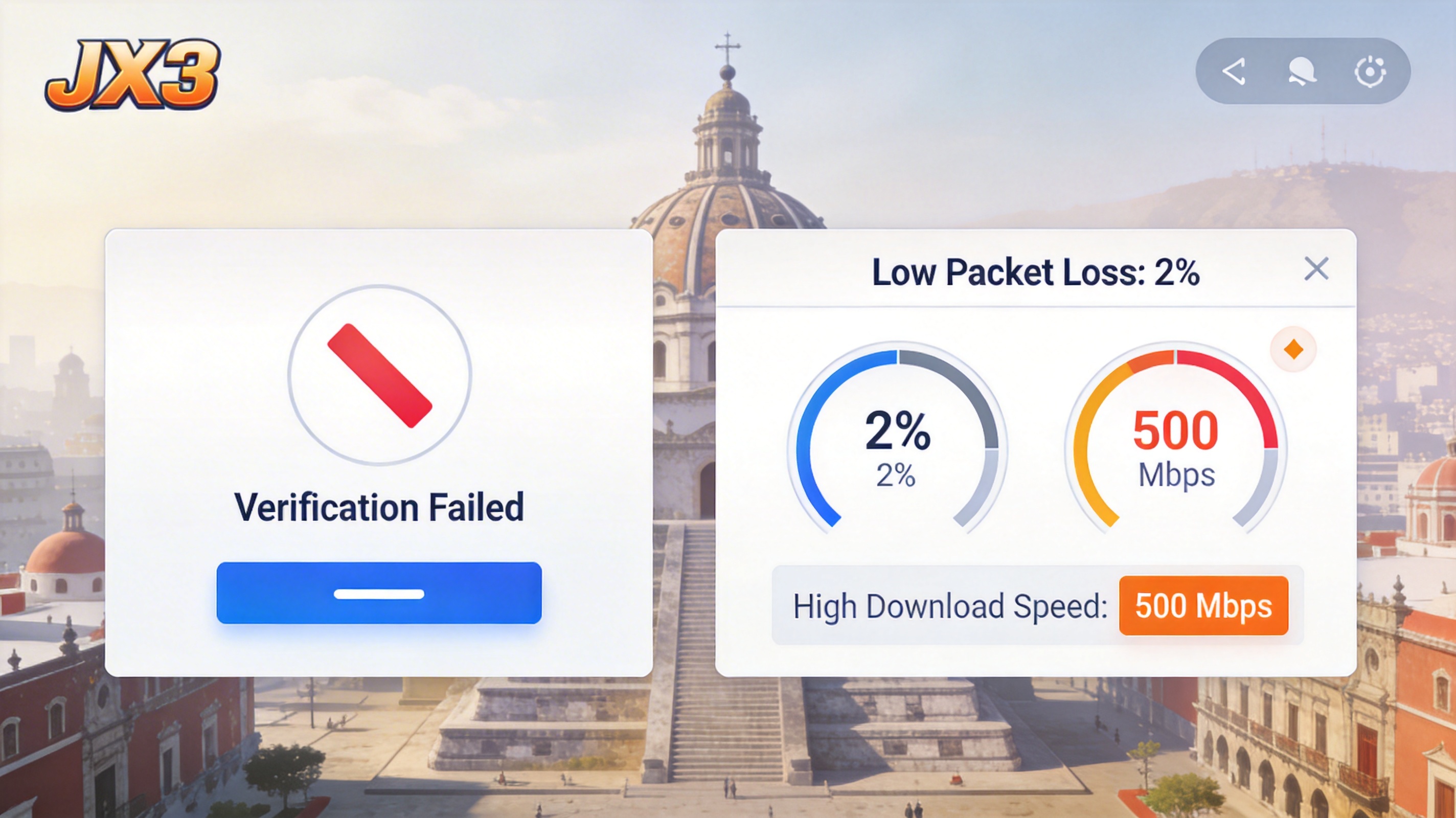
When the new JX3 expansion launched last week, I waited right on time for the server to open, only for the update to jump to a verification failure at 92%. I retried seven or eight times, each time either getting stuck at the same progress or directly prompting that the update package was damaged. I almost thought I'd miss the first week of launch events. I've lived in Mexico City for three years, and previously playing domestic Chinese games only had a bit of high latency, I'd never encountered an update stuck this bad. I tossed and turned for three whole days, tried every solution I could find online, and finally fixed the problem.
At first I thought it was a problem with local files. Following the method given by official customer service, I verified the client integrity, deleted the update cache in the bin folder, and even uninstalled the entire game and redownloaded it. But the installation package still failed verification halfway through downloading, the progress bar stuck at 70% and the download speed dropped directly to 0. That's when I realized it probably wasn't a local issue.
After checking later, I found out that JX3's update servers are almost all located in China. The international link from Mexico to China was recently adjusted, adding 3 routing hops across the Pacific, and the packet loss rate directly rose to 17%. If even one fragment is lost during the update package download, the entire file verification will fail. The regular VPN I used before could let me log into the game, but updates still went through the public link, and file fragments easily appeared during resumable downloads, so the final assembled installation package naturally couldn't pass verification.
I first tried changing the DNS, switching the local DNS to domestic public DNS in China, like 114.114.114.114 and 223.5.5.5. After changing, the download speed did rise from 200KB/s to 1MB/s, but it still jumped to verification failure at 90%, which meant it didn't solve the fundamental problem. Later I tried downloading the update package manually while connected to a proxy, using split packages downloaded from Baidu Netdisk. After downloading, I manually overwrote them into the game folder, but when I launched the game it directly prompted version incompatibility and required re-verification, wasting two hours instead.
What actually worked was switching to an acceleration line specifically optimized for domestic Chinese games. I used QuickFox's domestic return game line, selecting a South China node. After turning on acceleration, I clicked the game update again, and the download speed immediately hit the full speed of my home bandwidth. The 12GB update package finished downloading in 20 minutes, passed verification on the first try, and the latency was stable at around 170ms when entering the game, with no lag when casting skills in raids.
I specifically compared later: regular VPN lines are shared, with thousands of people using them during peak hours. Bandwidth is insufficient when updating games, so packet loss is common. But QuickFox's game lines have specially optimized routing. The link from Mexico to China uses a dedicated submarine optical fiber channel, with 4 fewer hops than public links, and packet loss rate can be pressed below 0.5%. Every fragment of the update package can be transmitted completely, so naturally there's no verification failure issue.
If you encounter the same problem, don't mess around like I did. Try in this order first: clear the update folder in the game directory, then open QuickFox and select a domestic game acceleration node. Try to choose a node close to your domestic account registration location. For example, if your account is in the South China region, select a Guangdong node; if it's in the East China region, select a Shanghai node. Then start the game update, and it will basically work on the first try. If it still doesn't work, turn off your computer's firewall. Sometimes the local firewall will block update package transmission. A friend of mine in Cancun only succeeded in updating after turning off the firewall.
By the way, don't use those free accelerators. I tried two free ones before, the update speed was fast, but after finishing the update my account was directly frozen, saying abnormal login was detected. I had to appeal to customer service for two days to get it unfrozen. Free lines mostly use shared IPs with many people, which can easily trigger the game's security mechanism, causing more trouble instead.
I now keep QuickFox's dedicated line on when raiding, latency is basically stable at 160-180ms, much better than the 300+ms I had with regular VPN before. When I got the first clear of the new raid last week, there was no lag at all when dodging mechanics, barely different from playing in China. Actually, many problems with playing domestic Chinese games overseas aren't issues with the computer or the game itself, just choosing the wrong network link. Finding the right optimized line can save a lot of unnecessary trouble.
Focused on network acceleration technology, providing professional solutions and guides for overseas Chinese.