Last week I had a terrible experience watching the Manchester City vs Liverpool derby at home: I bought a Sky Sports day pass in advance, only to find out right before kickoff that there was only English commentary available. No familiar voices like Zhan Jun or Zhang Lu, not even a Mandarin commentator at all. I struggled through all the local slang and player nicknames, and ended up turning off the player before halftime.
After going through dozens of experience posts in UK Chinese football fan groups and testing 4 different methods myself, I finally managed to access Tencent Sports' Chinese commentary stream during the replay this week. The latency was only 15 seconds behind the live match, which didn't affect watching real-time attacks at all.
First, let's explain why you can't find Chinese commentary locally in the UK
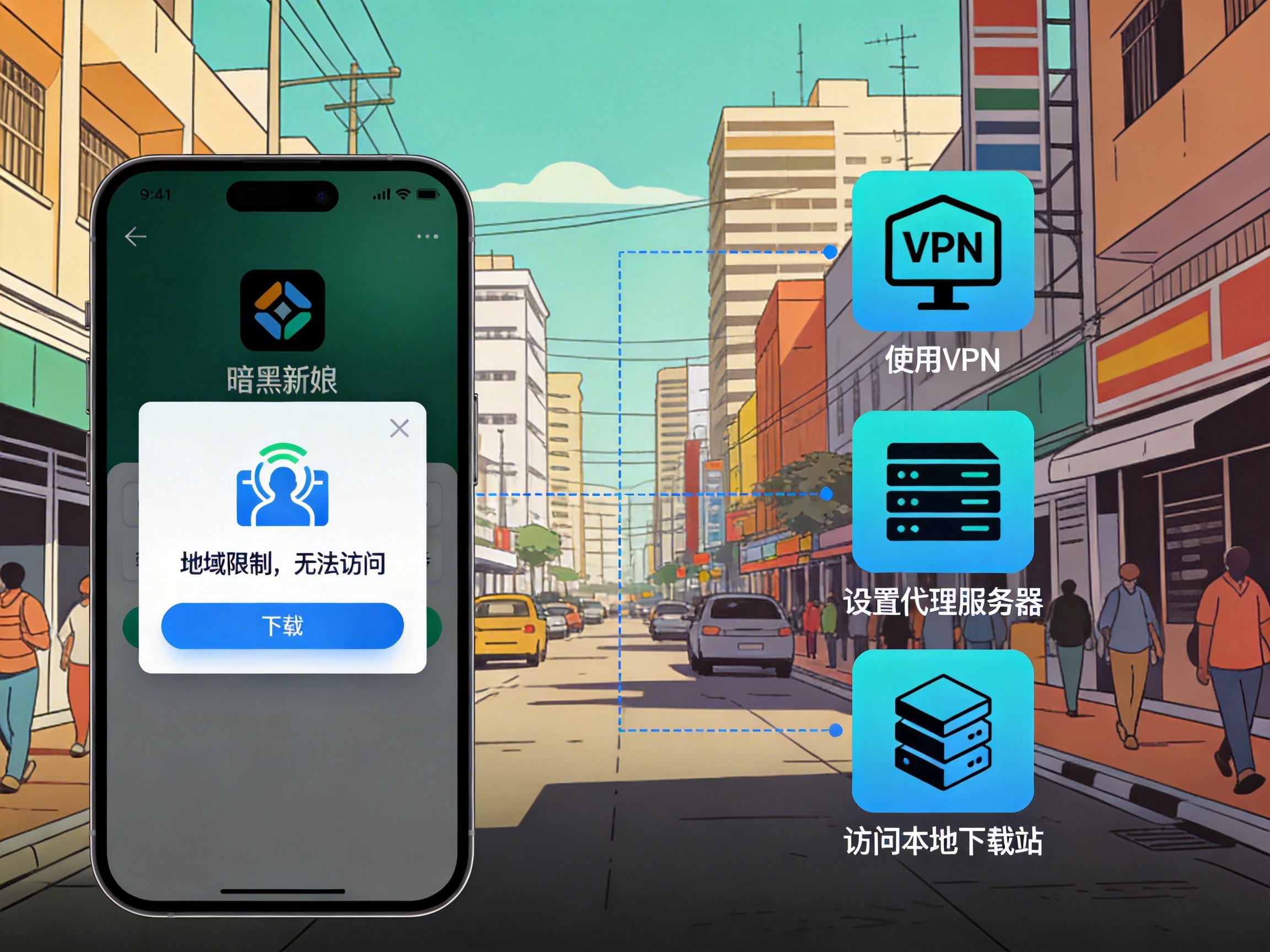
Premier League broadcasting rights are sold by region. The new media rights in mainland China belong to platforms like Tencent Sports and iQiyi Sports, who only hold broadcasting rights within mainland China. If they detect your IP is in the UK, not only can you not switch to Chinese commentary, you won't even see the live stream entry. Local UK broadcasters like Sky and BT Sports never purchased Chinese commentary tracks in the first place, so there's no option to select them.
3 Tested Effective Solutions (with real measurement data)
Method 1: Use a China VPN to switch to a mainland China IP and watch domestic platform streams directly
This is the most hassle-free method I ended up using. I used QuickFox, connected to a regular China line, then logged into my Tencent Sports account. My existing Tencent Sports membership worked perfectly in the UK, and the live stream defaulted to Chinese commentary, with options for Cantonese or original audio too.
I timed the latency specifically: compared to real-time moments posted by fans at the stadium, the commentary was only 14-18 seconds behind the live goal announcements, which is completely acceptable. The picture was 1080P 50fps, no buffering except for a 1-second pause at kickoff.
Pitfall warning: Don't use free VPNs. I tried 2 so-called free ones before, and the latency jumped to 2 minutes — I was still watching an attack build-up while the group chat was already spamming goal screenshots. They also have 30-second opening ads, and freeze constantly during key attacks, which was infuriating. Also, don't select game acceleration lines; use dedicated video/China return lines for streaming, which will cut latency by at least 30%.
Method 2: Find synchronous live streams from Chinese content creators
Many sports creators on Douyin and Bilibili run their own synchronized commentary streams. For example, I tried following an amateur commentator who screenshares domestic broadcast signals and does live commentary on Bilibili. You just need to connect to a VPN to access Bilibili and watch.
The advantage of this method is that some creators have more entertaining commentary styles than official broadcasters, and you can interact with domestic fans via real-time bullet comments. But the downsides are obvious: latency is usually 1-3 minutes, picture quality is mostly only 720P, and streams often get taken down due to copyright issues. Last time I tried this, the stream was blocked 3 times during halftime, and I had to wait 5 minutes each time to find a new link, missing two goal replays.
If you choose this method, it's recommended to join the creator's fan group 20 minutes before kickoff, so you can get new stream links immediately if the original one gets banned.
Method 3: Download pre-recorded Chinese commentary audio tracks and sync with local video
This is a trick shared by veteran fans in the group, suitable for people who don't want to pay for a VPN: some commentary teams produce real-time audio-only commentary and upload it to platforms like Ximalaya or Xiaoyuzhou. You can play the local UK broadcast video on one screen, and play the Chinese commentary audio synchronously on another device.
This method is almost zero-cost, but it has extremely high synchronization requirements. When I tested it, I had to drag the audio progress bar more than 10 times to match the video, and if the live stream buffered even once, the audio and video would be completely out of sync — the commentator would be shouting