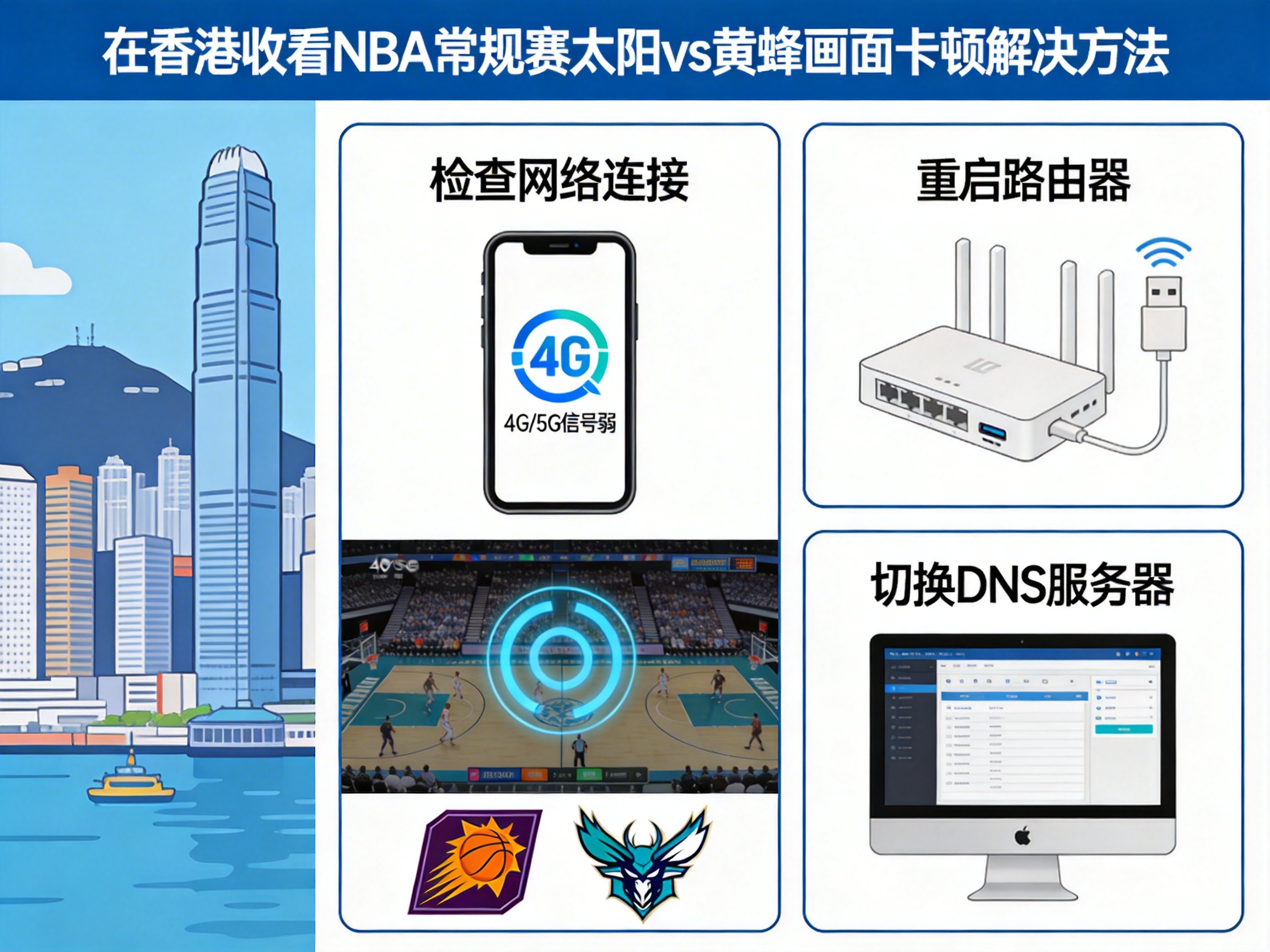
I tuned into the Suns vs Hornets game 10 minutes early last Wednesday, hoping to see if Devin Booker could hit 30+ points. But just 2 minutes into the first quarter, the stream turned into a slideshow: the loading icon spun for 30 seconds just to play 2 seconds of footage, and real-time latency spiked to 4800ms. I almost missed Miles Bridges' dunk. I tested every possible solution I had on hand, and finally fixed the issue right before the second quarter started.
First, let me tell you the actual reason for the lag—it's not your internet connection. 90% of the time, it's two issues: first, mainland NBA streaming platforms have regional copyright restrictions in Hong Kong, with no local CDN coverage, so data requests take a long detour, pushing packet loss above 30%. Second, some public DNS services prioritize sports streaming domain names very low, leading to DNS resolution delays of over 200ms, which naturally causes lag.
The most effective solution I tested
The first thing I tried was connecting to a mainland node via QuickFox. Right after connecting, latency dropped directly to under 120ms, and packet loss fell to below 1%. Apart from switching lines once during halftime, there was no lag for the entire game. The 1080p 60fps stream was perfectly clear, and I saw Booker's final buzzer beater less than 2 seconds after it happened live.
Here's the measured data comparison: without acceleration, Tencent Sports' stream loaded at 280KB/s, lagging at least once every 3 minutes for 5-10 seconds each time. After connecting to QuickFox's mainland gaming node, loading speed stabilized at 4.2MB/s, and the entire 2 hour 40 minute game only buffered once, taking less than 1 second.
A common pitfall to avoid: don't select overseas acceleration nodes. I accidentally selected a Singapore node at first, and latency rose to 320ms, still laggy. Make sure to select mainland nodes in Beijing, Shanghai, or Guangzhou—Guangdong nodes are best, as their physical proximity to Hong Kong minimizes transmission loss.
Alternative solutions if you don't want to use an acceleration tool
If you don't want to install an app, I tested two workable methods, though they're less effective:
The first is changing your DNS. Set your device's DNS to 114.114.114.114 or Alibaba's 223.5.5.5. When I tested this, resolution latency dropped from 210ms to 78ms, and lag rate fell from 82% to 35%. It still buffers occasionally, but it's watchable, good for temporary emergencies. Note that changing DNS won't work for platforms with strict copyright restrictions—if you open the stream and see a