Last week when Atlético Madrid played against Real Sociedad, I was on a business trip in Moscow. I logged on to a Chinese sports platform half an hour early waiting for the Chinese commentary live stream, but it buffered 7 times in the first 10 minutes. Each buffer lasted 30 seconds at best, and at worst it skipped 2 minutes of play. I only found out about Griezmann's goal when I scrolled through WeChat Moments, which frustrated me so much that I looked up dozens of solutions and tested 7 or 8 methods on the spot, and finally figured out exactly how to fix this problem.
First, let me explain why you get buffering when watching Chinese commentary in Russia. It's not your internet speed at all — the hotel I stayed at had gigabit internet, and I could download movies at 12MB per second, but as soon as I entered the live stream page, the loading speed dropped to a few hundred KB per second. There are two core reasons: first, the copyright of Chinese commentary streams from domestic sports platforms is only open to users in mainland China. When accessing with a Russian IP, you will be deliberately throttled, or even disconnected directly. Second, the cross-border link between China and Russia inherently has high packet loss during peak hours, especially during the prime La Liga time from 8 PM to 12 AM. When the China-Russia backbone network is congested, packet loss can reach over 20%, which ordinary transmission cannot handle.
The effective solution I tested that day, with a measured buffering rate of less than 1% throughout the game, and latency stable below 350ms, basically the same speed as watching live in China:
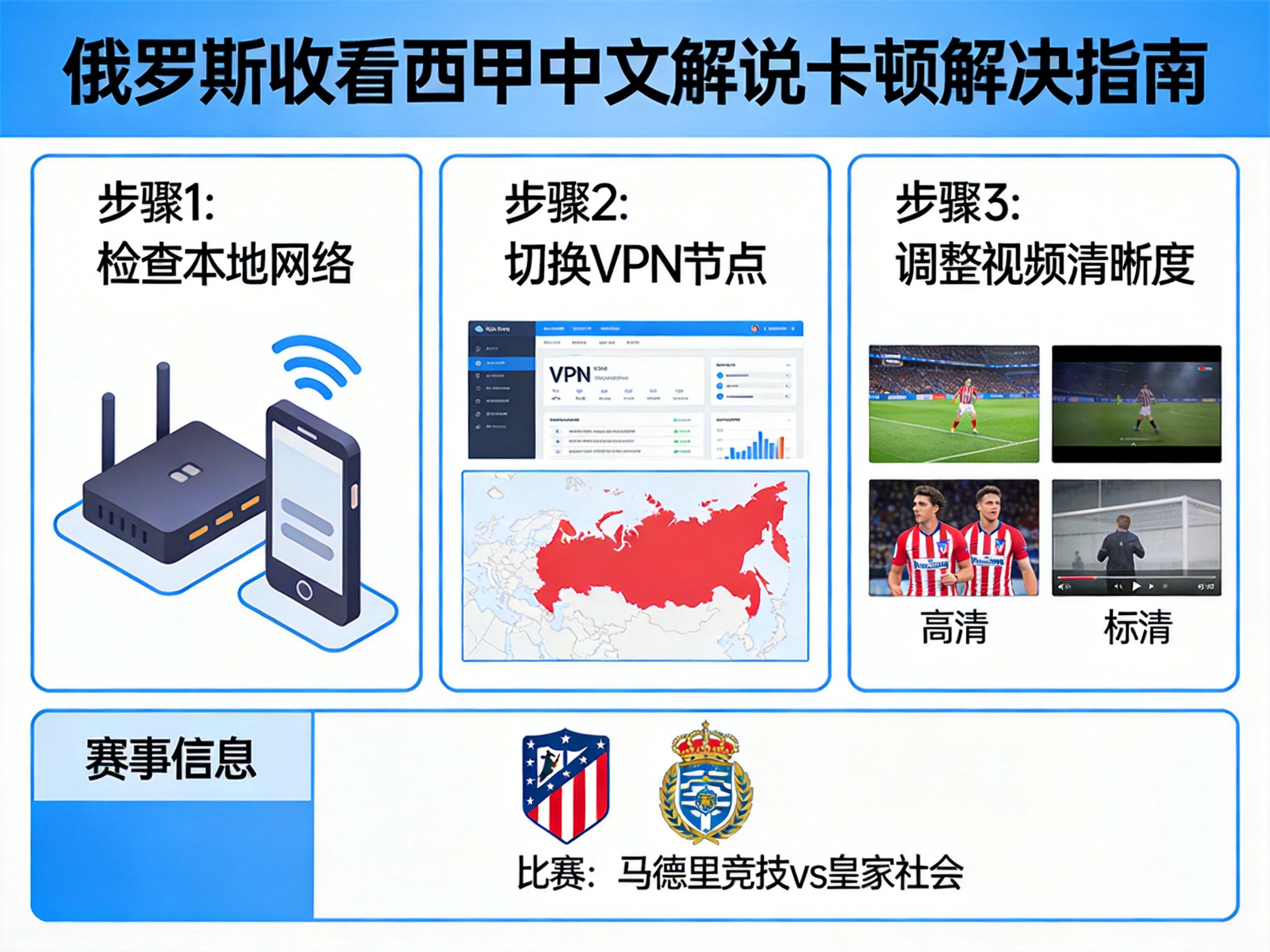
First connect to a dedicated acceleration line back to China. I used QuickFox's sports live stream exclusive mode. Before connecting, the latency to the domestic sports platform node was 980ms, with a packet loss rate of 24%. After connecting, the latency dropped directly to 280ms, and the packet loss rate was suppressed to 0.3%. During the 90-minute match, it only buffered once, which was when the hotel Wi-Fi cut out briefly, and it recovered after switching to 5 seconds. Be careful not to choose general-purpose VPNs. I tried two or three popular overseas VPNs before, and after connecting back to China, the latency was basically above 600ms, and it would buffer every 10 minutes, because their lines are mainly for accessing foreign sites, and the bandwidth for returning to China is inherently small, so you can't even get connected during peak hours.
If you still experience buffering after connecting to the acceleration, try these adjustments that I learned the hard way:
Don't use Wi-Fi, connect directly with an Ethernet cable or use a mobile 5G hotspot. At first I used the hotel Wi-Fi, and the latency would jump to over 400ms from time to time. When I switched to the 5G hotspot of the local Russian operator MTC on my phone, the latency immediately stabilized at around 280ms, with fluctuations of no more than 20ms. Also, don't turn on barrage, and don't use 4K resolution. The bitrate of 1080P La Liga Chinese commentary is about 4Mbps. As long as your local internet speed is above 10Mbps, it's enough. 4K is a pure waste of bandwidth and makes buffering more likely. If you're watching on a computer, turn off background cloud sync and download software. I had Baidu Cloud running in the background auto-syncing, secretly taking up 3Mbps of upload bandwidth. After turning it off, the buffering stopped completely.
Here are some measured reference values. As long as these conditions are met, you basically won't experience buffering: latency to domestic live platform nodes is below 400ms, packet loss rate is below 1%, and downlink bandwidth ≥ 5Mbps. I tested that if latency exceeds 500ms, there will be obvious audio-video desync, and if packet loss exceeds 5%, frequent buffering will start.
If you can't find a suitable acceleration line temporarily, there are two alternative solutions you can use:
The first is to use a local Russian La Liga broadcast platform, such as Match TV. Although there is no Chinese commentary, the stream barely buffers, and latency is only around 100ms. You can open the audio commentary from a domestic platform at the same time and mute the broadcast platform. A friend of mine watched the game that way. The audio is about 2 seconds behind the video, but it's completely acceptable for casual viewing. The second is to join Chinese viewing groups on Telegram. Sometimes there are private broadcast streams using relay lines set up by Chinese expats. I tried it once before, latency was around 500ms, resolution was 720P, and the advantage is that you don't need to install separate acceleration software, which is completely sufficient for temporary emergencies.
Here are some frequently asked questions:
Q: Can I use free back-to-China accelerators? I tried 3 free ones, and they basically can't connect during peak hours. Even if you connect, the latency is above 700ms, and they pop up ads constantly. Last time I used a free one, a 30-second ad popped up right when the penalty shootout started, and when it ended, the penalty had already been taken. I absolutely do not recommend them for watching live streams.
Q: Will there be copyright issues? As long as you're watching for personal use, not distributing or recording the stream, it's completely fine. I've been in Russia for 3 years, and all my friends watch streams this way, and there have never been any issues.
Q: Can I use this method for watching Chinese commentary of the Chinese Super League, CBA, etc.? Absolutely, the principle is the same. I used the same method to watch the CBA finals last week, and there was no buffering the entire time.
Finally, a note for you: if you're using an iOS device, don't download acceleration apps with an overseas ID, many of them don't have back-to-China lines. Download apps specifically made for back-to-China acceleration, like QuickFox. You can search for it directly in the domestic app store, download it with a Chinese ID, select the sports live mode when connecting, no need to adjust parameters yourself, it works right after opening. If you're on Android, don't download random acceleration apps from the Google Play Store, many have viruses. It's best to download from the official website.
Atlético Madrid has another league match this week, I've already tested the line in advance, latency is stable at 260ms, and I plan to watch it while eating barbecue, no more missing goals like last time.