Introduction
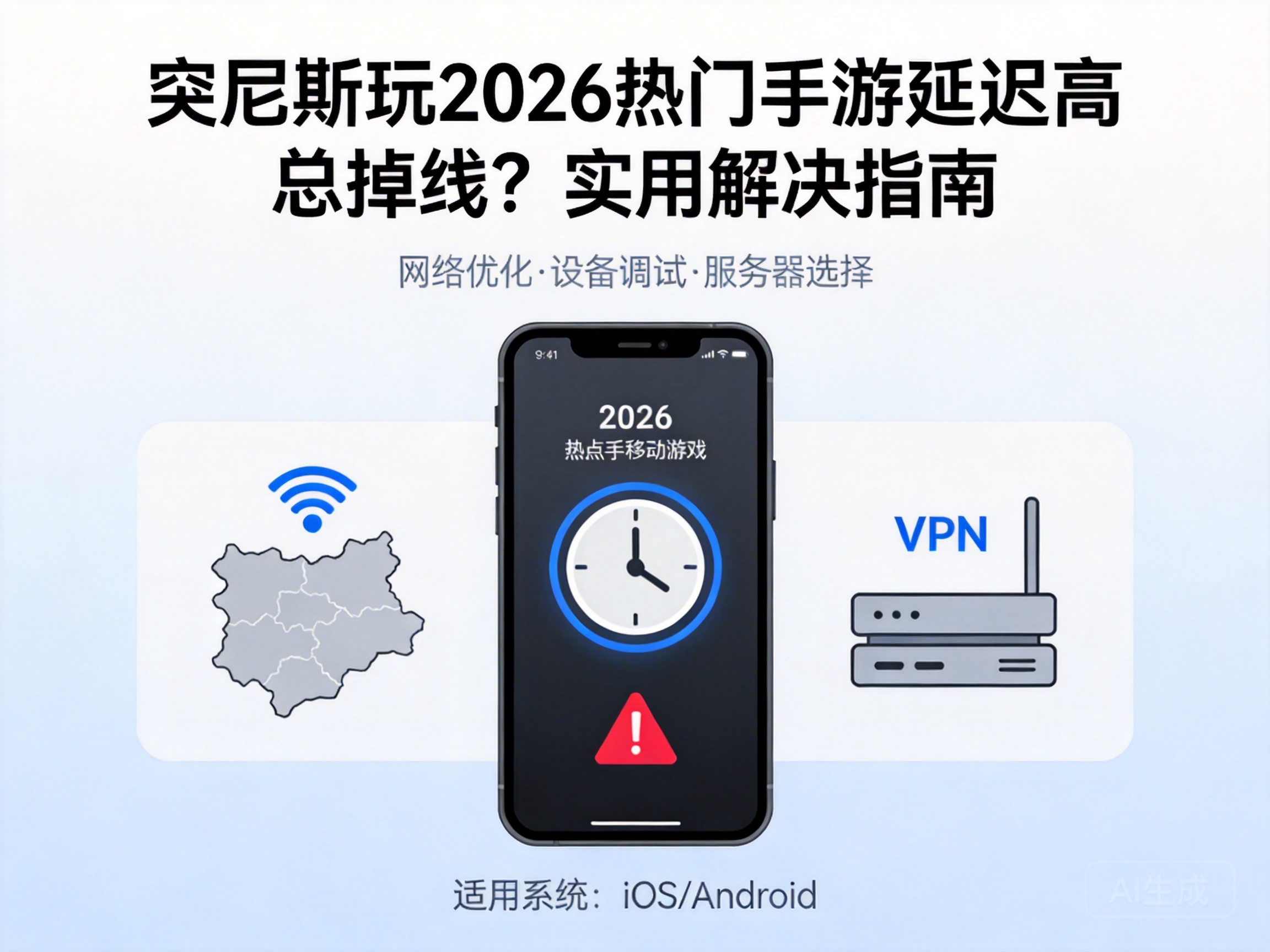
Many gamers in Tunisia have noticed that after the 2026 updates of popular mobile games like Genshin Impact and Honkai: Star Rail, high ping and frequent disconnections have become a common issue. While teammates operate smoothly, you might get stuck on the loading screen, ruining the gaming experience. Fortunately, these problems can usually be solved with targeted adjustments, and we’ll share practical solutions below.
Troubleshoot Local Network First
Often, high ping starts with local network issues. First, prioritize 5G or Wi-Fi 6 connections—they offer far better stability and speed than 4G or older Wi-Fi standards, reducing disconnections caused by signal interference.
If using Wi-Fi, try moving closer to the router or placing the router in an open, unobstructed area, away from walls and household appliances. If that doesn’t work, restart your router and phone to clear network caches, which fixes most temporary glitches.
Tip: Use your phone’s built-in speed test tool to check real-time internet speed. If download speed is below 10Mbps, contact your local ISP to troubleshoot line issues.
Adjust Game Settings to Reduce Network Load
Game settings also affect network performance, especially on mid-range phones. First, lower graphics, frame rate, and special effects to medium or low levels—this reduces data transmission and network load, indirectly easing high ping.
Next, turn off auto-updates and background downloads in the game, as these secretly consume bandwidth and leave insufficient resources for gameplay. Additionally, enable the game’s built-in "Network Optimization" or "Low Latency Mode"—most popular mobile games have this feature to optimize connections.
- Disable non-essential features like real-time voice chat and spectator mode
- Regularly close other background apps to avoid bandwidth diversion
Use Professional Network Optimization Tools
If local adjustments don’t help, turn to professional network optimization tools, commonly known as game accelerators. These tools optimize network routes, bypass congested nodes, and connect directly to overseas game servers, effectively reducing ping and disconnection rates.
Choose an accelerator that supports Tunisia nodes and your target game, and opt for a free trial before committing. When using it, select a node close to the game server—for example, pick a European node for EU/US servers to boost stability.
Note: Only download accelerators from official channels to avoid using untrusted tools that may leak account information.
Contact Game Official Support for Special Issues
If all the above methods fail, there may be regional network restrictions on the game server or account anomalies. In this case, reach out to customer support via the in-game help center, official social media, or email.
When reporting, specify your location, network type, and exact disconnection scenario—such as login failures or in-match drops. Detailed information helps the team locate issues faster. Some developers release optimization patches for specific regions, so timely feedback can speed up resolution.
Conclusion
When facing high ping and disconnections playing 2026’s top mobile games in Tunisia, there’s no need to rush to replace your device or network. Start with local network checks, adjust game settings, use a professional accelerator if needed, and finally contact official support. Following these steps will resolve most network issues and let you enjoy smooth gameplay again.




