
Introduction
Recently, many Chinese nationals in Australia have reported issues with logging in to Alipay and receiving verification codes, which not only disrupts daily payments but also hinders cross-border transfers. These problems are mostly caused by network environments, account settings or operator restrictions, rather than faults in Alipay's own services. This article compiles a 2-minute quick troubleshooting plan to help users resume service as soon as possible.
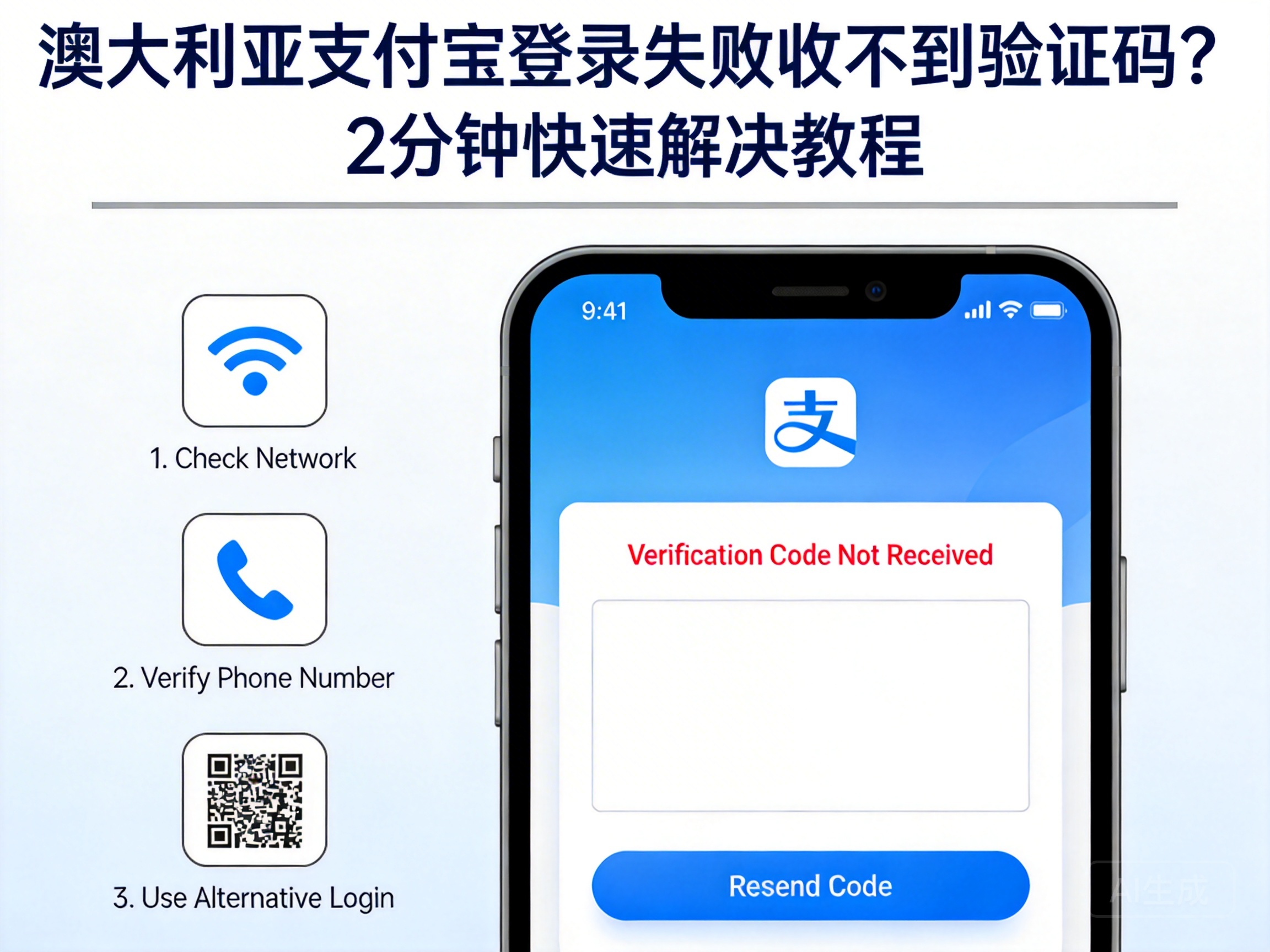
Step 1: Troubleshoot Network Environment and Region Settings
Some overseas operators in Australia may have compatibility issues between their network nodes and Alipay's servers, causing verification information transmission to be blocked. Users should first check if their device's network is stable, and try switching to local Wi-Fi or changing to a different mobile data network.
At the same time, confirm that Alipay's region settings are correct: go to the Alipay settings page, find the "Region" option, and ensure it is set to "Australia" to avoid security interception due to regional location deviations.
Note: If using a VPN tool, turn it off temporarily. Alipay's security system may restrict overseas VPN networks, causing the verification process to be interrupted.
Step 2: Check SMS and Permission Settings on Your Phone
One of the common reasons for not receiving verification codes is abnormal SMS function. Users can first check the SMS junk folder, as some operators may misjudge platform verification SMS as spam. If no relevant information is found in the junk folder, check the SMS receiving permissions on the phone.
Find the Alipay app in your phone settings, confirm that the "SMS reading and sending" permission is enabled. For some Android devices, you also need to turn off the verification code interception option in the "harassment interception" function. For Apple devices, check if "Settings - Messages - Filter Unknown Senders" is enabled, as this may block Alipay's verification SMS.
Step 3: Account Security and Alternative Verification Methods
If the above methods do not work, consider whether it is a protection mechanism triggered by account security. When detecting an unfamiliar login environment, Alipay may temporarily restrict the sending of verification codes. In this case, try using alternative verification methods.
Users can click the "Can't receive verification code" option on the login page, choose to receive a verification link via the bound email, or use another device with Alipay logged in to scan the code for login. If the bound mobile number is no longer in use, go to the "Account Appeal" channel on Alipay's official website, submit identity information to change the bound mobile number.
Summary
When encountering login or verification code issues with Alipay in Australia, there is no need to be overly anxious. By troubleshooting in the order of network environment, SMS settings, and account verification, the problem can usually be resolved within 2 minutes. If all methods fail to restore service, contact Alipay's overseas customer service, provide details such as login location and device information, and obtain targeted assistance.


