Introduction
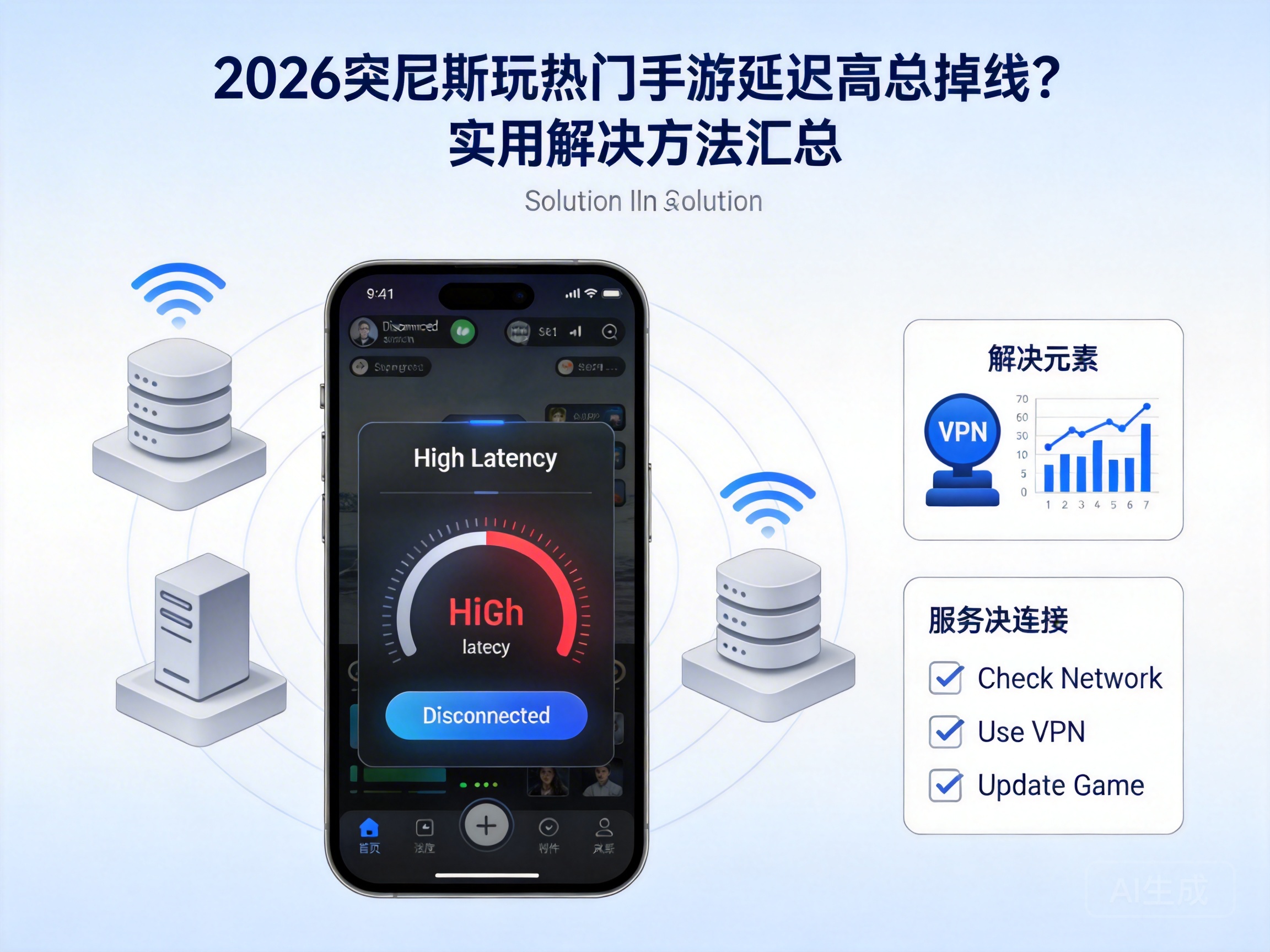
With the launch of several popular mobile games in 2026, many players in Tunisia have been plagued by high ping and frequent disconnections, which ruins their gaming experience. In fact, most of these issues are related to network environment and device settings, and can be effectively resolved with the right methods. Here are some practical solutions to help you out.
Troubleshoot Basic Local Network Issues
More often than not, the root cause of game lag and disconnections lies in unstable local networks. First, check your Wi-Fi signal: stay close to the router, avoid signal interferences like walls and microwaves, or switch to mobile data for a comparison test.
If using Wi-Fi, restart your router to clear its cache before reconnecting. Also, close other bandwidth-heavy apps running in the background, such as video streaming or download software, to avoid bandwidth diversion. If multiple devices are connected to your network, temporarily turn off unused ones to free up more bandwidth for your game.
Tip: Use your phone's built-in speed test tool to check if your current download and upload speeds meet the standard. Most popular mobile games require a minimum download speed of 5Mbps.
Adjust In-Game Network Settings
Most popular mobile games come with built-in network optimization settings that you can adjust based on your network condition. First, find the "Settings - Network" option in the game, and properly lower the graphics quality and frame rate to reduce data transmission and effectively lower ping.
Second, enable the "Network Acceleration" or "Low Latency Mode" in the game. These features prioritize game data transmission. If the game allows server selection, choose an overseas server close to Tunisia, such as a European server. A shorter physical distance can significantly reduce network transmission latency.
In addition, turn off the "Auto Update" and "Auto Download HD Resources" features in the game to avoid bandwidth occupation caused by background resource downloads during gameplay, which may lead to disconnections.
Optimize with Professional Network Acceleration Tools
If adjusting local network and in-game settings doesn't help, you can turn to professional network acceleration tools. These tools optimize network routing, bypass congested nodes, and provide a more stable transmission channel for game data, specifically solving latency and packet loss issues in cross-border networks.
When choosing an acceleration tool, prioritize products with local line support in Tunisia to ensure compatibility with local network operators. Simply search for the corresponding mobile game and enable acceleration with one click. Some tools also support single-app acceleration without affecting the network usage of other software.
Note: Choose formal and reputable acceleration tools, and avoid using untrusted software to prevent leakage of your game account information.
Check Device Hardware and System Status
The status of your device can also affect the game's network performance. If your phone is older, insufficient memory may cause background process chaos, indirectly affecting the processing speed of network data. Regularly clear your phone's cache and close unnecessary background processes to keep your device running smoothly.
Meanwhile, check your phone's system version and update it to the latest version, as system updates usually fix network-related bugs. If your phone's Wi-Fi or cellular network module has hardware failures, it may also cause frequent disconnections. In this case, contact after-sales service for testing and repair.
Conclusion
If you're a player in Tunisia facing high ping and disconnections in mobile games, don't panic. Troubleshoot and adjust in the order of "local network - in-game settings - acceleration tools - device status", and the problem can basically be solved. Start with simple setting adjustments, and then use professional tools if needed, so you can enjoy 2026's popular mobile games smoothly.




