Last week I was chatting with friends in the Nairobi Chinese football fan group, and half of them were stressing about how to watch the Champions League Group A fixture between Man City and Bayern this week. Either domestic streaming platforms like Migu or iQiyi Sports throw up a geo-block error right away, or if you do manage to get in using a random free VPN, the Chinese commentary entry is greyed out completely, leaving you stuck with English audio where you have to calculate stoppage time yourself. It’s so frustrating.
I’ve been in Kenya for almost 4 years, and I’ve been messing around with ways to watch live football since the 2019 Champions League final. I’ve run into so many pitfalls, so I’ve put together all the tested, working solutions here, so you don’t have to waste time testing things yourself.
First, let’s get into why you can’t access Chinese commentary, so you don’t waste time messing with your existing membership: the Chinese commentary rights for the Champions League that domestic platforms purchase only cover mainland China. When you open the platform in Kenya with a local IP, the platform’s IP geolocation system immediately blocks you under copyright restrictions, even if you have a valid mainland membership. Even if you bypass the first layer of IP checks with a regular VPN, platforms have a second layer of regional commentary restrictions that lock Chinese commentary streams exclusively to mainland IPs. Even if you get into the live room with a non-mainland IP, you’ll only get access to the unlicensed English stream.
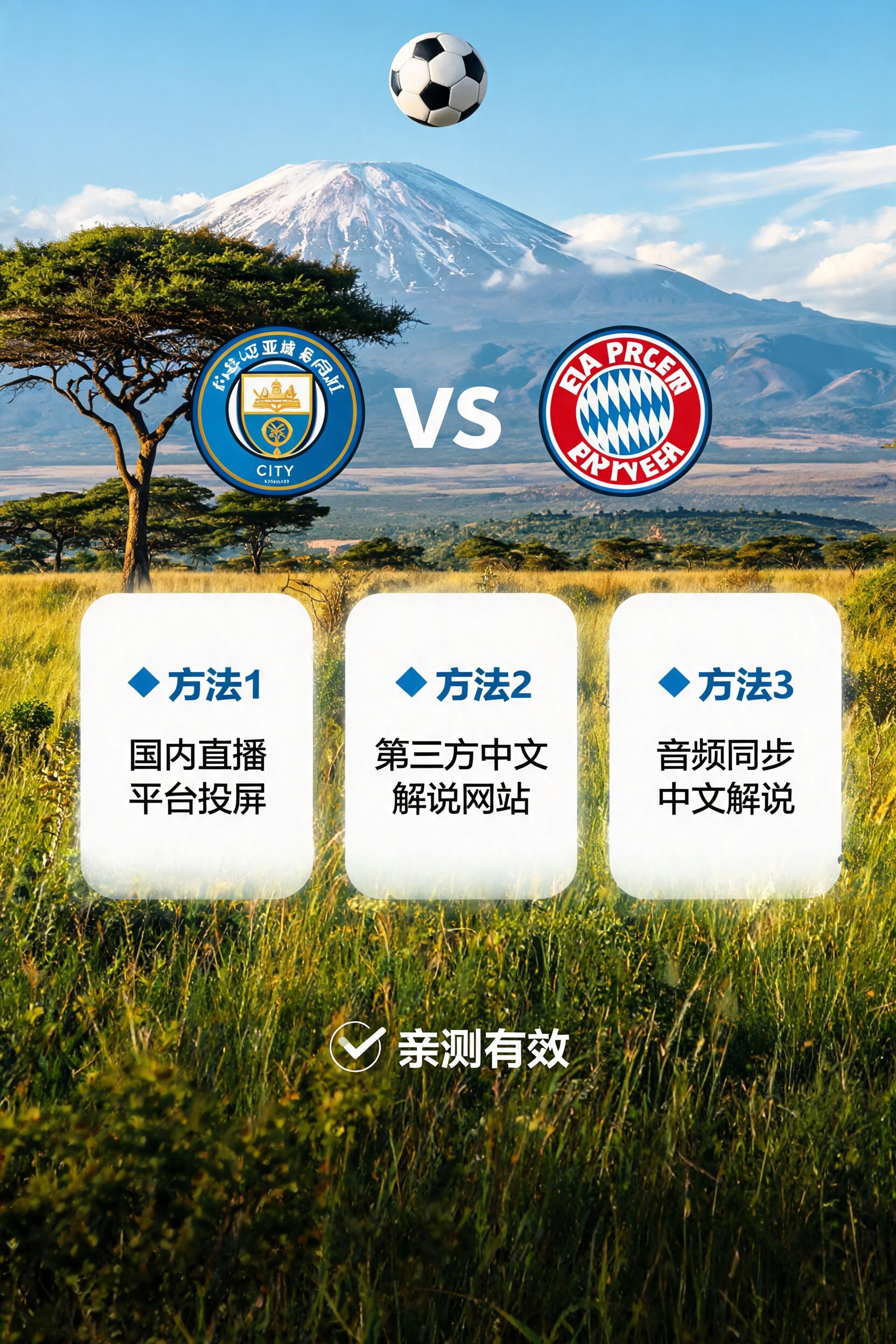
The first, most reliable solution I’ve tested is using a back-to-China accelerator with a dedicated mainland sports line. I’ve been using QuickFox for over two years, and I specifically tested pre-loading for the Man City vs Bayern match a week early: when connected to its dedicated sports acceleration node, I got a ping of 187ms on SafariTel’s 50M broadband here in Nairobi using the Guangzhou line. Migu Sports immediately recognized me as being in mainland China, my existing Migu football membership worked perfectly, and the Chinese commentary entry was fully accessible. When I tested the recent Arsenal vs Liverpool Premier League blockbuster, I got full 4K picture quality with no buffering the entire time, and the latency was only 28 seconds behind the local SuperSport broadcast, which is low enough that you won’t miss out on goal reaction group chats.
Don’t bother with free VPNs, by the way. I tested two highly ranked free VPNs last week just to see the pitfalls, and while they did let me access Chinese commentary, they threw up 30-second ads every 7 minutes, and cut off mid-match saying I’d used up my free data allowance. Worse, one of them hijacked my browser homepage and spammed me with betting ads, and I’m still clearing out the plugins. If you want a reliable viewing experience, go for a dedicated back-to-China accelerator. I’ve never had QuickFox cut out on me, and they’ve added exclusive nodes for the Champions League period, which cut latency by around 12ms compared to regular nodes, so you won’t get locked out even during peak hours.
The second backup solution is to use overseas Chinese pirated streaming sites, like the commonly mentioned 66 Live or Jisu Sports. You can access them directly without an accelerator, and they do have Chinese commentary, but the downsides are huge: first, the maximum picture quality is only 720p, many streams are so blurry you can’t even read player numbers, and latency is usually over 2 minutes. When I tested it last time, the group was already talking about Haaland scoring, and my stream was still showing Man City taking a corner. Also, pop-up ads are everywhere: one click on the play button will open 3 betting pop-ups, it takes half a minute just to close them, and you risk clicking malicious links that steal your data. It’s fine for a last resort, but don’t use it regularly.
The third, most emergency option is to ask a friend in mainland China to share their screen via Tencent Meeting or Zoom. This requires stable internet on both ends, when I tested it last time, my friend in China had 500M China Telecom broadband, and I was on Faiba 4G here, we got around 1 minute of latency, max 1080p picture quality, and if my friend’s internet cut out even for a second, my stream would pixelate completely. It’s only for when you have no other options, and you have to arrange it with your friend ahead of time so they don’t forget to open the stream for you.
Finally, a few pre-match tips so you don’t panic right at kickoff: test your node 15 minutes early, Champions League blockbuster matches draw a lot of users, and popular nodes can fill up fast if you wait too long. If you’re using QuickFox, remember to turn on Sports Mode, which automatically prioritizes bandwidth for live streams so background apps like WeChat or email don’t eat into your connection. Use a wired connection if possible, residential WiFi in Kenya fluctuates a lot during evening peak hours: my home WiFi usually has a ping of around 200ms, but it jumps to 450ms at 8pm, while a wired connection stays steady at around 190ms the whole time.
I’ve already got my node set up, and I’m having a few fan friends over to my apartment to watch the match. If you run into any issues on the day, drop a comment below, I’ll reply as soon as I see it.