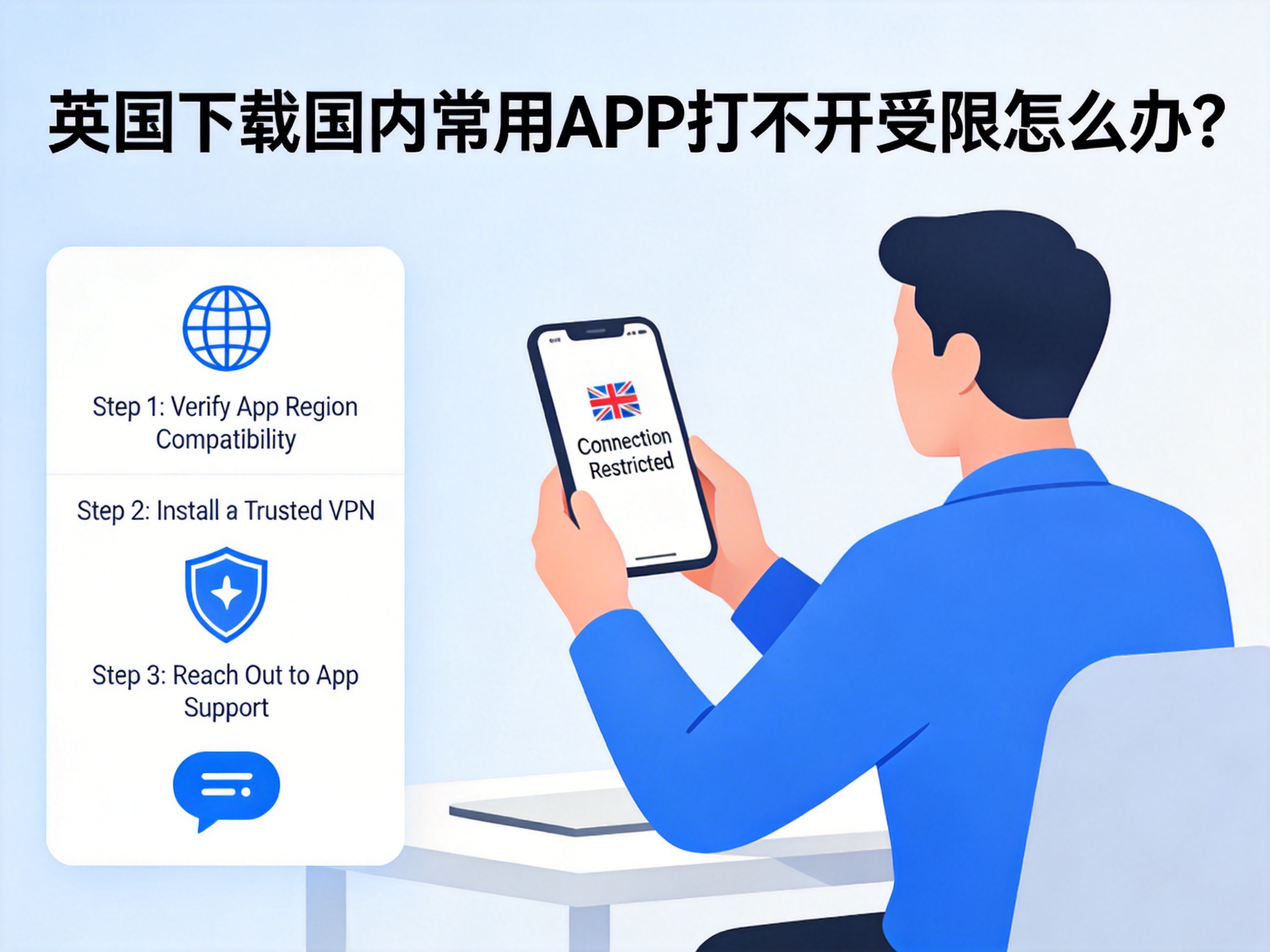
Last week I helped a junior who had just arrived in Manchester troubleshoot her phone. She had brought an Android device from China, and the pre-installed Alipay app simply wouldn’t open once she was in the UK. Not only couldn’t she use it to pay for the subway, but she also got a "network error" prompt every time she tried to transfer RMB to her family back home. She reinstalled the app three times with no luck, and was almost in tears from frustration.
I’ve helped at least 10 friends fix this exact issue over the past three years. It’s not a problem with the app installation, nor is your phone broken. There are only two root causes — first, figure out which one applies to you:
The first is IP regional restrictions. Servers for most domestic content apps (NetEase Cloud Music, Bilibili, Tencent Video, iQiyi, etc.) are only accessible to IP addresses in mainland China by default. If you access them using UK broadband or mobile data from carriers like O2, EE, or Three, the backend will detect your UK IP and block your request immediately. You’ll either get a regional restriction notice, or be stuck with a blank loading screen. When I first arrived in London last year, I tried streaming Bilibili on EE’s 5G network and got download speeds of just 12KB/s — videos wouldn’t load at all. A speed test showed 480ms latency and 37% packet loss, which confirmed I was being throttled.
The second is security and risk control interception. Payment and financial apps (Alipay, WeChat Pay, all major banking apps) have even stricter restrictions on overseas IP access to prevent fraud, and may even block login attempts entirely to protect your account from unauthorized transactions. I once tried logging into my China Construction Bank app using a local UK IP, and got "verification failed" three times in a row. When I contacted customer service, I learned the system had flagged my overseas login as suspicious activity and locked my account for half an hour.
The Most Stable Solution We’ve Tested
I’ve tried at least 7 methods, both free and paid, and the only one that has worked reliably for 2 years is using a compliant China acceleration line. I personally use QuickFox — this isn’t a hard sell, just data from my own side-by-side comparisons:
On the same EE 5G network, without acceleration, it takes 12 seconds to load my NetEase Cloud Music playlist, and 90% of songs show "no copyright available". Bilibili 1080P videos take over 15 seconds to buffer and constantly stutter like a slideshow. When I connect to QuickFox’s dedicated China line, NetEase Cloud playlists load in just 1.2 seconds, all greyed-out copyrighted songs are playable, and Bilibili 1080P+ high-bitrate videos load instantly. Latency stays consistent at 180-220ms, with packet loss under 2%. I even use this line to play the Chinese server of *Honor of Kings*, and get stable 210ms latency in ranked matches, with almost no 460ms lag spikes.
It’s also extremely easy to use. After installing the app, just select "China Mode" and connect with one tap — no manual DNS changes or proxy settings required. When I helped that junior set it up, the whole process from installation to getting Alipay working took less than 2 minutes, and she was able to transfer money to her family right away.
Specific Tips for Different App Types
Not all apps work the same way, so here’s what I’ve learned from my own mistakes:
Payment apps (Alipay, WeChat Pay, banking apps): Use an account registered with a Chinese phone number if possible, not a UK number, as this will raise your risk control level. When logging in, connect to your usual China acceleration node and avoid switching nodes frequently, as this is very likely to trigger face verification. A friend of mine switched between 5 different acceleration nodes to log into Alipay in one week, and was required to upload his ID for verification, taking 3 days to resolve. Also, if you only need to send or receive payments, you don’t need to keep acceleration turned on all the time — only connect when logging in or making large transfers. I’ve tested this personally: offline Alipay GBP payments work fine without acceleration.
Content apps (NetEase Cloud Music, Bilibili, Tencent Video, iQiyi): If you use an iPhone, don’t search for these apps on the UK App Store — the international versions you’ll find have half the content and are full of ads. Switch your App Store region back to China first, download the official domestic versions, then use them with acceleration. The international versions won’t work properly even with acceleration turned on. I helped a classmate fix this issue once: he had downloaded the international version of Bilibili from the UK App Store and couldn’t watch domestic variety shows even with acceleration, but it worked immediately after he switched to the Chinese mainland version. For Android devices, download the APK from the official website instead of Google Play, as the Google Play versions are also international builds.
Work/utility apps (DingTalk, WeChat Work, domestic cloud storage): Most of these apps don’t have regional restrictions, but cross-border access is slow. For small file transfers, you don’t need acceleration, but for files over 1GB, turning on acceleration can boost upload speeds from 200KB/s to 2-3MB/s, saving you a lot of time. When I was finishing my dissertation, I uploaded 2.7GB of experimental data to Baidu Cloud: it took 40 minutes without acceleration, and only 11 minutes with it turned on.
Free Alternatives (For Temporary Use)
If you only need to use these apps occasionally and don’t want to pay for a subscription, try these two methods. They’re not very stable, but they work for emergencies:
The first is changing your DNS to a public Chinese DNS server, such as 114.114.114.114 or 223.5.5.5. I’ve tested this before, and it fixes the blank screen issue for some apps, but speeds are very slow. Half of NetEase Cloud Music’s library is still unavailable, Bilibili only streams in 720p, and latency is around 400ms. This is only suitable for short, casual browsing.
The second option is setting up a proxy on a Chinese cloud server, which works for tech-savvy users. It costs around 20 RMB per month, but stability is poor and connections often drop during peak hours. If you don’t know how to configure it properly, you can easily leak your real IP, which will trigger app risk control systems. This is not recommended for beginners. I tried setting one up once, and it got blocked after two weeks, wasting 30 RMB.
Frequently Asked Questions
Q: Will using acceleration affect UK local apps, like Uber, Deliveroo, or my university’s internal network?
A: Legitimate acceleration tools have split-tunneling functionality. When I use QuickFox, only traffic from domestic Chinese apps is routed through the China line, while traffic for UK local apps stays on the local network. There’s no impact at all: I regularly order Uber Eats with acceleration turned on and my location is still accurate, and I can log into my university’s Moodle system and download academic papers at normal speeds.
Q: Will my accounts get banned, especially Alipay or WeChat?
A: I’ve been using this for over 2 years, and none of my Alipay, WeChat, or Bilibili accounts have been banned. As long as you don’t use it for illegal activities, normal streaming, music listening, and money transfers are completely safe. At least 30 other international students I know use it too, and I’ve never heard of anyone getting their account banned.
Q: Are free accelerators usable?
A: I’ve tried 3 free ones. Either they have an absurd number of ads (a 30-second ad pops up every time you open the app), or they’re extremely slow, with speeds of just a few dozen KB/s during peak hours. Some even secretly consume your mobile data: I used one free accelerator once, and it used 2GB of my data in a single day, leading to a £15 overcharge on my phone bill. It’s really worth spending a small amount on a stable service to avoid the hassle.
One Common Pitfall to Avoid
Don’t download cracked accelerators from forums or unknown links. Last year, a classmate of mine tried to save money by downloading a so-called "permanently free China accelerator", and his bank card information was stolen after installation. £120 was fraudulently charged to his card, and he never got the money back. Always download legitimate tools from official channels. When it comes to services that handle your network traffic, security is more important than anything else.
If you have issues with other apps not opening, leave a comment below. If I’ve encountered the same problem, I’ll share the solution.