Introduction
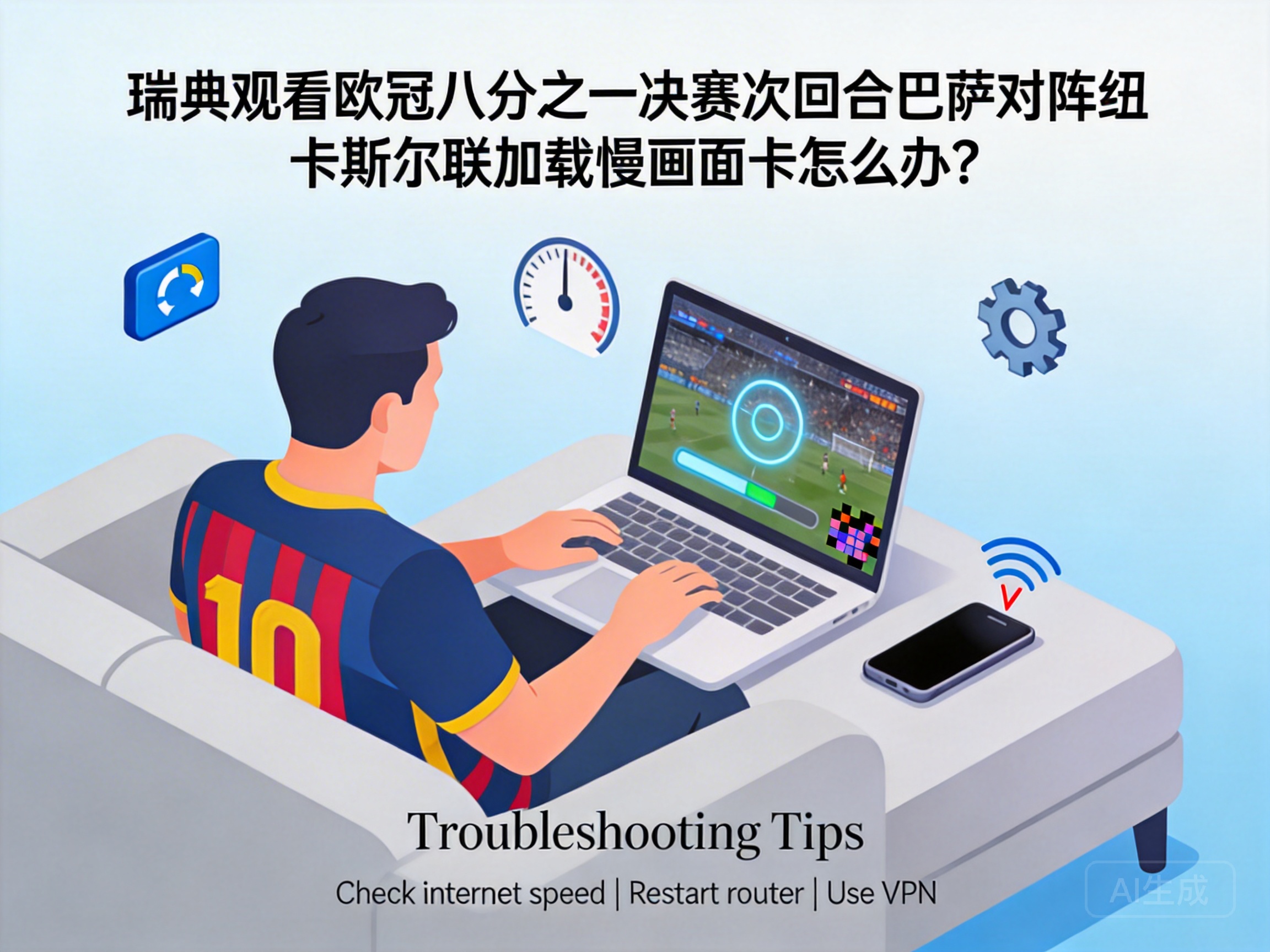
The second leg of the UEFA Champions League Round of 16 between Barcelona and Newcastle United has drawn the attention of football fans across Sweden. However, many viewers have reported issues with buffering and lag during the live stream, which significantly ruins the viewing experience. This article provides practical solutions tailored to the Swedish viewing scenario, helping fans enjoy this high-profile match smoothly.
Troubleshoot Basic Local Network Issues
First, you need to rule out basic local network failures, which are the most common causes of streaming lag. Check the connection status between your device and the router. If using Wi-Fi, switch to the 5GHz band, which has less interference and more stable speed than the 2.4GHz band; if your device supports it, use a wired Ethernet connection to minimize signal fluctuations.
You should also turn off other bandwidth-consuming devices and applications, such as computers downloading files or video software running in the background, as these will divert network resources. After basic troubleshooting, confirm your current internet speed through a speed test website. HD live streams of Champions League matches require a stable bandwidth of at least 5Mbps. If your speed is below this standard, contact your internet service provider to adjust your package.
Tip: Some Swedish ISPs may restrict bandwidth during peak hours. Check the ISP's official website for peak hour guidelines, and avoid these times or apply for temporary speed upgrades.
Optimize Streaming Platform and Device Settings
If there are no issues with your local network, optimize the streaming platform and viewing device. First, try switching the video quality settings on the streaming platform. Temporarily reduce 4K or 1080P HD quality to 720P SD to reduce data transmission volume, which can significantly relieve loading pressure.
At the same time, clear the cache of your viewing device. Whether it's a mobile phone, computer, or TV, cached files accumulated over long-term use will occupy system resources and cause playback lag. For computers, clear browsing data in browser settings; for TVs, delete cached data of the streaming app in the application management section. Additionally, disable the automatic background update function on your device to prevent the system or apps from downloading update packages during the live stream and consuming bandwidth.
Resolve Cross-Region Network Adaptation Issues
UEFA Champions League live broadcast rights are licensed regionally. If fans in Sweden access unlicensed overseas platforms, buffering and lag may occur due to long cross-region network routing. It is recommended to prioritize Swedish local platforms with official Champions League rights, such as Viaplay, whose servers are optimized for local networks and offer higher transmission efficiency.
If you prefer other platforms, try switching to different server nodes. Some overseas platforms provide multi-region node options; select a European node close to Sweden to shorten the data transmission path. Note that using unauthorized streaming channels may involve copyright risks and unstable network connections, so fans are advised to choose officially licensed platforms.
Conclusion
When Swedish fans experience buffering and lag while watching the Champions League second leg between Barcelona and Newcastle United, they can troubleshoot and resolve the issue from three dimensions: local network, platform and device, and regional adaptation. First, confirm network bandwidth and connection status, then optimize platform video quality and device cache, and finally choose an officially licensed local platform. These steps will effectively improve streaming smoothness, ensuring fans don't miss any exciting moments of the match.




