Introduction
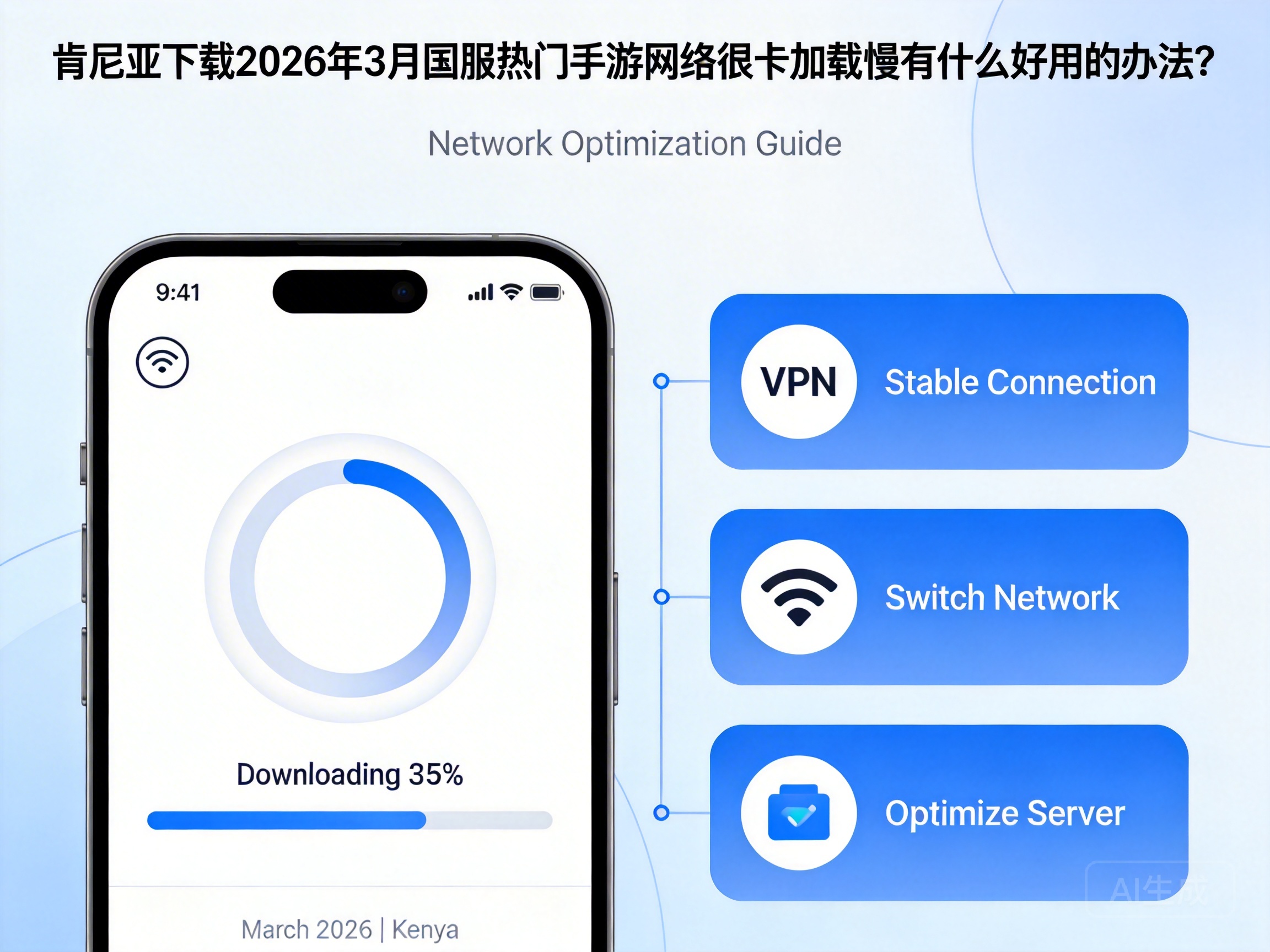
For gamers in Kenya trying to download and play popular Chinese server mobile games in March 2026, lag and slow loading times are common issues. These problems mainly stem from the physical distance between Kenyan networks and Chinese game servers, which causes natural delays and bandwidth limitations. This article provides practical, targeted solutions to help you enjoy a smooth gaming experience with the latest Chinese server hits.
Choose a Game Accelerator Optimized for Chinese Servers
A game accelerator with dedicated Chinese server lines is the core solution for cross-region network issues. These accelerators bypass congested public network nodes and establish direct, stable data transmission channels specifically for Chinese game servers.
First, find the popular Chinese server mobile games of March 2026, such as the latest MMORPGs or competitive titles, within the accelerator. Click one-click acceleration before launching the game, and select the node with the lowest latency—most accelerators will recommend the best option automatically, but you can also switch manually to test stability.
Tip: Before using the accelerator for the first time, close other background apps on your device to avoid bandwidth congestion and ensure optimal acceleration effects.
Optimize Local Network Settings for Better Basic Transmission
If the accelerator alone isn't enough, optimizing your local network can further improve performance. First, prioritize connecting to a 5GHz WiFi network—it has less interference and higher transmission speeds than 2.4GHz, making it ideal for downloading large game installation packages.
Next, manually change your device's DNS server to a public Chinese DNS, such as 114.114.114.114 or Alibaba DNS 223.5.5.5. This optimizes domain name resolution for Chinese server games, reducing loading wait times. You can find this setting in the advanced options of your device's WiFi network settings.
Finally, disable automatic updates and cloud sync features on your device. These background processes consume bandwidth silently, diverting resources that could be used for game downloads and operation.
Adjust In-Game Settings to Reduce Network Load
Some lag issues aren't purely network-related, and adjusting in-game settings can help alleviate them. First, lower the game's graphics quality and frame rate. High graphics settings generate more game data that needs to be transmitted, increasing network load; reducing these settings decreases data transfer volume and improves network smoothness.
Second, enable the game's network optimization mode. Most popular Chinese server games in 2026 include optimized options for overseas players. When enabled, the game automatically adjusts data compression rates and priorities, ensuring core gameplay operations receive priority network response.
Finally, disable real-time voice chat and automatic in-game updates. Real-time voice consumes continuous upstream bandwidth, while automatic updates may download patches in the background during gameplay, both of which can disrupt network stability.
Choose Off-Peak Times to Avoid Network Congestion
Network congestion in Kenya typically occurs between 6 PM and 12 AM local time. During these hours, local internet usage peaks, and international link bandwidth is heavily occupied, slowing down downloads and gameplay for Chinese server games.
It's recommended to download games and play during 6 AM to 10 AM local time. During these hours, local network usage is low, international link bandwidth is more abundant, and both latency and packet loss rates are significantly reduced.
If you can't adjust your schedule, try using mobile data instead of WiFi. Some mobile operators have higher-priority international lines, which may be more stable than home WiFi during peak hours.
Conclusion
To solve lag and slow loading issues when playing popular Chinese server mobile games in Kenya in March 2026, you need to take a multi-faceted approach: use a dedicated accelerator, optimize local network settings, adjust in-game configurations, and choose off-peak times. Combining these strategies will effectively improve both download speeds and overall gameplay stability, letting you enjoy your favorite Chinese server games without interruptions.




