As a PUBG Mobile veteran who’s lived in Los Angeles for 3 years, I spent the first two years fighting ping spikes that made me want to throw my phone—landing and freezing mid-loot, getting one-shot before I could even aim down sights, and getting roasted by my teammates for dragging them down. After trying countless fixes and stepping into numerous pitfalls, I finally stabilized my latency between 80-120ms, and now I can even carry the squad sometimes. Here are the actually working solutions.
First, you need to understand why ping is high and spiky when playing the Chinese server of PUBG Mobile in the US: all Chinese servers are located domestically, so the trans-Pacific physical link is inherently long. Add international node congestion and local network fluctuations, and high latency is inevitable.
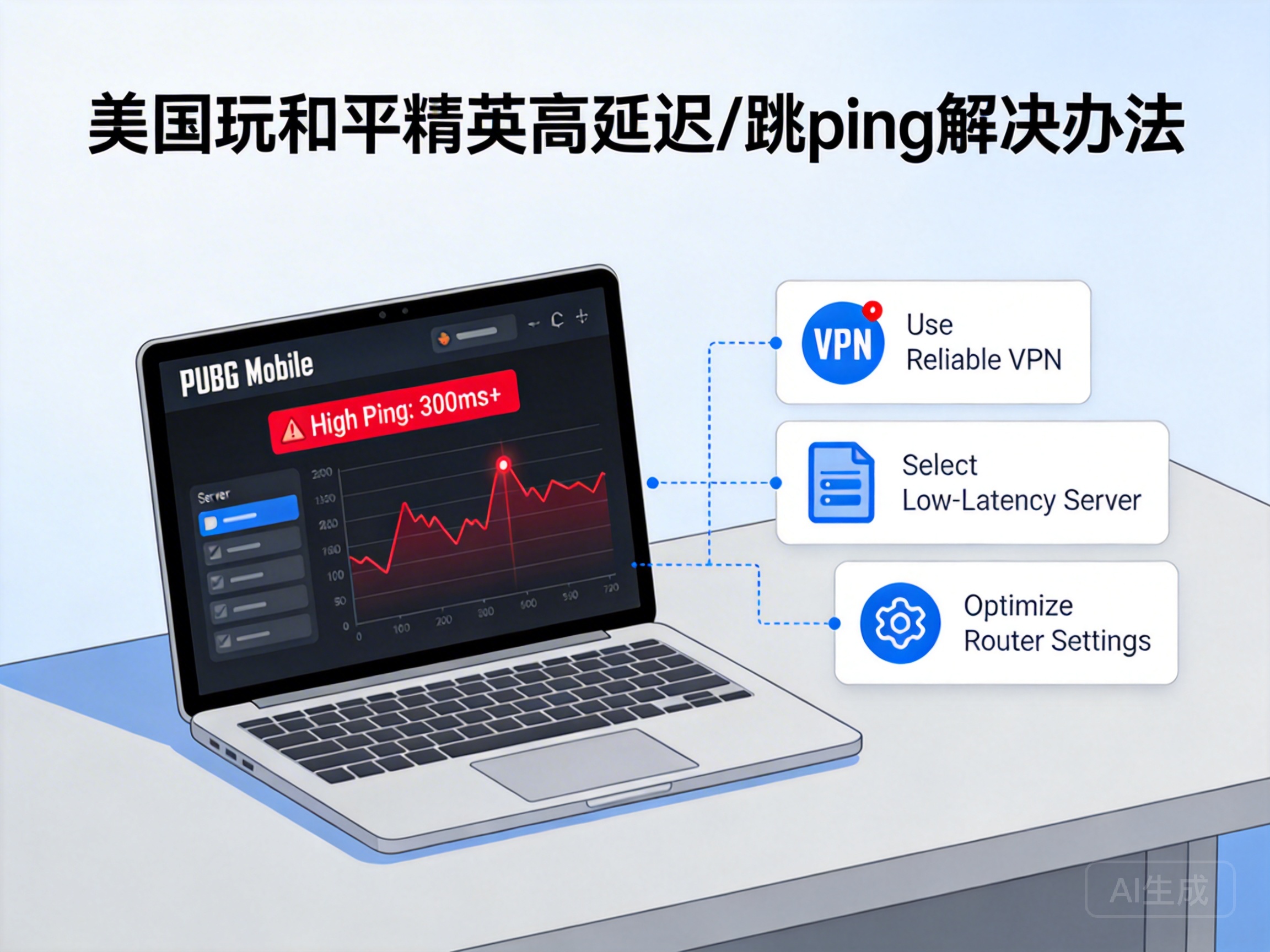
Start with free basic tweaks before spending money. First, switch to a wired connection! I used my apartment’s WiFi before, with ping bouncing between 180-300ms. Plugging in an Ethernet cable dropped it to around 150ms, and ping spikes halved—WiFi signal interference through walls and bandwidth hogging by neighbors are major issues, and a wired connection is a physical guarantee of stability. Second, close bandwidth-hogging background apps, like Netflix, TikTok auto-downloads, even Windows automatic updates. These sneaky programs will eat up all your game bandwidth. Third, change your DNS to a Chinese public DNS like 114.114.114.114 or Alibaba’s 223.5.5.5. After I changed it, occasional ping spikes dropped from 400ms to 200ms. It’s not a cure-all, but it helps.
If these basic steps don’t work, you need a VPN/accelerator—this is the most effective fix I’ve tried. Don’t waste time on free accelerators; they either have barely any nodes or disconnect after 30 minutes. I’ve fallen for at least 5 of those. I switched to QuickFox later, specifically testing Los Angeles to China nodes, and stabilized my latency at 80-100ms, with ping spikes controlled within 10ms. Make sure to choose the right node—prioritize "PUBG Mobile Chinese Server Exclusive" low-latency nodes, not general ones. I picked the wrong node at first, and ping jumped to 160ms; switching to the exclusive node fixed it instantly. Also, choose an accelerator with "smart routing"—it automatically avoids congested nodes. When I play at 2 AM with smart routing on, latency drops to around 70ms.
One easily overlooked tip: don’t use a Chinese roaming SIM card! I used one out of convenience before, and ping shot up to 400ms. Switching to a local US carrier (I use T-Mobile) with an accelerator fixed it immediately—roaming networks have extremely low priority on international links, making them totally unsuitable for gaming.
Finally, for extreme cases: if your apartment’s shared network is garbage (e.g., even web pages lag during peak hours), consider switching carriers or getting a portable WiFi hotspot. My friend uses Verizon’s portable hotspot, and can stabilize latency around 120ms even during peak hours.
Oh, and someone asked about cloud gaming? I tried Tencent START Cloud Gaming—latency was low, but the graphics were heavily compressed, and there was occasional input lag. If you care about gameplay feel, stick to the local client plus a reliable accelerator.