Introduction
Many Chinese players in Greece are troubled by high ping and fluctuating latency when playing Teamfight Tactics: China Server. You might miss a winning streak because your lineup can't deploy in time, or watch your health bar empty due to delayed key teamfight operations. In fact, most of these issues have clear causes, and the right solutions can let you play smoothly with friends.
First: Understand the Core Causes of High Ping in Greece
The domestic servers of Teamfight Tactics: China Server are mainly located in China. The physical distance between Greece and China is over 10,000 kilometers, and data transmission has to cross multiple undersea cables, which naturally causes latency. If your local network is unstable, or multiple devices are connected to the same network, ping fluctuations will be more obvious.
In addition, if you use a regular international network to connect directly, the data transmission path isn't optimized, and you're likely to encounter node congestion. It's like taking a detour through a busy road, so lag and ping spikes are inevitable.
Most Practical: Choose and Use a Professional Game Accelerator
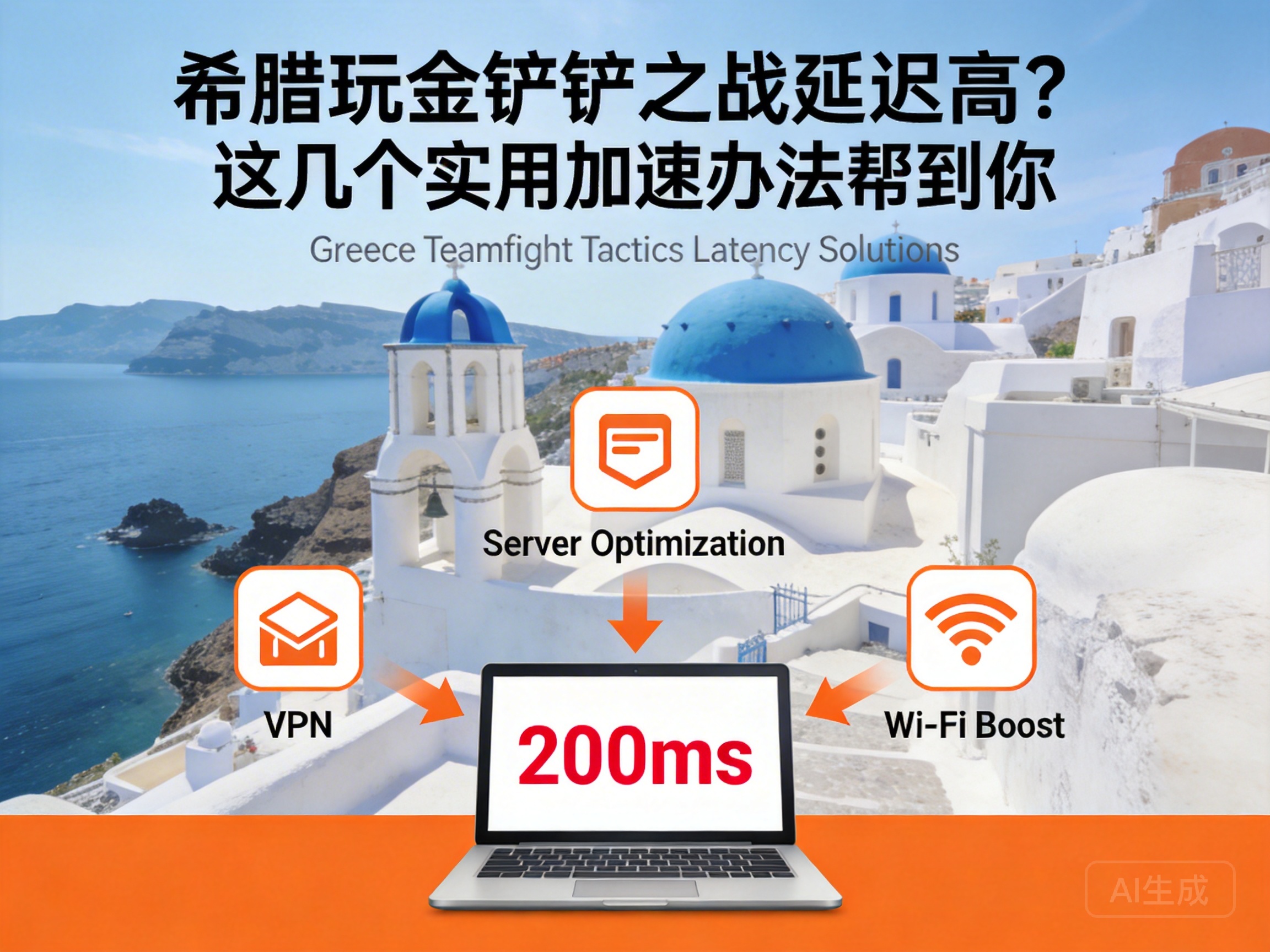
Professional game accelerators are one of the most effective solutions for cross-region game latency. Their core principle is to optimize data transmission paths, avoid congested nodes, and let data travel through exclusive "high-speed channels".
When choosing an accelerator, prioritize products that support Teamfight Tactics: China Server and have dedicated lines from Europe to China. Keep these tips in mind when using it:
- Close irrelevant background software first to free up local bandwidth
- Manually switch to domestic nodes in the accelerator and select the line with the lowest latency
- If WiFi is unstable, use an Ethernet cable to connect your device to reduce signal interference
Tip: You can try the free trial period when using an accelerator for the first time, then decide whether to pay after testing latency and stability
Alternative: Adjust Device and Network Basic Settings
If you don't want to use an accelerator temporarily, you can try these basic optimization methods, which can reduce latency to some extent.
First, turn off bandwidth-consuming functions like automatic updates and cloud synchronization in your device's background, to prevent them from secretly using network resources. Second, restart your router and gaming device to clear network cache. Sometimes temporary node congestion can be solved with a simple restart.
In addition, try to play during non-peak network hours, such as the early morning in Greece, which corresponds to after working hours in China. Network congestion will be significantly reduced, and your ping will be more stable.
Conclusion
Don't panic if you encounter high ping and fluctuating latency while playing Teamfight Tactics: China Server in Greece. First identify the cause, then start with a professional accelerator and basic network settings optimization. Prioritize accelerators with dedicated lines, and combine them with basic network tweaks to greatly improve your gaming experience, so you won't miss key operations due to lag anymore.




