Introduction
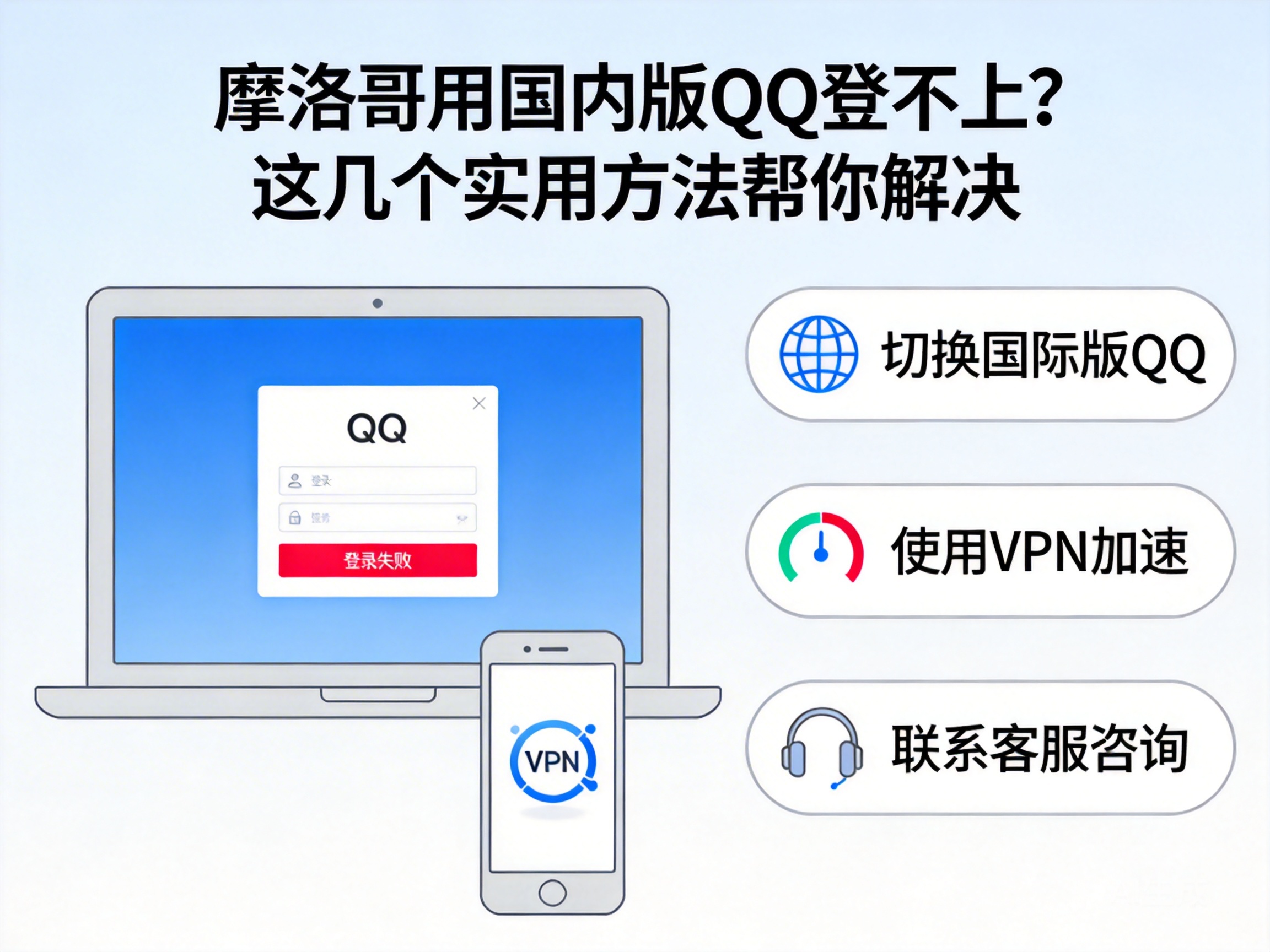
Many people living, studying, or traveling in Morocco want to log in to the Chinese version of QQ to contact family and friends, but often encounter login failures. In fact, this is mostly caused by regional restrictions and differences in network environments. Don't worry, we'll share several tested and effective solutions below.
First Troubleshoot Basic Network and Account Issues
When facing login failures, don't rush to use complex methods; starting with basic troubleshooting is more efficient. First, check if your phone or computer has a stable network connection. Try opening other Chinese websites like Baidu to confirm your network can access Chinese resources normally.
Next, verify your QQ account status, such as whether it's frozen due to long-term inactivity or if you entered the wrong password. You can ask a friend in China to log in to your account to confirm there's no issue with the account itself. If it's a password error, reset it directly via your bound phone number or email.
Tip: If your friend in China can log in normally, the problem is most likely with the network environment in Morocco.
Use Compliant Network Tools to Break Regional Restrictions
The Chinese version of QQ has regional restrictions on usage rights and service coverage, and Morocco is not included in the service area, so direct login will be blocked. At this point, you need to use compliant network tools, which are services that can switch network nodes.
When choosing a tool, prioritize products with formal qualifications and good user reviews. Avoid using unknown free tools to prevent information leakage. When using it, select a mainland China node in the tool, then try logging in to QQ after a successful connection, and you should be able to access it smoothly.
Check Device Time and System Settings
Many people overlook the impact of device time. The security verification system of the Chinese version of QQ has strict requirements for time synchronization. If the local time in Morocco deviates significantly from Beijing time, the system will judge it as an abnormal environment and reject the login request.
You can manually adjust your device time to Beijing time or enable the automatic network time synchronization function. In addition, check your device's system permissions to ensure QQ has obtained necessary permissions such as network access and storage, avoiding login failures due to insufficient permissions.
Try QQ International Version or Web Version as a Transition
If you can't find a suitable network tool temporarily, you can use QQ International or the web version as a transition. QQ International has no strict regional restrictions and can be logged in directly in Morocco. Although it has fewer features than the Chinese version, basic functions like chatting and file transfer work normally.
The web version of QQ can be logged in through domestic online web platforms, which is simpler to operate and doesn't require additional software downloads. You can switch back to the Chinese version later when the network environment issue is resolved.
Summary
In general, login failures of the Chinese version of QQ in Morocco are mainly due to regional restrictions and network environment differences. Start by troubleshooting basic network and account issues, then use compliant network tools to bypass restrictions. Also, pay attention to device time and permission settings, or use the international version as a temporary transition. Following these steps should resolve most login issues.




