Introduction
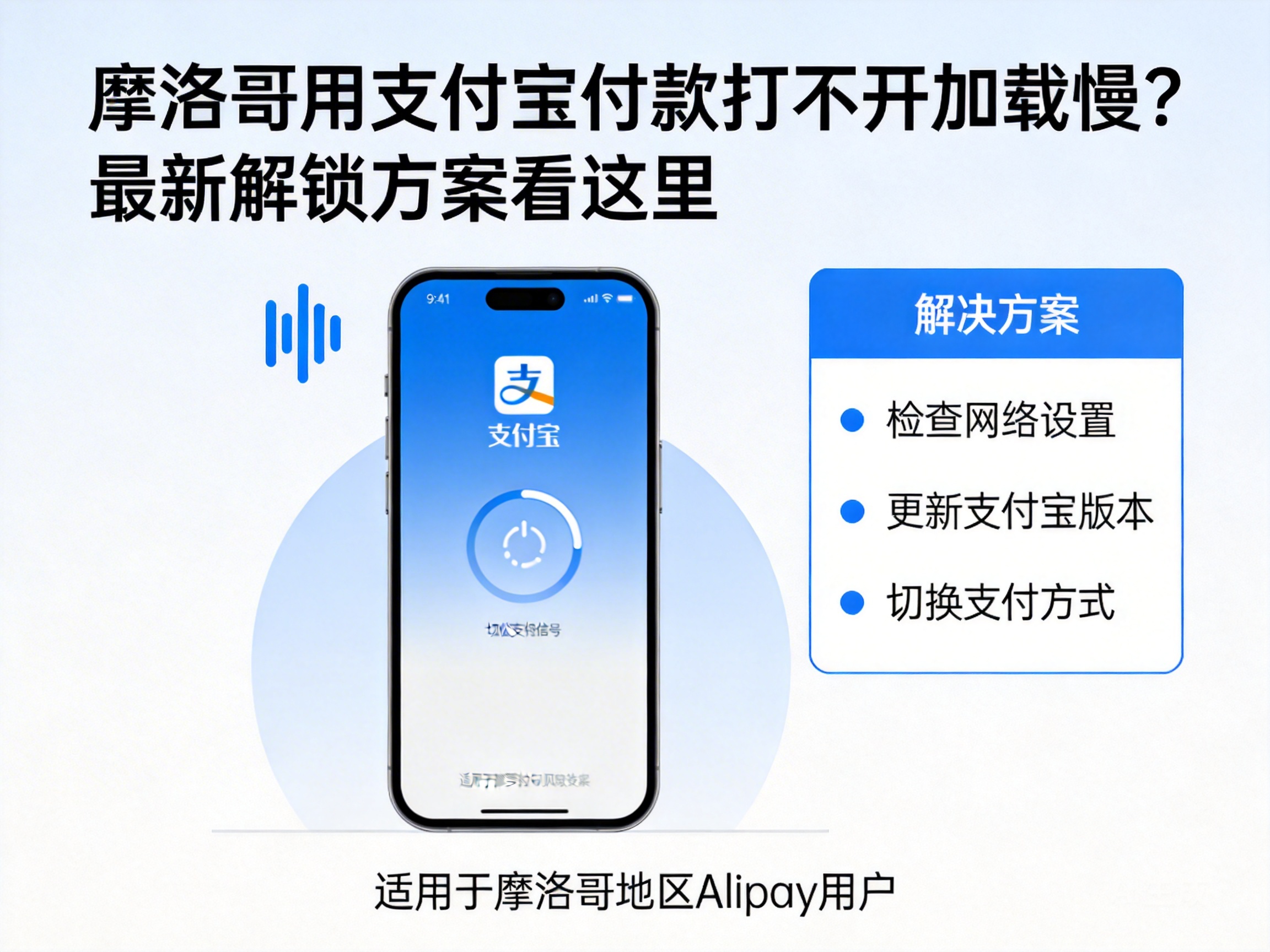
Many travelers and expats in Morocco have encountered issues where Alipay fails to load or runs slowly. This not only delays payments but may also disrupt travel plans. In fact, most of these problems are related to network environments or software settings, rather than faults with Alipay itself. Below is a set of the latest solutions to help you quickly resolve payment barriers when using Alipay in Morocco.
First, Troubleshoot Network Environment Issues
When using Alipay in Morocco, the network is the most common influencing factor. First, confirm whether the currently connected network is stable. It is recommended to prioritize 4G networks from local official operators and avoid free public WiFi, which usually has limited bandwidth and poor stability, easily causing Alipay to time out during loading.
If using WiFi, try restarting the router or switching to mobile data for testing. In addition, networks in some areas may have access restrictions on domestic payment platforms. In this case, you can enable your phone's data roaming function and confirm that international roaming permissions are activated to ensure a smooth network channel.
Note: Before enabling international roaming, it is advisable to consult your domestic operator about roaming tariff standards to avoid incurring high data charges.
Adjust Alipay Software Settings
If the network environment is normal, you can then check Alipay's software settings. First, open Alipay's "Settings" page, find the "General" option, enter "Network Settings", and select "Prioritize WLAN" or "Auto Switch Network" to allow the software to automatically adapt to the optimal network based on the environment.
Second, clearing Alipay's cached data can effectively solve slow loading issues. Go to your phone's app management page, find Alipay, select the "Storage" option, and click "Clear Cache" to free up phone memory occupied by excessive cache, which often causes slow software response and can significantly improve loading speed after clearing.
In addition, ensure that Alipay is updated to the latest version. Older versions may have compatibility issues and cannot adapt to overseas network environments. Open the app store, search for Alipay, and check for updates.
Try the Exclusive Overseas Payment Channel
If the above methods do not resolve the issue, you can try Alipay's exclusive overseas payment channel. Search for "Overseas Payment" at the top of the Alipay homepage to enter the dedicated service page, which provides payment entrances adapted to overseas environments. This can bypass some network restrictions and increase the success rate of loading.
Meanwhile, when using Alipay abroad, it is recommended to bind an international credit card as an alternative payment method in advance. When the main Alipay channel is unavailable, you can switch to credit card quick payment to ensure the payment process proceeds normally. The binding path is Alipay "Me" - "Bank Cards" - "Add Bank Card", and follow the prompts to complete the binding.
Summary
When encountering issues with Alipay failing to load or running slowly in Morocco, there is no need to panic. By following the steps of network troubleshooting, setting adjustments, and switching to exclusive channels, you can basically resolve the problem. It is recommended to test Alipay's overseas functions in advance before traveling and activate necessary roaming permissions to use Alipay smoothly for various payments in Morocco.




