Introduction
For Chinese-speaking football fans in Malaysia, watching World Cup qualifiers with Chinese commentary on Migu Video is a core demand for an immersive viewing experience. However, direct access to Migu Video is blocked due to regional copyright restrictions. This article provides a complete, compliant and practical guide for Malaysian fans to solve this problem.
I. Understand the Regional Restriction Logic of Migu Video
The live broadcasts and copyrighted content of World Cup qualifiers on Migu Video are only open to users with mainland China IP addresses, which is an access rule set based on regional authorization agreements with event copyright holders. When Malaysian users directly open the Migu Video app or website, the system will identify their geographic location through IP addresses and trigger a regional blocking mechanism, making it impossible to load event content.
Key Note: The essence of regional restrictions is the geographic boundary of copyright authorization. Users need to break through IP restrictions in a compliant manner, rather than cracking the platform's technical protection.
II. Compliant Solution to Obtain Mainland China IP Address
Malaysian users need to obtain a mainland China IP address through a Virtual Private Network (VPN) tool, which is currently the mainstream compliant method to break through regional restrictions. When choosing a VPN, three core criteria should be noted: first, having stable mainland China server nodes; second, supporting streaming media acceleration; third, having strict user privacy protection agreements.
The operation process can be divided into three steps:
- Select a qualified VPN service provider, complete account registration and payment
- Download the VPN client adapted to your device, and connect to a mainland China server node
- Verify the IP address attribution to confirm that it has been switched to the mainland China region
III. Migu Video Registration and Viewing Settings
After obtaining a mainland China IP address, users need to complete the Migu Video account registration. It supports login with mainland China mobile phone numbers, email addresses or third-party social accounts. If you do not have a mainland China mobile phone number, you can choose the email registration channel. After registration, go to the app's settings interface to enable "Event Push" and "HD Playback" functions to optimize the viewing experience.
To select Chinese commentary for World Cup qualifiers, enter the live event page and click the "Commentary Switch" button below the player to select the official Chinese commentary channel. Some paid matches require a Migu Video "Diamond Membership", which includes live and replay rights for all World Cup qualifier matches.
IV. Device Adaptation and Common Troubleshooting
Migu Video supports multiple terminal devices such as mobile phones, tablets and smart TVs. Malaysian users need to ensure that their device system versions meet the minimum requirements of the app. When watching on a smart TV, install the Migu Video TV version via a USB drive, or cast the mobile content to the TV screen through screen mirroring.
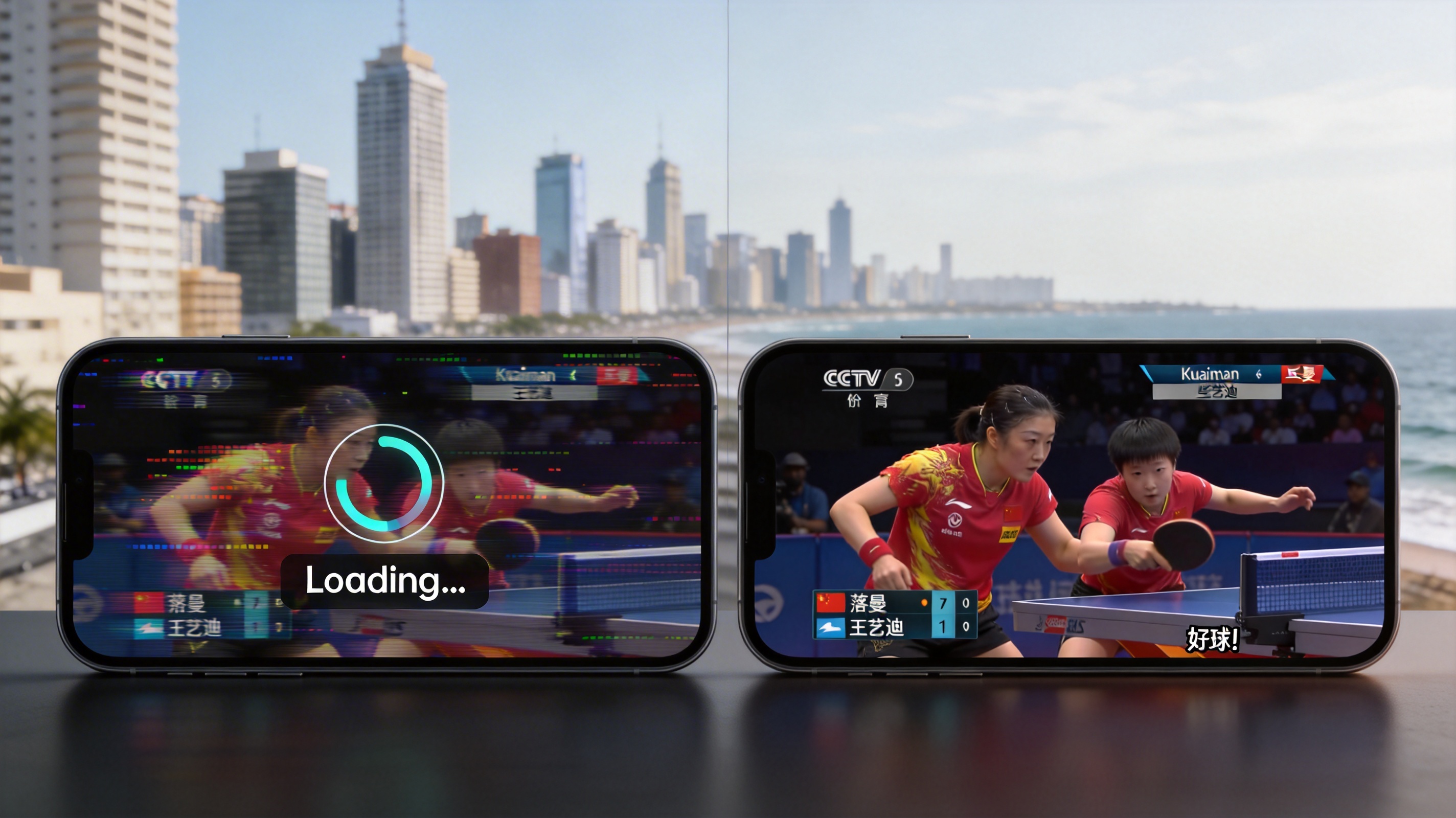
Common problems include buffering caused by unstable VPN connections and regional blocking triggered by IP address leakage. The solutions are to switch to a mainland China server node with low load, or reconnect after disconnecting the VPN. If there is no sound in the commentary, check the device audio settings and the commentary channel selection in the app.
Conclusion
Malaysian users can achieve immersive viewing of World Cup qualifiers by obtaining a mainland China IP address through a compliant VPN, completing Migu Video account registration, and setting up the Chinese commentary channel. During the operation, it is necessary to choose a formal VPN service provider, strictly abide by local network usage regulations, and ensure the stability and compliance of the viewing experience.