Introduction
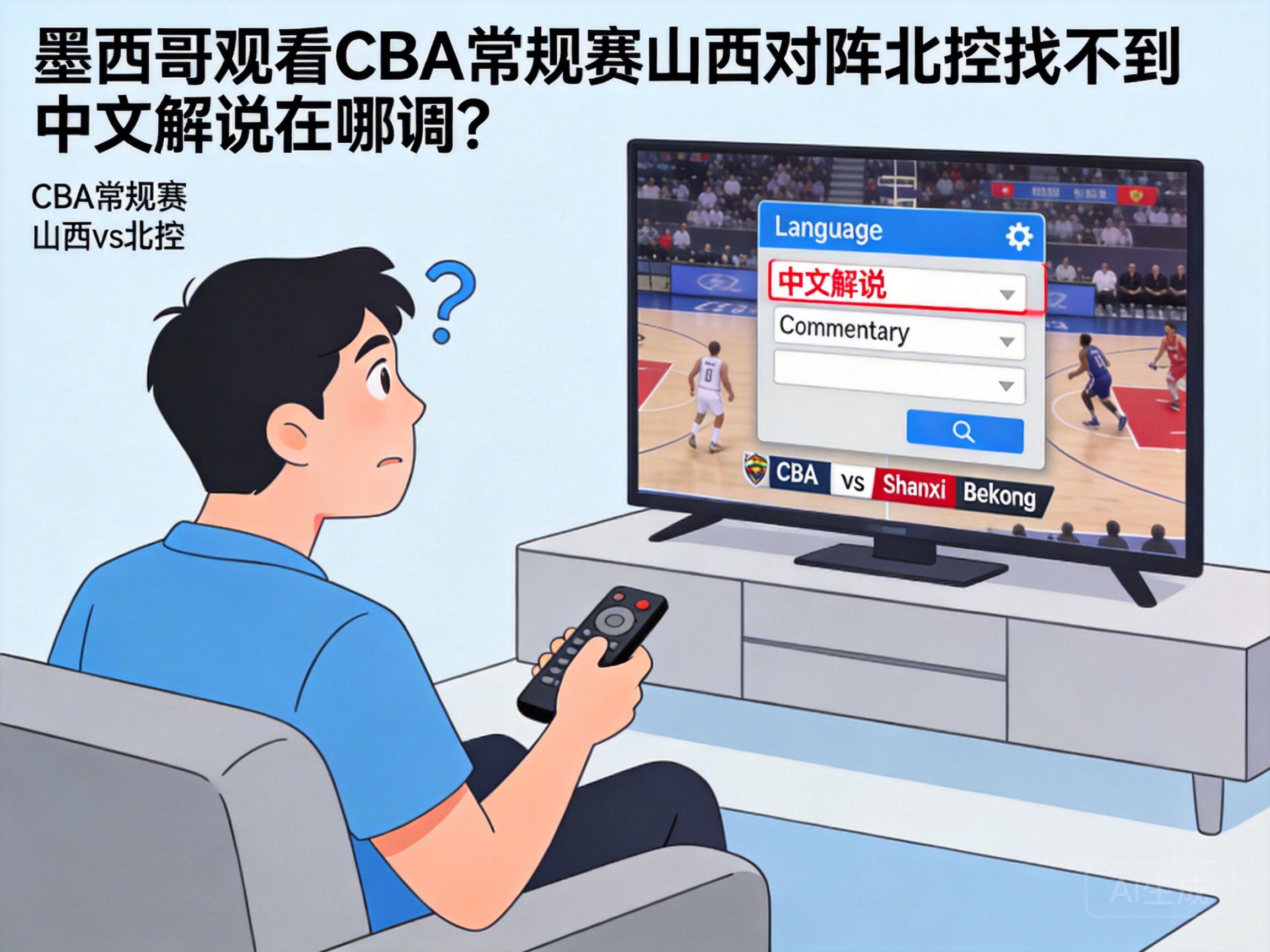
As the influence of the Chinese Basketball Association (CBA) continues to grow overseas, many basketball fans living in Mexico also follow live broadcasts of its games. The recent regular season match between Shanxi Loongs and Beijing Royal Fighters has sparked heated discussions, but some viewers reported that they couldn't find the entry to switch to Chinese commentary when watching the live broadcast locally, missing the commentators' professional tactical analysis and game interpretation. This article will sort out feasible ways to switch to Chinese commentary for CBA games in Mexico.
Verify the Compliance of the Live Broadcast Platform
First, it is necessary to clarify that platforms available for watching CBA games in Mexico are mainly divided into officially authorized platforms and third-party broadcasting channels. Officially authorized platforms usually have multilingual commentary rights, while some third-party platforms may only provide local language or English commentary.
Currently, the core authorized platforms for CBA overseas include the international version of Migu Video and the official CBA YouTube channel, which generally support multilingual commentary switching.
Viewers need to first verify whether the platform they are using is an officially authorized channel. If using an unofficial platform, it may not have Chinese commentary resources at all, so it is recommended to switch to an officially authorized platform for a complete viewing experience.
Steps to Switch to Chinese Commentary on Officially Authorized Platforms
The methods to switch to Chinese commentary vary slightly across different officially authorized platforms. Here are operation guides for two mainstream platforms:
International Version of Migu Video
Open the international version of Migu Video and find the live broadcast page of the Shanxi vs. Beijing Royal Fighters game. Click the "Commentary Switch" button at the bottom right corner of the playback interface, and select "Chinese Commentary" from the pop-up options. If the button cannot be found, check if the APP is updated to the latest version, or try logging out and logging back into your account.
Official CBA YouTube Channel
Enter the live broadcast interface of the official CBA YouTube channel, click the "Settings" icon below the video, select the "Audio" option, and find the Chinese commentary audio track in the drop-down menu to confirm. Some games may only provide single-language commentary due to copyright restrictions, so you can pay attention to the channel's announcement notes.
Solutions for Special Cases
If you still cannot find Chinese commentary following the above steps, you may have encountered special situations such as regional restrictions or copyright adjustments. You can try the following two solutions:
- Watch via the web version of the officially authorized platform. Some mobile APPs may have stricter regional restrictions than the web version, and the web version may unlock more language options.
- Contact platform customer service to feedback the problem, providing your location and viewing device information. Customer service will generally give a targeted solution within 24 hours.
It should be noted that do not use unauthorized third-party plugins to bypass regional restrictions, as this may violate platform rules and local laws and regulations.
Summary
For viewers watching the CBA Shanxi vs. Beijing Royal Fighters game in Mexico, the core of switching to Chinese commentary is to confirm the use of an officially authorized platform and adjust the audio settings according to the corresponding platform's operation steps. If encountering special problems, prioritize feedback through official channels to solve them, which can not only ensure the viewing experience but also avoid compliance risks.




