Introduction
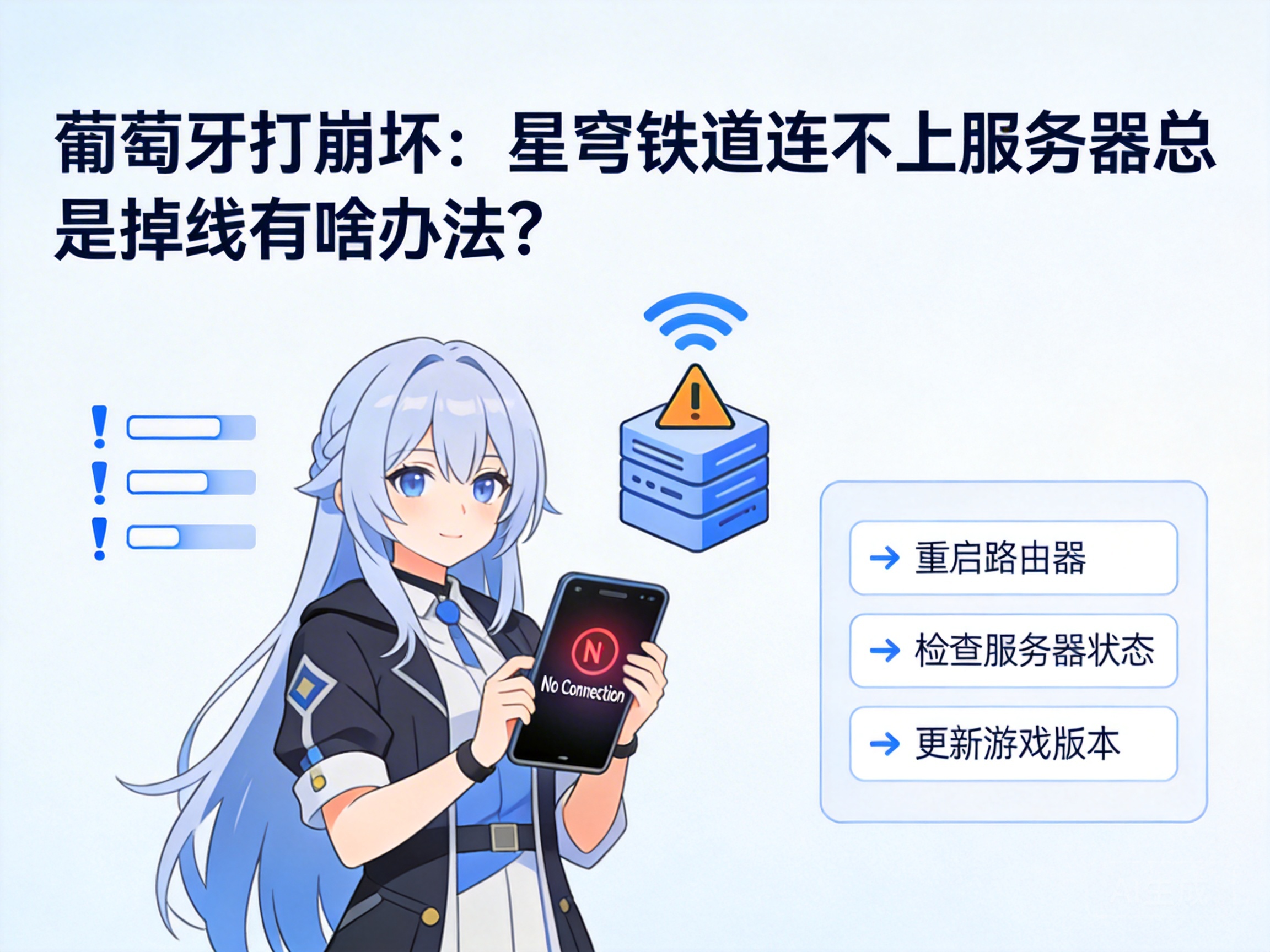
For Honkai: Star Rail players in Portugal, frequent server connection failures and sudden disconnections during gameplay have long been core issues affecting the gaming experience. These problems not only interrupt story progression and multiplayer cooperative tasks but may also cause players to miss limited-time event rewards. This article combines Portugal's network environment and the game's technical features to provide targeted troubleshooting and solutions, helping players maintain a stable connection to the game servers.
1. Troubleshoot Local Network Basic Failures
Before investigating game connection issues, it is necessary to rule out basic failures in the local network. First, players can verify the stability of cross-border network connections by accessing other overseas games or platforms. If other overseas services also experience lag or disconnections, the problem lies in the local network's cross-border link rather than the game itself.
Second, try restarting the home router and optical modem. This operation can clear cached data in network devices and resolve link congestion caused by long-term operation. Meanwhile, prioritize using a wired network connection: WiFi signals are easily interfered with by walls and electromagnetic devices, and wired connections are typically 3-5 times more stable than wireless ones.
Tip: If the local network has long-standing cross-border connection issues, contact the local internet service provider to inquire about optimized line services for the Asia-Pacific region.
2. Optimize Game Client and Network Settings
If there are no obvious faults in the local network, targeted optimization of the game client and device network settings is required. First, verify the integrity of the game client: use the "Game Repair" function in the miHoYo launcher to scan and repair damaged game files, which may cause server handshake failures.
Second, adjust the device's DNS server address. Local DNS in Portugal may have high resolution latency for the Asia-Pacific region. Players can switch to public DNS such as Google 8.8.8.8 or Cloudflare 1.1.1.1, which have more complete global node layouts and can reduce the resolution time of game servers.
In addition, close bandwidth-consuming programs running in the background of the device, such as video downloaders and cloud synchronization tools, to prevent them from seizing network bandwidth resources needed for the game. At the same time, reduce the "Network Synchronization Frequency" in the game settings to minimize unnecessary server interaction requests and lower the probability of disconnection.
3. Choose a Suitable Acceleration Tool with Portuguese Nodes
Since the official servers of Honkai: Star Rail are mainly located in the Asia-Pacific region, the physical distance between Portugal and these servers exceeds 10,000 kilometers. Network fluctuations in cross-border links are one of the core causes of disconnections. At this point, choosing a game acceleration tool adapted to Portuguese nodes is the most direct solution.
When selecting an acceleration tool, prioritize service providers with direct European-to-Asia-Pacific nodes. These nodes can bypass congested international backbone network links, reducing network latency and packet loss rates. Meanwhile, test the tool's "Smart Routing" function, which can monitor link status in real time and automatically switch to the optimal transmission path.
When using the acceleration tool, be sure to select the "European Region Acceleration Node" for the corresponding game instead of directly connecting to Asia-Pacific servers, as this may exacerbate network fluctuations. Some professional acceleration tools also offer a "Packet Loss Compensation" function, which can automatically retransmit lost game data packets to further improve connection stability.
4. Verify Server Status and Account Permissions
If the above operations fail to resolve the issue, verify the status of the game server and personal account permissions. First, check the maintenance announcements for the corresponding Honkai: Star Rail server through the miHoYo official community or official Twitter account to avoid attempting to connect during routine server maintenance periods.
Second, confirm the regional permissions of the personal account: some players may have registered Asia-Pacific region accounts. Although cross-region login is allowed, miHoYo's cross-region connection restrictions may reduce stability. It is recommended to register or switch to a European region account, as the physical distance to European servers is closer, resulting in higher connection stability.
In addition, check if the account has abnormal status, such as异地 login records or warnings for violating rules. Such situations may trigger server security restrictions, leading to forced disconnection. If there are abnormalities, perform identity verification through the miHoYo Account Center to lift the restrictions.
Conclusion
Honkai: Star Rail players in Portugal who encounter connection failures or frequent disconnections can troubleshoot step by step following the process of "local network troubleshooting - client setting optimization - acceleration tool adaptation - server and account verification." Most issues can be resolved through basic network adjustments or acceleration tools. If the problem persists, contact miHoYo customer service and submit network logs to obtain targeted technical support.




