Introduction
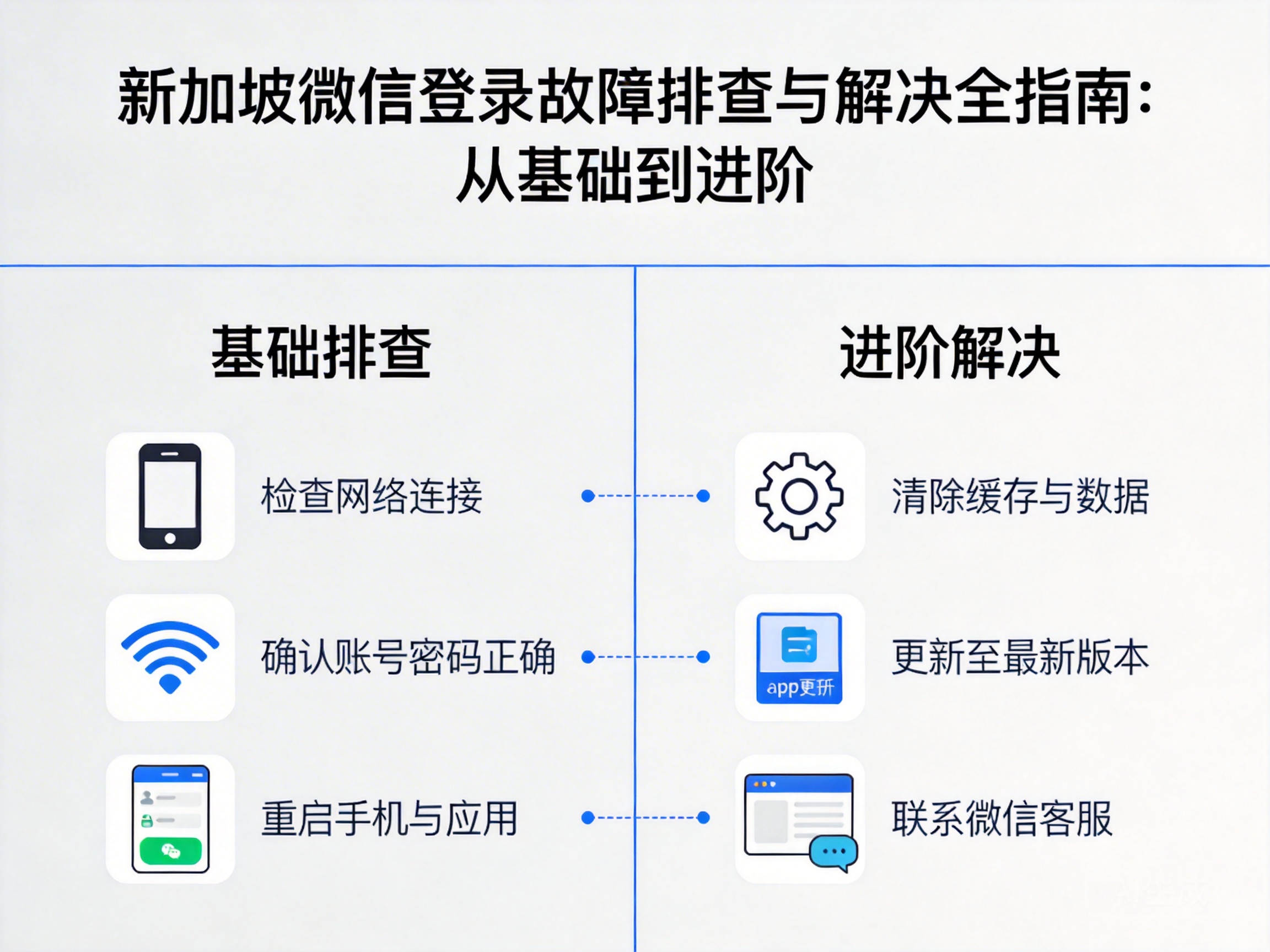
Users in Singapore often encounter WeChat login failures, which are mostly caused by network environment, account security, or regional restrictions. If not resolved in a timely manner, it will seriously affect daily social interactions and work communication. This article combines the characteristics of local networks in Singapore, providing actionable solutions from basic troubleshooting to advanced fixes.
Basic Network Environment Troubleshooting and Fixes
Local networks in Singapore are mainly provided by operators like StarHub and Singtel. Some users may encounter WeChat login issues due to network configuration problems. First, complete basic network verification: switch to a different network environment, such as from home WiFi to mobile cellular network. If you can log in normally after switching, it indicates that the original network has access restrictions.
Next, perform a DNS reset. DNS, or Domain Name System, is responsible for converting WeChat server domain names into accessible IP addresses. Users in Singapore can manually switch to public DNS in device settings, such as Google 8.8.8.8 or Cloudflare 1.1.1.1, to avoid login failures caused by operator DNS resolution errors.
Finally, check the firewall or security software settings on your device. Some third-party security tools will block WeChat's server connection requests. Temporarily close relevant software and retry logging in to quickly verify if this is the cause of the failure.
Tip: Some public WiFi in Singapore (such as airports and shopping malls) restricts access to social software, so prioritize using private networks for testing.
Account Security and Regional Permission Verification
If the network environment is normal, troubleshooting should shift to account security. WeChat's Device Lock is a common trigger for login obstacles. If a user logs in to a new device in Singapore for the first time, the system will determine it as a high-risk异地 login, requiring verification via the originally bound device or friend assistance to unlock.
In addition, confirm whether the account has any violation records. If the account has been restricted from logging in due to bulk marketing, illegal sharing, or other behaviors, you need to submit an appeal through the WeChat Security Center. Users in Singapore can use the security appeal channel on the WeChat web version, upload valid identification documents for verification, and generally receive a processing result within 1-3 working days.
Some users also encounter regional service restrictions. Some WeChat functions require binding a local phone number overseas. If the originally bound domestic phone number has been suspended, select the "Change Phone Number" option on the login interface, and complete the binding with a local number from operators like Singtel or M1 in Singapore to restore login permissions.
Client and System-Level Optimization and Fixes
After ruling out network and account factors, check the compatibility between the WeChat client and the device system. First, try clearing WeChat cache. Excessive cache files can cause abnormal operation of the login module. Users in Singapore can clean up redundant data in WeChat's "Settings - General - Storage Space" to avoid login failures caused by local data conflicts.
If clearing the cache is ineffective, uninstall and reinstall the WeChat client, ensuring you download the latest official version. Some users encounter login failures due to installing third-party modified versions of WeChat or using outdated versions that are incompatible with Singapore's network protocols. The official version regularly optimizes network adaptation capabilities for overseas users.
Finally, check the device system version. Whether it is iOS or Android, an outdated system version may have network security vulnerabilities or API compatibility issues. Users in Singapore can complete the system update in the device settings to ensure the underlying system network framework supports WeChat's encrypted connection requests.
Advanced Network Adaptation Solutions (For Cross-Border Restrictions)
If the above solutions are ineffective, consider cross-border network link issues between Singapore and mainland China. Congested cross-border bandwidth or adjusted routing strategies of some operators can cause WeChat server connection timeouts. At this point, use a VPN network acceleration tool and choose a compliant VPN service with a dedicated line to mainland China to optimize the stability of the cross-border network link.
Note that Singapore has clear regulatory requirements for VPN services. Users must choose a service provider licensed by Singapore's IMDA (Infocomm Media Development Authority) to avoid network security risks caused by using unauthorized tools. In addition, try modifying WeChat's network connection mode and enable the "Use HTTPS Connection" option in WeChat settings to improve the security and stability of data transmission.
If the issue still cannot be resolved, contact the WeChat overseas customer service team, providing information such as device model, network operator, and login error code. Users in Singapore can submit a work order through the customer service channel on the WeChat overseas official website to obtain targeted technical support.
Summary
When users in Singapore encounter WeChat login failures, they should troubleshoot in the order of basic network checks, account security verification, client optimization, and advanced network adaptation. Prioritize basic solutions like switching networks and resetting DNS to quickly locate the fault. If the issue involves account permissions or cross-border links, submit an appeal through official channels or choose compliant network tools to restore normal WeChat use under regulatory requirements.


