Introduction
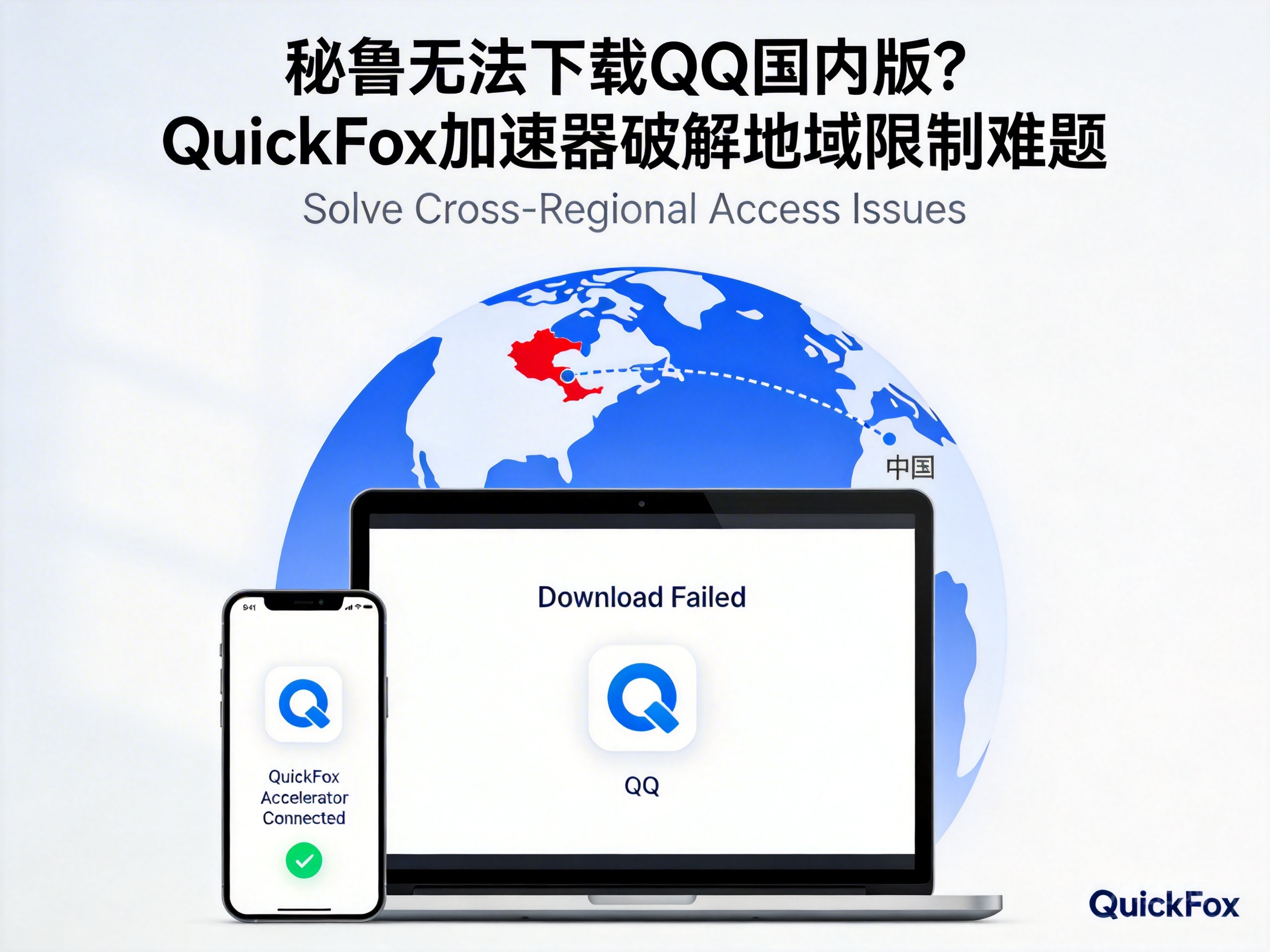
Many Chinese living or studying in Peru, as well as local users who need to contact relatives and friends in China, often encounter the problem of being unable to download the domestic version of Tencent QQ. This regional restriction not only cuts off their convenient connection with the domestic social circle, but also prevents them from using QQ's exclusive office and file transfer functions. This article will analyze the causes of the restriction and introduce the solution provided by QuickFox VPN.
Why Can't You Download the Domestic Version of QQ in Peru?
The resource servers and download channels of Tencent QQ's domestic version are mainly open to users in mainland China. For compliant operation and service stability, the platform will identify the user's location through IP address and restrict downloads from overseas IPs.
Peruvian users' IP addresses belong to the overseas range. When accessing the download link of QQ's domestic version, they will be directly blocked by the system, unable to jump to the download page, and may even receive a prompt that "the service is not available in the current region". In addition, QQ's domestic version resources on some third-party app stores cannot be displayed due to regional copyright agreements.
Core Principle of QuickFox VPN Breaking Restrictions
The core function of QuickFox VPN is Virtual Private Network (VPN) technology, which simply means replacing the user's overseas IP with a compliant IP address in mainland China through an encrypted channel.
When a Peruvian user turns on QuickFox VPN and selects a mainland China node, their network request will first be transmitted to the domestic server through the encrypted channel, and then the domestic server will send a request to the QQ download platform. In this way, the QQ platform will determine that the user is in mainland China, thus lifting the download restriction.
Note: All mainland China nodes of QuickFox VPN are compliant and registered, which do not violate relevant network operation regulations, so users can use them with confidence.
Step-by-Step Guide for Peruvian Users to Download QQ via QuickFox
Peruvian users can complete the download of QQ's domestic version quickly by following these 3 steps:
- Search and download the QuickFox VPN client from the official app store on your mobile phone or computer to ensure you get the official version.
- After opening the client, complete real-name authentication (a compliance requirement for domestic network services), and select the mainland China node with the lowest latency from the node list.
- After successful connection, directly access the domestic version download page on the official QQ website, or search and download through domestic app stores. At this point, you can normally obtain the installation package.
It should be noted that to stably use all functions of QQ's domestic version after downloading, it is recommended to keep QuickFox VPN connected to avoid function restrictions caused by IP switching.
Conclusion
For Peruvian users, the core obstacle to downloading QQ's domestic version is regional IP restrictions, and QuickFox VPN can efficiently solve this problem with compliant VPN technology. Through a few simple steps, users can re-establish connections with domestic social and office scenarios without worrying about network barriers caused by regional restrictions.


