Introduction
Many Egg Party enthusiasts in Hungary frequently encounter disconnection and server connection issues when playing the Chinese server version. These problems not only disrupt the gaming rhythm but also ruin the overall experience. In fact, most of these issues are related to network environment, device settings, or game compatibility. As long as you find the right solutions, you can effectively fix them. This article compiles a set of practical solutions tailored to the specific situation of players in Hungary.
First, Troubleshoot Basic Local Network Issues
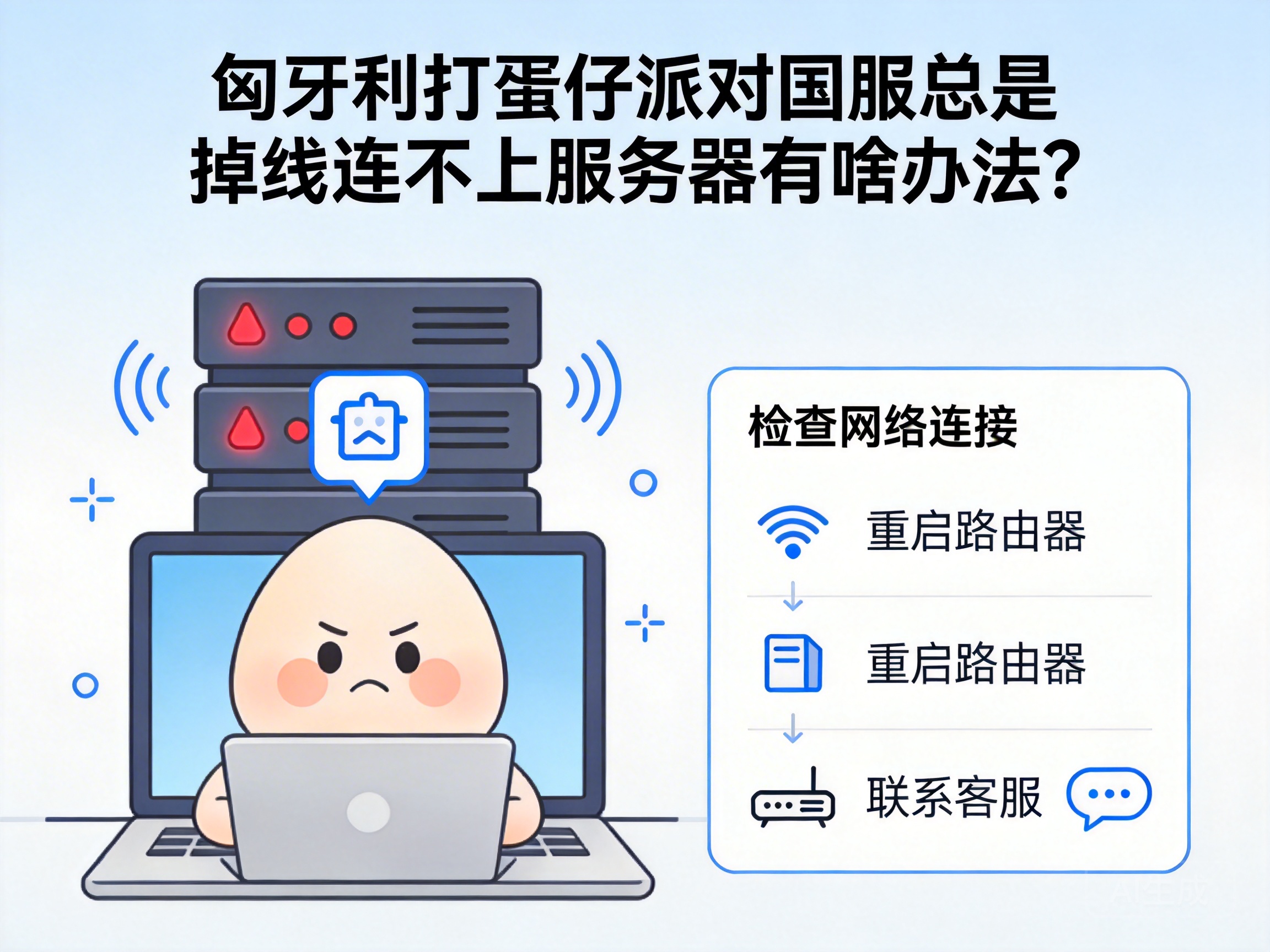
In many cases, the root cause of disconnections from the Chinese server lies in unstable local networks. First, try restarting your home router: disconnect the power, wait for 30 seconds, then reconnect it. This can clear the router's temporary cache and resolve most small-scale network fluctuations.
If restarting the router doesn't work, try switching your network environment. For example, if you were using WiFi, switch to a mobile hotspot or wired network to check if the problem is caused by WiFi signal interference or insufficient bandwidth. Local ISPs in Hungary have limited international bandwidth allocation, which can easily lead to congestion during peak hours. Avoiding the gaming peak from 8 PM to 10 PM can also reduce the probability of disconnection.
Note: If the problem disappears after switching networks, it indicates that the original network has stability flaws. You can contact your local ISP to troubleshoot the line or upgrade your bandwidth.
Adjust Game and Device Compatibility Settings
In addition to network issues, compatibility problems between your device and the game can also cause disconnections. First, ensure that your Egg Party Chinese server client is up to date. Outdated versions may have server compatibility vulnerabilities. Enable the game's automatic update function, or manually download the patch from the official channel.
Second, close resource-intensive programs running in the background of your device. Overseas devices used in Hungary may sync cloud data or run system updates in the background. These programs will occupy network and memory resources, causing game network connections to be interrupted. Open your device's task manager, end irrelevant background processes, then restart the game.
You can also try reducing the game's graphics settings. Excessively high graphics will increase the device's computing load, which indirectly affects the transmission efficiency of network data. Adjust the frame rate and resolution to a level that your device can run stably. This can not only reduce stuttering but also lower the possibility of disconnection.
Use Professional Network Acceleration Tools to Optimize Connections
Since Egg Party's Chinese server is mainly deployed in China, cross-border networks from Hungary to China naturally have latency and packet loss issues, which is one of the core causes of disconnections. In this case, you need to use professional network acceleration tools to optimize the cross-border network link.
When choosing an acceleration tool, prioritize products that support Chinese server game acceleration and have nodes in Europe. These tools can bypass congested public international lines through dedicated cross-border network channels, reducing data transmission latency and packet loss rate. After launching the acceleration tool, select the acceleration node for Egg Party's Chinese server, then start the game after the network optimization is completed.
When using acceleration tools, remember to close other download or streaming programs that occupy network resources to avoid diverting accelerated bandwidth. Also, clear the acceleration tool's cache regularly to ensure stable acceleration effects. If one node doesn't work well, try switching to other domestic nodes.
Troubleshoot Account and Server Restrictions
If the above methods don't work, the problem may be at the account or server level. First, confirm that your game account has not violated the Chinese server's user agreement, such as using third-party plugins or abnormal异地 logins. Such situations may trigger the server's security restrictions, leading to connection interruptions.
Second, try logging into your account on a friend or family member's device in China to check if the problem is with the account itself. If you can log in normally in China, it means the problem is still in your network or device environment in Hungary. If you can't log in normally in China, contact the official customer service of Egg Party's Chinese server, submit your account information and problem description, and request manual troubleshooting.
In addition, some overseas IPs may be mistakenly blocked by the Chinese server's firewall. You can switch to different domestic exit IPs in the acceleration tool, or contact the acceleration tool's customer service to request exclusive optimized nodes for the Hungary region.
Conclusion
When playing Egg Party's Chinese server in Hungary, disconnection and server connection issues can mostly be solved by troubleshooting the local network, adjusting device settings, using acceleration tools, and checking account restrictions. Start with basic network and device settings, then use professional tools to optimize cross-border links, which can effectively improve game stability. If you encounter account or server-level issues, contacting official customer service directly is the most straightforward solution.




