Introduction
Chinese living or working in Ethiopia often rely on Tencent QQ to maintain social and work connections with China, but many users encounter login failure issues. Such failures are not isolated cases, involving multiple factors such as network environment and service adaptation, which require targeted troubleshooting to resolve. This article will sort out the core causes and provide verified repair solutions.
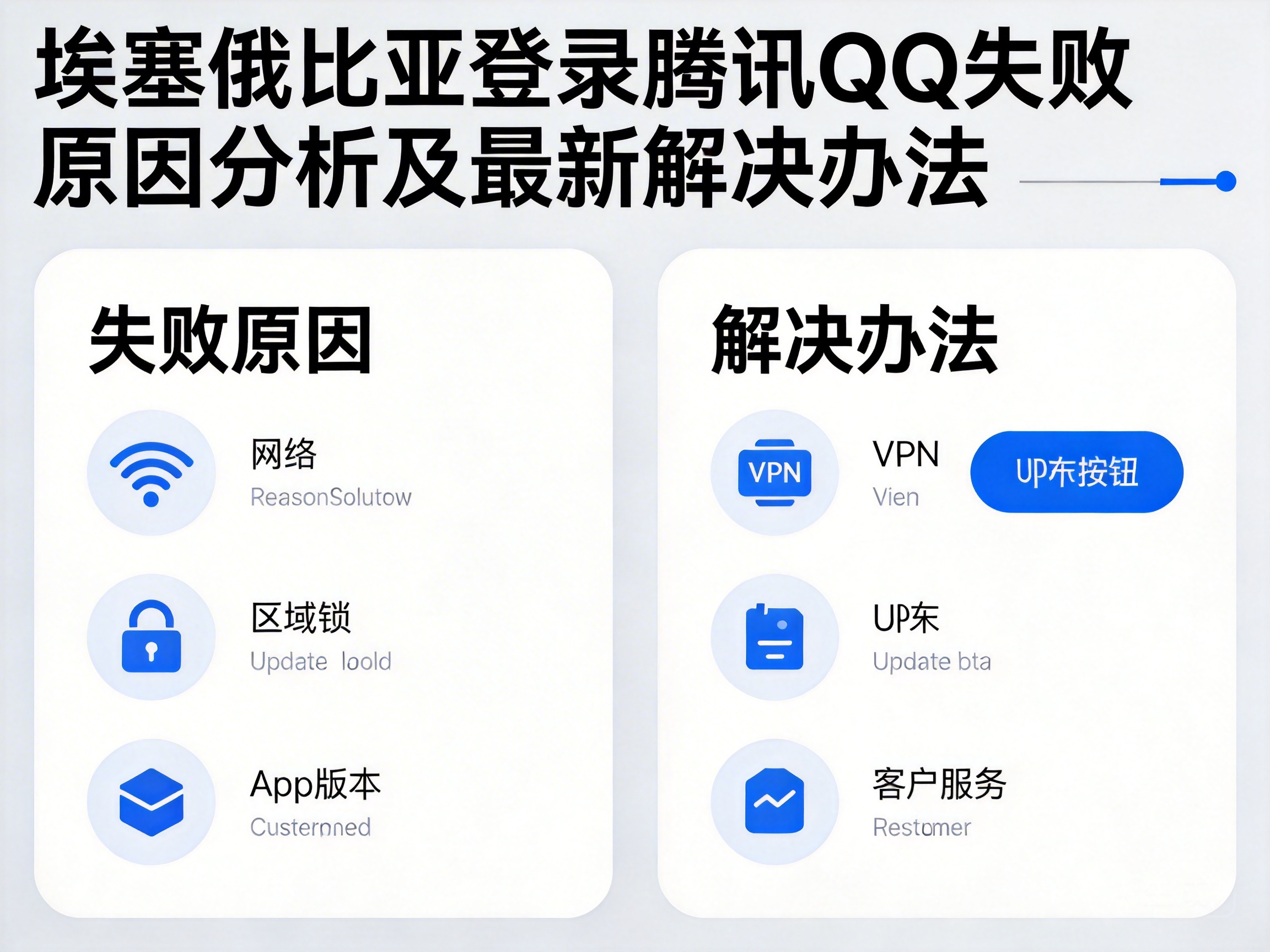
Analysis of Core Failure Causes
1. Cross-border Network Routing Restrictions
Tencent QQ's server clusters are mainly deployed in China. There are node congestion and bandwidth limitations in the cross-border routing between local operators in Ethiopia and China's backbone network. Some operators implicitly limit overseas services that are not frequently used locally, resulting in the failure of QQ's login verification data packets to transmit normally. Such failures usually manifest as slow loading of the login interface, verification timeout, or even direct prompts of "network connection failure".
2. Lack of Regional Service Adaptation
Some verification mechanisms of Tencent QQ, such as IP address verification and SMS verification channels, have not been fully adapted for African regions such as Ethiopia. For example, local mobile number segments in Ethiopia may not be included in QQ's SMS whitelist, resulting in delays or non-receipt of login verification codes. In addition, IP segments in some regions are misjudged as risky addresses, triggering QQ's security interception mechanism and directly rejecting login requests.
3. Local Network Environment Interference
Ethiopia's mobile network is mainly 4G, and the network signal stability in some remote areas is poor with high packet loss rate, which cannot meet the low-latency data transmission requirements for QQ login. At the same time, some public Wi-Fi sets firewall rules to block the server addresses of domestic social platforms, resulting in users being unable to establish valid connections even with normal signals.
Latest Verified Solutions
1. Optimize Network Routing Configuration
Prioritize operators that support international dedicated lines, such as the international data package of Ethio Telecom. The cross-border routing of such packages is optimized to reduce the transmission delay of QQ data packets.
Users can manually modify the device's DNS server address, replacing the default DNS with domestic public DNS (such as 114.114.114.114), to reduce node jumps during domain name resolution. If the problem persists, users can try using compliant cross-border network acceleration tools to bypass congested nodes through dedicated links, ensuring the normal transmission of login verification data packets.
2. Adapt to Regional Verification Mechanisms
For SMS verification failures, users can bind a Chinese mobile number in the QQ Security Center, or initiate QR code login through an already logged-in QQ associated device, bypassing regional SMS channel restrictions. If security interception is triggered, users can submit proof of current IP address and personal identity information through the "account appeal" channel of QQ Security Center, applying for the removal of risk restrictions on the IP segment.
3. Troubleshoot Local Network Environment
Users can switch to mobile data network to test login, eliminating firewall interference from public Wi-Fi. If login still fails with mobile data, users can turn on "airplane mode" for 10 seconds and then turn it off to reset the network connection and clear invalid routing information cached locally. In addition, it is recommended to close other high-traffic applications running in the background to avoid bandwidth occupation affecting the transmission of QQ login data packets.
Summary
The problem of QQ login failure in Ethiopia is essentially a dual contradiction between cross-border network adaptation and regional service coverage. Users can first troubleshoot from three dimensions: network routing, verification mechanism, and local environment, prioritizing compliant network optimization solutions and official verification channels. If the problem persists after trying all solutions, users can contact Tencent QQ's overseas customer service channel and submit specific failure information to obtain targeted support.


