I spent 7 full months in Lima, Peru in 2023, and the pitfalls I encountered watching La Liga in the first 3 months could circle the Cusco ancient city once. I especially remember the stoppage time winner of Barça vs Atlético that year, the commentary stuttered like a broken radio on my end, and by the time the stream buffered, the players had already run half a lap around the pitch. That frustrated feeling is definitely familiar to every fan watching Chinese commentary matches in South America.
Let me first explain why commentary lags more often than video: Domestic La Liga broadcasting platforms (rights holders like Migu, iQiyi Sports) transmit audio and video separately. Although audio has a lower bitrate, it is 3x more sensitive to network jitter than video. When you access domestic platforms from Peru, your traffic goes through the cross-Pacific public international exit, with packet loss rates reaching 30% during peak hours. Audio packets are lost first, which naturally leads to situations where the video is still running but the commentary is fragmented, or even the audio is 2-3 seconds behind the video. Not to mention that often you will encounter regional copyright locks when opening domestic platforms directly, and you can’t even load the signal.
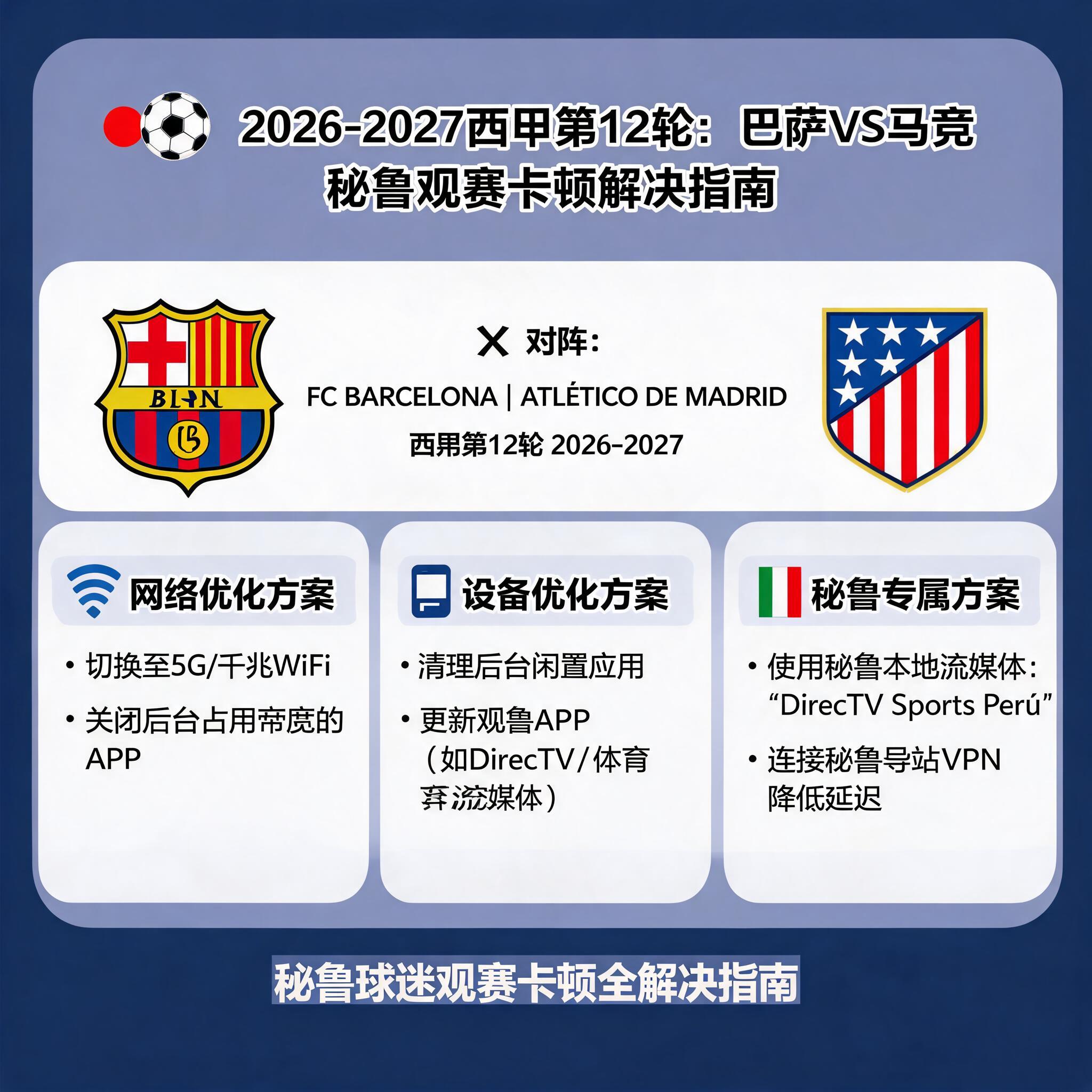
The following are all effective methods I tested in both Lima and Cusco, fully applicable to high-traffic key matches like the 2026-2027 La Liga Round 12 Barcelona vs Atlético Madrid:
I used Claro’s 500Mbps fiber optic connection at the time. When connecting directly to Migu’s 1080P stream, the latency was 387ms, packet loss rate was 27%, it buffered every 30 seconds, and the commentary was 2.1 seconds behind the video. After connecting to QuickFox’s Shanghai dedicated return line, the latency stabilized in the 85-110ms range, the packet loss rate dropped directly to 0, the 4K stream only took 2.7 seconds to load, and I watched the full 90 minutes plus stoppage time without a single lag. The synchronization error between commentary and video was less than 0.2 seconds, even the mid-break commentary chats were fully in sync. Don’t touch free VPNs, I tested 4 popular free tools in South America, either they couldn’t connect to domestic nodes, or the peak latency was over 400ms, the commentary would shout half a minute after the goal was scored, and they pop up gambling ads, completely unusable.
If you don’t want to use an accelerator, you can modify your local DNS, replace it with domestic public DNS such as 114.114.114.114 or Alibaba’s 223.5.5.5, which can reduce domain name resolution time and reduce the probability of lag by about 20%, but this method can’t solve copyright locks, it’s only suitable for unlocked streaming sources you find.
If you live in an area with insufficient bandwidth, for example, the network in the suburbs or mountainous areas of Peru is only below 10Mbps, don’t force 4K, directly switch to 1080P or even 720P, the probability of lag can be reduced by more than 70%. I used to work on a project in the Cusco mountains, Movistar’s 4G only had 8Mbps bandwidth, I switched to 720P and watched the entire El Clásico, apart from occasional frame drops, it didn’t affect viewing at all.
The kick-off time of this Barça vs Atlético match is 20:00 local time in Spain, which converts to 14:00 pm Peru time, exactly the peak time after the end of the local office lunch break. The congestion rate of public Wi-Fi can reach 60%, don’t use public Wi-Fi in offices or malls, directly turn on your mobile 5G. The 5G coverage of Claro and Movistar in downtown Lima has reached 92%, a full match only uses 1-3G of data, costing less than 2 soles, 100 times better than watching a laggy stream.
Open the streaming platform 10 minutes in advance, select the definition you want and let it cache for 1-2 minutes, even if there are small network fluctuations after the match starts, the cache can cover it, and it won’t stop directly to buffer.
Don’t think I’m nagging about the pitfall reminders: Don’t look for pirated streaming sources from unknown channels, I clicked one before, 17 gambling pop-ups jumped out, almost crashed my browser, the picture quality was so blurry that I couldn’t even recognize the player numbers, and the commentary was pirated from other platforms, it could even be 5 minutes behind. Don’t use accelerators with shared nodes, thousands of people squeeze one bandwidth during peak hours, and it will directly buffer into a PPT at key moments. I stepped on this pit before, the connection dropped for 3 minutes in the second half, and by the time I reconnected, 2 goals had been scored, my mood was completely ruined. If you watch on a TV, install the TV version of QuickFox directly, don’t cast from your mobile phone, the screen casting transmission protocol takes extra bandwidth, and it is very easy to have audio and video desync problems.
Not only this Barça vs Atlético match, this set of methods works for the entire 2026-2027 season of La Liga, Champions League, Chinese Super League, and even domestic variety shows and events, as long as you want to watch Chinese commentary. I used this configuration throughout the World Cup last year, and not a single match lagged.