Introduction
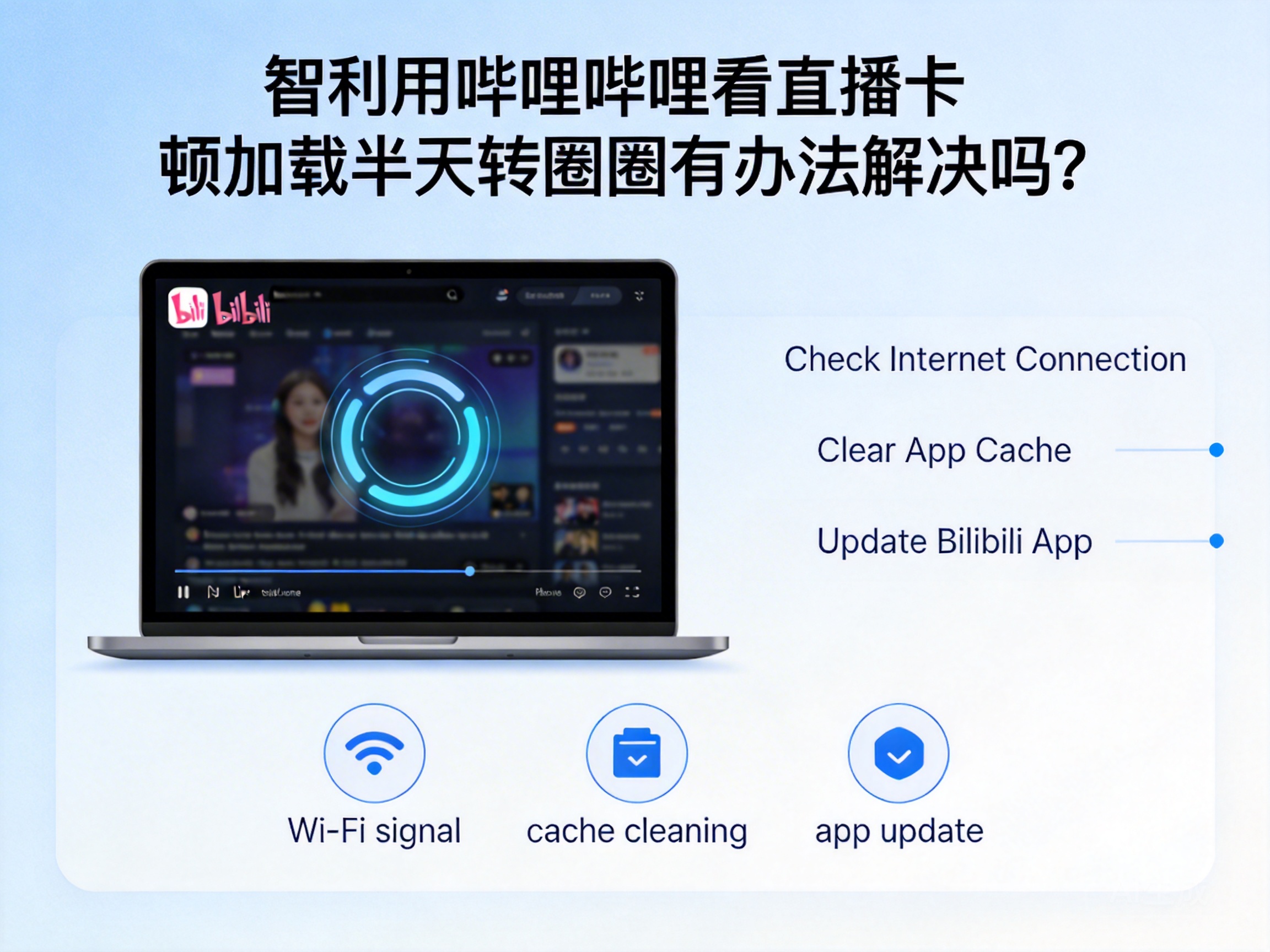
Many Bilibili users in Chile have encountered issues with live streaming buffering and freezing. Even if network tests show normal speeds, it's still difficult to watch high-definition live streams stably. In fact, most of these problems are related to the network environment, platform settings, or device status. As long as you find the right methods, you can effectively improve your viewing experience. This article compiles a set of actionable solutions for the pain points of users in Chile.
First Troubleshoot Basic Issues with Local Devices and Software
Often, the root cause of buffering is not the network, but minor glitches in local devices or the Bilibili app. Starting with simple basic troubleshooting can quickly rule out most common problems.
Restart the Device and App
Devices that have been running for a long time will generate cache junk, and background processes will also occupy network resources, leading to slow live stream loading. First, completely close the Bilibili app, clear other apps running in the background, then restart your phone or computer, and then reopen Bilibili to try the live stream. This method can release redundant device resources, and many minor buffering issues can be directly resolved.
Check and Update the Bilibili Version
Older versions of the Bilibili app may have compatibility issues or lack optimized adaptation for overseas networks. Open the app store, check if there is an available update for Bilibili, and install the latest version in a timely manner. The official team usually fixes live streaming buffering bugs and optimizes the viewing experience for overseas users in new versions. After updating, the buffering problem is likely to be alleviated.
Switch Live Stream Quality and Playback Lines
The long network transmission distance between Chile and China means that high-definition live streams require more bandwidth, which can easily cause loading buffering. After entering the live room, click the quality option and switch to "Smooth" or "Standard Definition" first to test if it can play stably. At the same time, you can try switching playback lines. Some Bilibili live streams provide multiple backup lines, and the network stability of different lines varies greatly.
Tip: If low-quality streams play stably, the problem is due to bandwidth transmission limitations, not a complete network connection failure.
Optimize the Local Network Environment to Improve Transmission Stability
After ruling out device and software issues, it's time to focus on network environment optimization. Local network operators in Chile and router settings may affect the loading speed of Bilibili live streams.
Switch Network Types, Prioritize Wired Connections
If you are using a wireless network, signal interference is a common problem. You can try switching to a mobile hotspot, or connect your computer directly to the router's wired port. Wired connections are far more stable than wireless ones, and can avoid intermittent buffering caused by signal penetration through walls or same-band interference. If you are a mobile user, try to stay close to the router to reduce obstacles to signal transmission.
Adjust Router DNS Settings
The default operator DNS may have resolution delays, leading to slow connections to Bilibili's live streaming servers. You can manually modify the router's DNS to public DNS, such as China's 114.114.114.114 or the overseas 8.8.8.8. Restart the router after modification to make the new DNS settings take effect. Public DNS has more server nodes and faster resolution speeds, which can shorten the loading time of live stream content.
Close Background Programs with High Network Usage
If there are download software, cloud synchronization tools, etc., running in the background, they will occupy a large amount of bandwidth, resulting in insufficient network resources for live streaming. Open your device's task manager, check the running programs, and close all unnecessary network-consuming processes. Ensure that Bilibili live streaming can get enough bandwidth to avoid buffering due to resource preemption.
Use Network Tools to Break Through Regional Transmission Limitations
The long physical network distance between Chile and China leads to high latency and packet loss in transoceanic transmission, which is the core pain point for overseas users watching Bilibili live streams. Using professional network tools can effectively optimize the transoceanic network transmission path.
Use Acceleration Tools Adapted for Overseas Users
Choose network acceleration tools for overseas users, and prioritize products that support dedicated line acceleration for Bilibili live streams. These tools will optimize the transoceanic network transmission route, reduce data packet loss and latency, allowing live stream signals to be transmitted from domestic servers to Chile more stably. When using, select the "Domestic Live Stream" or "Bilibili Exclusive" acceleration node to get the best optimization effect.
Note: Choose formal and compliant acceleration tools, avoid using unauthorized services, and prevent account or device security issues.
Try Shared Networks from Domestic Relatives or Friends
If you have relatives or friends in China, you can ask if they can share the VPN permissions of their home network. Some home networks have better overseas adaptability, and connecting through shared nodes of relatives or friends can provide a more stable access channel to domestic networks. However, this method requires the cooperation of relatives or friends, and attention should be paid to the security of network permissions to avoid leaking personal information.
Contact Official Customer Service to Troubleshoot Account and Server Issues
If none of the above methods work, it may be due to account restrictions or server-specific issues. In this case, you need to contact Bilibili's official customer service for help.
Submit Account and Network Information for Troubleshooting
Enter Bilibili's customer service center, select the issue type related to "live streaming buffering", and describe your location (Chile), network operator, device model, and specific buffering situation in detail. The customer service team will help troubleshoot whether there are account regional restrictions or temporary failures of live streaming servers in the Chile region.
Feedback Exclusive Issues for Overseas Users
As an overseas user, you can clearly inform the customer service of your situation in Chile and request a troubleshooting of issues related to overseas network adaptation. Bilibili has been optimizing the experience for overseas users in recent years. The official team will collect such feedback and optimize the transmission lines of overseas live streams in a targeted manner. Subsequent version updates may completely solve such buffering problems.
Summary
The problem of Bilibili live streaming buffering in Chile can mostly be solved through basic troubleshooting, network optimization, tool assistance, or official support. Start with simple methods like device restart and quality switching, then gradually optimize the network environment, and use compliant acceleration tools if necessary. If all methods fail, contact official customer service promptly to locate the core problem faster. Following these steps can basically restore a stable Bilibili live streaming viewing experience.




