Introduction
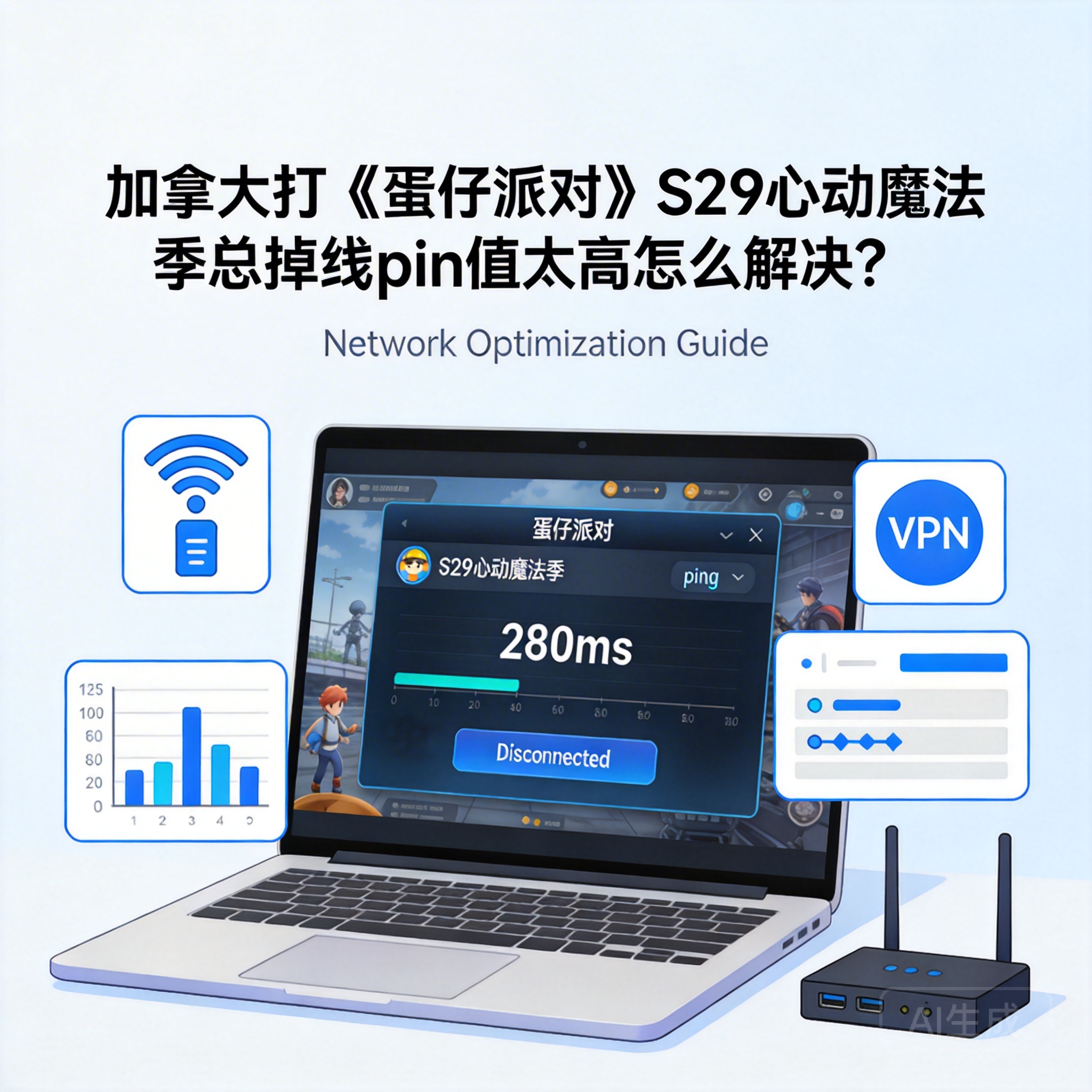
Many Eggy Party players in Canada have faced frequent disconnections and high ping since the launch of S29 Enchanted Heart Season. This not only causes them to miss out on rewards from the new magic-themed levels, but also ruins the fun of teaming up with friends. In fact, most of these issues are related to cross-region network adaptation, and can be quickly resolved with the right methods.
First, Troubleshoot Local Network Issues
Many players skip local network checks and go straight to acceleration tools, but basic network failures are actually the most common causes. First, test the stability of your device's basic network by using a browser to open a speed test website, checking real-time download/upload speeds and packet loss rate. If the packet loss rate exceeds 1%, there is local network fluctuation that needs to be resolved first.
Restart Network Devices and Switch Connection Methods
Try restarting your home router and optical modem first. Unplug them for 30 seconds before plugging them back in, which clears device cache and resolves temporary network congestion. If you are using Wi-Fi, switch to a wired Ethernet connection. Wi-Fi signals are easily interfered with by walls and electronic devices, while wired connections provide a more stable transmission channel, directly reducing ping fluctuations.
Note: If you are using a public network, such as school or apartment shared Wi-Fi, the issue is likely caused by bandwidth being occupied by multiple users. It is recommended to switch to a personal exclusive network.
Adjust Game Settings for Cross-Region Networks
Eggy Party S29 has added many dynamic effects and online interactive features, which increase data transmission volume and amplify cross-region network latency issues. Players can reduce unnecessary data interaction by adjusting in-game settings, thereby lowering ping and reducing the chance of disconnection.
Disable Non-Essential Game Features
Enter the game's settings interface, find the graphics settings option, and set motion blur, global illumination and other effects to the lowest level or turn them off completely. Meanwhile, in the online settings, disable auto-accept team invites from strangers and auto-enable real-time voice features. These features continuously transmit data in the background, occupying network bandwidth.
In addition, it is recommended to set the game's server selection to "automatically match the optimal server". The system will select the server node with the lowest latency based on real-time network status, avoiding manually selecting a high-latency server.
Choose a Cross-Region Optimized Game Acceleration Tool
If the problem persists after adjusting the local network and game settings, you need to use a professional game acceleration tool. Since Eggy Party's servers are mainly deployed in China, Canadian players' data must cross the ocean, and congestion at intermediate routing nodes directly causes high ping and disconnections.
Selection and Correct Use of Acceleration Tools
Prioritize tools specifically designed for accelerating domestic mobile games. These tools have optimized cross-region transmission lines that can bypass congested public routing nodes. When using them, close the game first, open the acceleration tool to find the exclusive acceleration channel for Eggy Party S29, click to accelerate, and then launch the game to avoid conflicts between the acceleration program and the game program.
Note: Do not run multiple acceleration tools at the same time. The routing rules of multiple tools will interfere with each other, leading to unstable network. It is recommended to regularly test the latency of different acceleration nodes and fix the one with the lowest ping.
Troubleshoot Device System and Game Client Issues
Some players' disconnection and high ping issues may stem from device system or game client failures. For example, an outdated device system with network adaptation vulnerabilities, or game client file corruption or cache accumulation during the S29 update.
System Update and Client Repair
First, check your device's system version. Whether it is Android, iOS or emulator, update to the latest official version, as new systems usually fix bugs related to network transmission. Then enter the game's settings interface, find the "client repair" option, and let the system automatically detect and repair damaged game files, clearing accumulated cache data.
If you are playing the game on an emulator, disable unnecessary functions other than "VT virtualization", such as screen recording and multi-instance synchronization. These functions occupy device performance and network resources, indirectly causing unstable game networks.
Conclusion
When encountering disconnections and high ping while playing Eggy Party S29 Enchanted Heart Season in Canada, there is no need to rush to change your network. You can troubleshoot step by step in the order of local network check, game settings adjustment, acceleration tool adaptation, and device client repair. Most issues can be resolved through these steps. After adjustment, you can stably experience the new season's magic-themed content and team up with friends smoothly.




