Introduction
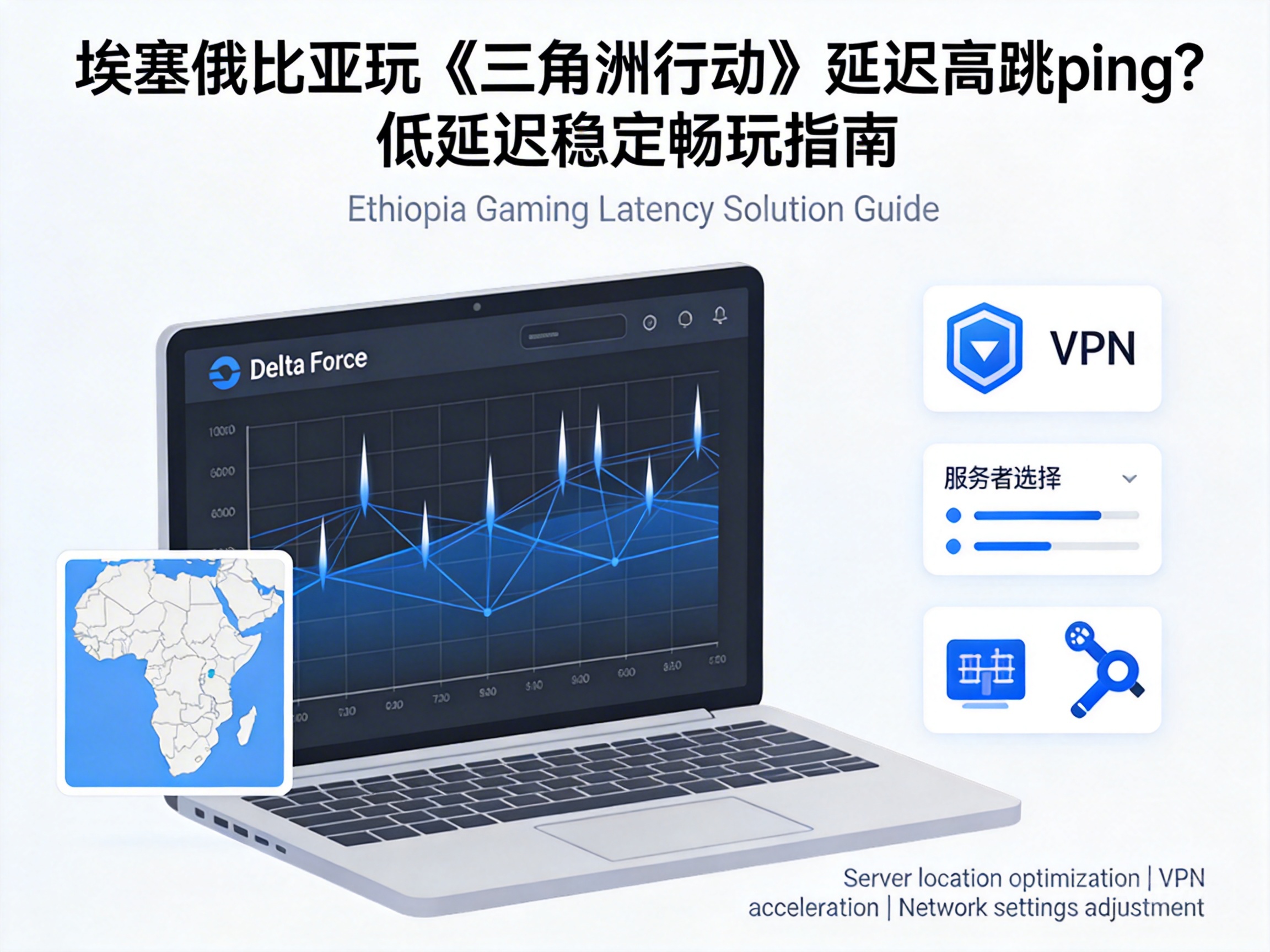
Delta Action players in Ethiopia often struggle with high latency and frequent ping spikes, which can cause missed combat opportunities and directly reduce win rates. As a tactical shooter that emphasizes real-time reaction, network stability is the core foundation of the gaming experience. This article provides targeted optimization solutions based on Ethiopia's network environment to help players resolve these issues.
Core Impacts of Ethiopia's Network Environment on Gaming
Ethiopia's cross-border network infrastructure is relatively weak, with limited and concentrated international bandwidth resources. Since Delta Action's servers are mainly deployed in East Asia, Europe and other regions, players' game data needs to be transmitted through multiple cross-border routing segments, which is the core cause of high latency and ping spikes.
In addition, local mobile networks are dominated by 4G, with regional differences in signal coverage. Network congestion during peak hours (8:00 PM to 10:00 PM) will further increase packet loss rates. Meanwhile, some ISPs (Internet Service Providers) prioritize civilian traffic over low-latency game data, which can also trigger ping spikes.
The "last mile" latency of cross-border network transmission is the core network bottleneck for players in Ethiopia
Basic Network Environment Troubleshooting and Optimization
Before attempting advanced optimizations, players need to first troubleshoot the basic network environment to rule out local device or network failures. First, prioritize a wired network connection—compared to WiFi, wired connections can avoid signal interference and reduce packet loss to below 1%, which is the first step to stable networking.
Second, close background programs on local devices, especially bandwidth-consuming applications such as video downloads and cloud sync. Players can check CPU and network usage through the task manager to ensure the game process gets the highest priority. In addition, regularly restarting routers and optical modems to clear device cache can also resolve network fluctuations caused by prolonged device operation.
Key Local Network Settings Adjustments
- Access the router backend, enable the QoS (Quality of Service) function, and set the Delta Action game process to the highest bandwidth priority
- Manually set the DNS server, prioritizing Google Public DNS (8.8.8.8) or Cloudflare DNS (1.1.1.1) to reduce domain name resolution latency
- Disable the router's WMM (Wireless Multimedia Extensions) function to avoid interference from dynamic bandwidth allocation of WiFi signals
Advanced Optimization Strategies for Cross-Border Networks
To address the core bottleneck of Ethiopia's cross-border network, players need to use targeted optimization methods to shorten the transmission path of game data. Currently, the most effective solution is to use a game-specific accelerator, which switches game data from congested public network routes to dedicated channels through global private line nodes, directly reducing cross-border latency by 30%-50%.
When choosing an accelerator, prioritize those that support Ethiopian nodes and have dedicated lines directly connected to Delta Action servers. At the same time, test the latency stability of different nodes and avoid overloaded nodes. In addition, enable the "UDP acceleration" feature provided by some accelerators, as Delta Action uses the UDP protocol for real-time game data transmission, which can further optimize packet transmission efficiency.
The core function of a game-specific accelerator is to bypass congested public network routes and establish a low-latency dedicated transmission channel
In-Game Settings and Account Region Adaptation
In addition to network-level optimizations, adjusting in-game settings can indirectly reduce the impact of latency. First, players can turn off non-core graphics options such as "dynamic resolution" and "global illumination" in the game settings to reduce the computational load of local devices and avoid network synchronization delays caused by device lag.
Second, check the server region of the game account, and prioritize European servers that are closer to Ethiopia. Compared to East Asian servers, European nodes have shorter cross-border transmission paths, with average latency reduced by 20-30ms. In addition, enable the in-game "network diagnosis" function to view latency and packet loss rates in real time, facilitating timely troubleshooting of sudden network issues.
Key In-Game Settings Adjustments
- Disable background functions such as "auto-recording" and "live streaming" to reduce upstream bandwidth consumption
- Set the "network synchronization mode" to "priority low latency", sacrificing a small amount of screen synchronization accuracy for faster command response
- Disable the "voice chat" function to avoid voice packets occupying the transmission bandwidth of game data
Conclusion
To resolve high latency and ping spikes in Delta Action for Ethiopian players, optimization needs to be carried out step by step from three levels: local network, cross-border transmission, and in-game settings. Basic troubleshooting is the prerequisite, a dedicated game accelerator is the core solution, and in-game settings can further improve stability. Through these targeted solutions, players can effectively reduce latency to an acceptable range and enjoy a smooth tactical shooting experience.


