Introduction
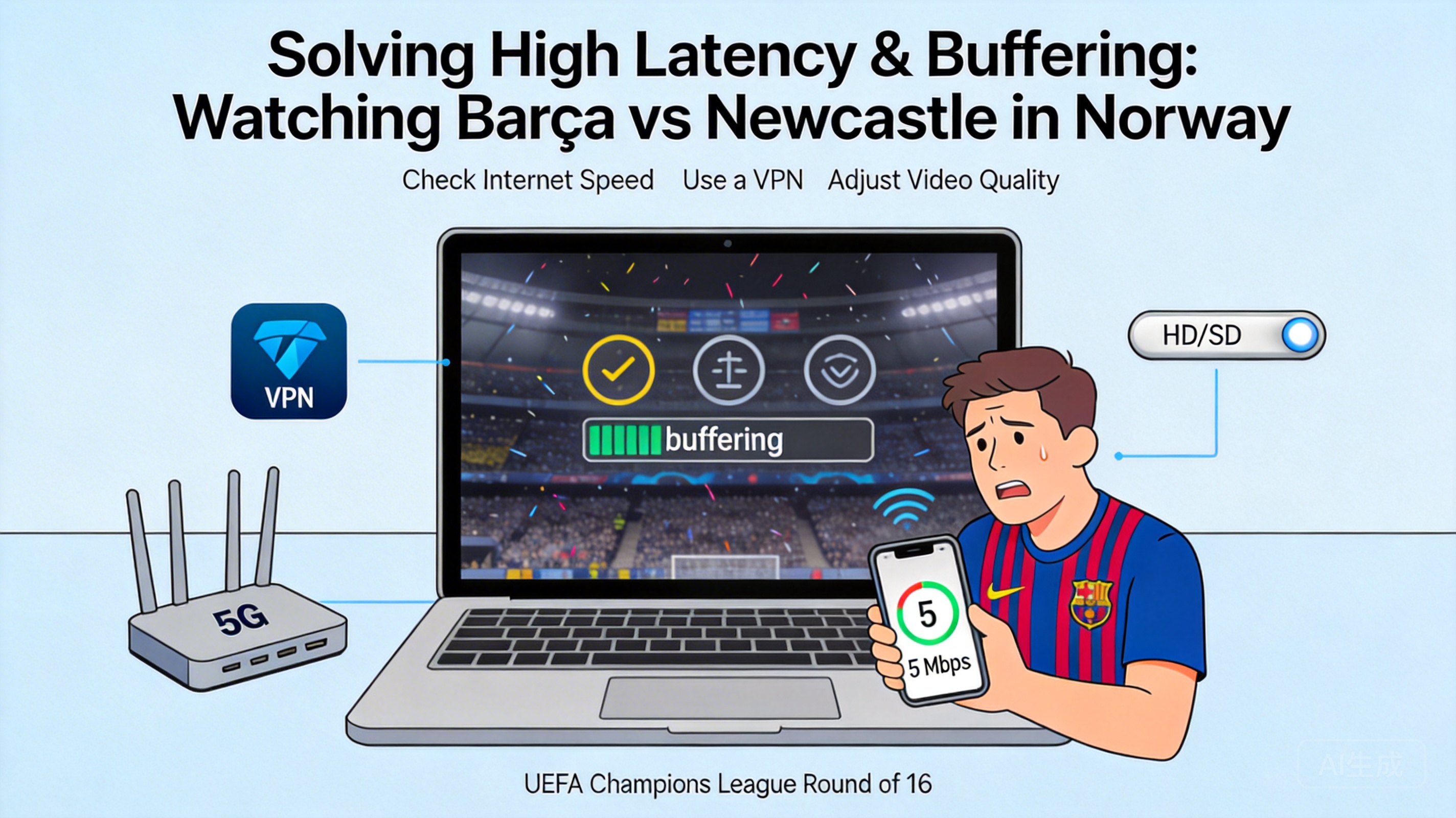
Football fans in Norway often face issues like high lag and constant buffering when watching the Champions League Round of 16 second leg between Barcelona and Newcastle United, which ruins the viewing experience. In fact, most of these problems are related to network environment, regional restrictions or device settings. You can solve them quickly with the right methods and enjoy this key match smoothly.
Troubleshoot Basic Local Network Issues
Many buffering and lag problems stem from basic local network faults, so starting with this step can eliminate most simple issues quickly. First, restart your router and optical modem: unplug the power, wait 30 seconds, then plug them back in. This allows the devices to reallocate network resources and resolve temporary signal congestion.
Next, check your device's network connection method. Prioritize wired connections over WiFi, as WiFi signals are easily interfered by walls and electrical appliances, while wired connections provide more stable bandwidth and lower latency. If you have to use WiFi, stay close to the router to avoid signal obstruction, and close background downloads, online videos and other bandwidth-consuming programs on other devices.
Tip: Test your current network download speed with a speed test website. Champions League live streams require a stable bandwidth of at least 5Mbps. If the test result is much lower than this, contact your local internet service provider to troubleshoot line issues.
Optimize Live Stream Platform and Playback Settings
If your local network is working fine, buffering and lag may come from the live stream platform's playback settings or regional adaptation issues. First, try switching the platform's stream lines. Many sports live stream platforms offer multiple backup lines with different server loads and transmission paths, so choosing a line marked "low latency" can effectively reduce lag.
Second, adjust the video playback resolution: temporarily switch from 4K or 1080P HD to 720P or even standard definition. This reduces the bandwidth requirement of the video and lowers the probability of buffering. Additionally, turn off extra features like bullet comments and interactive reviews on the live stream page, as these consume additional network resources and slow down video loading.
If you're using a third-party live stream app, uninstall it and download the latest official version. Old versions may have compatibility issues that cause lag and buffering during playback.
Resolve Regional Network Restrictions and Routing Issues
Champions League live stream copyright and regional restrictions may be one of the core reasons for high lag for users in Norway. Some official live stream platforms have servers concentrated in other European regions, so data transmission across regions naturally leads to higher latency.
In this case, you can try using a Virtual Private Network (VPN). Select a node close to the live stream server location, such as servers in Spain or the UK, to optimize the data transmission path and shorten data round-trip time, thereby reducing latency. However, choose a formal and stable VPN service, and avoid free VPNs, which usually have limited bandwidth and may worsen buffering.
In addition, some routers have built-in game acceleration or live stream acceleration features. After enabling this function, the router will automatically optimize network routing and prioritize bandwidth allocation to the streaming device, which can also effectively reduce lag.
Adjust Device Hardware and System Settings
Insufficient device performance may also cause live stream buffering. If you're using an old computer, phone or smart TV, too many background programs will occupy a lot of memory and processor resources, affecting the operating efficiency of the live stream software.
First, close irrelevant background programs on your device and clear memory space to reserve enough running resources for the live stream software. If you're watching on a smart TV, regularly clear the TV's cache files, as accumulated cache will slow down the overall system operation speed.
In addition, check your device's system version and update it to the latest version in time. System updates usually fix compatibility issues, optimize hardware resource scheduling, and improve video playback smoothness. If possible, try using a better-performing device for playback, such as replacing an old smart TV with a computer.
Summary
When watching the Champions League second leg between Barcelona and Newcastle United in Norway, don't panic if you encounter lag and buffering. You can troubleshoot and solve problems in order from simple to complex: first fix local network faults, then optimize live stream platform settings, next resolve regional routing issues, and finally adjust device hardware and system settings. By trying these methods one by one, you can quickly restore a smooth viewing experience and not miss any exciting moments of the match.




