Introduction
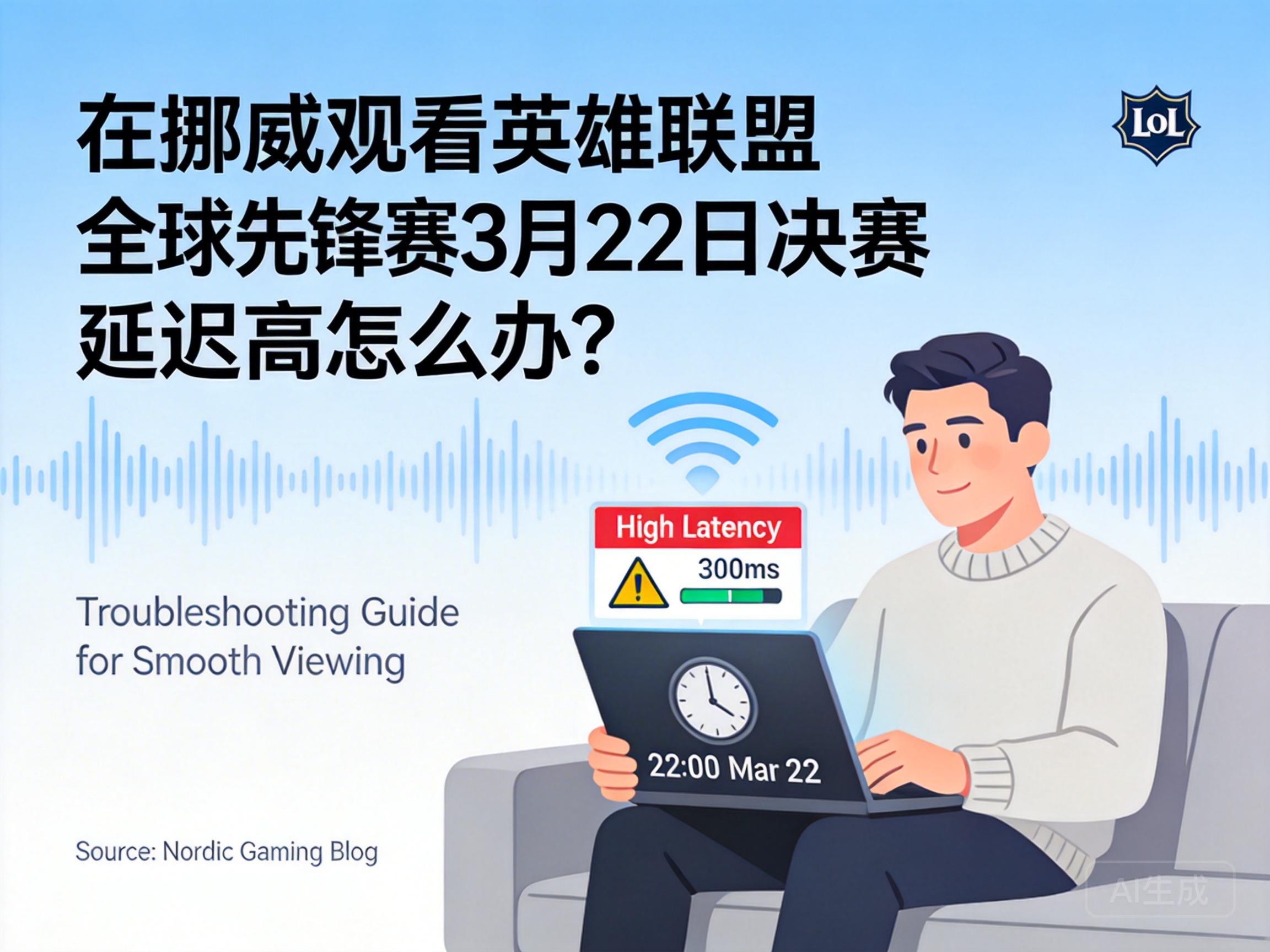
The March 22 League of Legends Global Vanguard Finals is a highly anticipated event for many LOL players in Norway, but numerous viewers have reported issues with high latency and stuttering, which ruins the viewing experience. In fact, most of these problems are related to network links, device settings and other factors, and can be effectively resolved with the right methods.
Prioritize Optimizing Local Network Environment
The local network is the foundation of smooth viewing, so start by checking basic issues. If you're using Wi-Fi, switch to a wired Ethernet connection instead. Wi-Fi signals are easily interfered by walls and electronic devices, while a wired connection can avoid latency caused by signal fluctuations.
At the same time, close background programs that occupy bandwidth, such as downloading files, online videos, and cloud synchronization services. These programs will divert network resources, leading to insufficient bandwidth for the live event. In addition, restarting the router and optical modem can solve temporary network congestion, and network stability will usually improve significantly after a restart.
Tip: If multiple devices are connected to the network at home, you can temporarily turn off the network connection of non-essential devices to prioritize bandwidth for the viewing device.
Adjust Live Platform and Playback Settings
Different live platforms have differences in server distribution and encoding technology. Switching to a platform more suitable for the Norwegian region can effectively reduce latency. For example, choose an official event partner platform with nodes in Europe, which has shorter links and closer data transmission distances.
In addition, manually adjusting playback quality is also key. If you're currently using 4K ultra-high-definition quality, loading delays may occur when network bandwidth is insufficient. It is recommended to temporarily switch to medium quality such as 1080P or 720P, which can ensure picture clarity while reducing data transmission volume. Some platforms also offer a "low-latency mode", which can further shorten the time difference between the live broadcast and the actual event after being enabled.
Use Network Acceleration Tools to Optimize Links
If latency still hasn't improved after adjusting the local network and platform settings, consider using professional network acceleration tools. These tools optimize network routing, bypass congested public network nodes, and establish a more stable direct connection, reducing packet loss and latency during data transmission.
When choosing an acceleration tool, prioritize products with server nodes in Europe that support live event acceleration. When using it, directly select the acceleration channel for the corresponding event without complex settings, and you can quickly improve the smoothness of the live broadcast. It should be noted that you should choose a formal acceleration tool to avoid network security risks caused by uncertified software.
Summary
When encountering high latency while watching the League of Legends Global Vanguard Finals in Norway, solve the problem in order from easiest to hardest: first optimize the local network environment, then adjust the live platform and playback settings, and finally use professional acceleration tools. As long as you choose the right method according to your own network situation, you can watch the event smoothly and not miss any exciting moments of the competition.




