Introduction
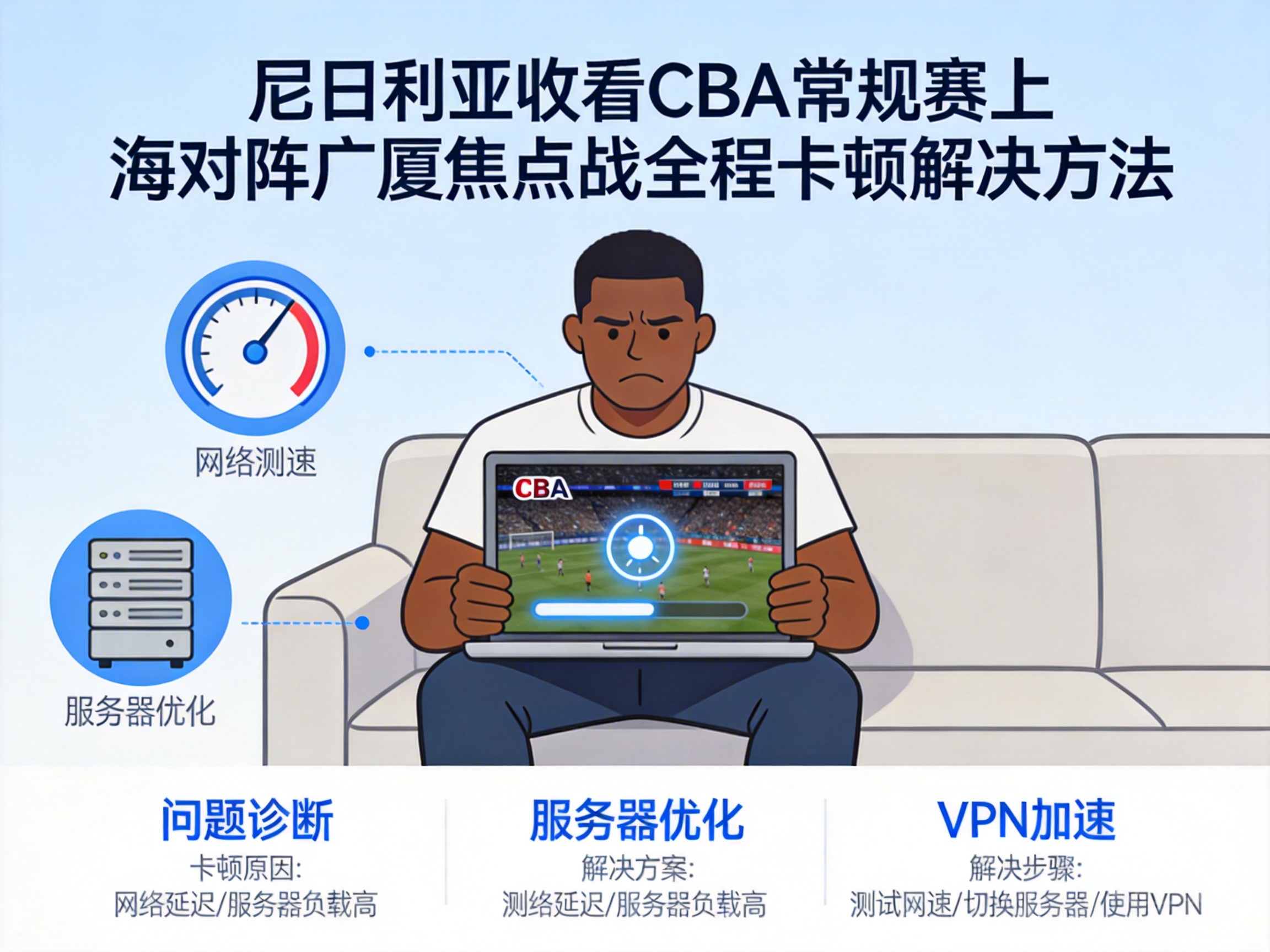
For CBA fans in Nigeria, experiencing constant buffering during a high-stakes game like Shanghai vs. Guangsha is a devastating blow to the viewing experience. You may have waited in front of the screen early, only to stare at a loading icon and miss key shots. In fact, most of these buffering issues stem from regional network restrictions, cross-border network latency, and other problems, which can be quickly resolved with the right methods to enjoy the entire game smoothly.
Troubleshoot Basic Network Issues to Build a Solid Foundation for Viewing
The first step to fix buffering is to rule out basic local network failures. Check the signal strength of your mobile phone or computer first; in some remote areas of Nigeria, mobile network coverage is weak, so try switching to Wi-Fi or moving closer to the router to improve signal.
Next, test your current network's download speed using a speed test website. CBA live broadcasts require a stable bandwidth of at least 2Mbps. If the test result is below this standard, contacting your local network provider for repair or upgrading your plan is the most direct solution. Additionally, close background apps that are downloading or updating to prevent them from hogging network resources, which can temporarily increase the available bandwidth for the live broadcast.
Note: If other devices on the same network also experience buffering, the problem is most likely with the local network itself. Prioritize resolving basic network issues before trying other methods.
Use Compliant Network Tools to Break Through Cross-Border Restrictions
CBA live broadcasts are usually only available to domestic users. As Nigeria is an overseas region, directly accessing domestic live streaming platforms will trigger regional restrictions, which is one of the core reasons for buffering or even playback failure. In this case, you can use compliant network tools to build a stable cross-border network channel.
When choosing a tool, prioritize products with domestic nodes and acceleration support for sports live broadcasts. These tools can optimize cross-border network routing, reducing latency and packet loss. First connect to a high-quality domestic node, then open official CBA live platforms or partner broadcasting platforms, such as Migu Video and Tencent Sports. After a successful connection, it is recommended to test a short segment of live video to confirm no buffering before watching the full game.
Tip: Be sure to choose compliant and legal network tools, and avoid using unregistered products to protect the security of your account and device.
Adjust Live Platform Settings to Adapt to Cross-Border Network Environment
Even after resolving network restrictions, the latency of cross-border networks may still cause buffering. Adjusting the playback settings of the live platform can effectively alleviate this problem. First, reduce the resolution of the live broadcast, switching from 4K or 1080P to 720P or even 480P. Lower resolution requires less bandwidth, reducing loading wait time.
Second, enable the "Low Latency Mode" on the platform. Some live streaming platforms offer this feature for cross-border users, which optimizes the video transmission encoding method and reduces screen latency. Additionally, turn off additional features like bullet comments and gift effects on the live page. These dynamic contents occupy extra network resources, and disabling them allows more bandwidth to be focused on video stream transmission.
If you are using a mobile app, you can also clear the app's cache files. Excessive cache can affect the app's operating efficiency, indirectly causing playback buffering.
Switch Live Channels to Choose a More Stable Broadcast Source
If the above methods fail to resolve the buffering issue, try switching live channels, as cross-border broadcasting capabilities vary across platforms. Migu Video and Tencent Sports, official partners of the CBA, are the first choices, but if these platforms have severe buffering, you can turn to some authorized sports event aggregation platforms.
In addition, some overseas sports media purchase CBA broadcasting rights, such as local sports channels in Nigeria or international sports streaming platforms. These platforms have servers deployed overseas, which are more compatible with Nigeria's network environment and have a lower probability of buffering. When choosing a channel, be sure to confirm the legitimacy of the broadcast source to avoid risks from watching pirated content.
Summary
Buffering when watching the CBA Shanghai vs. Guangsha game in Nigeria mainly stems from three issues: insufficient local network, cross-border restrictions, and incompatible platform settings. By troubleshooting basic networks, using compliant tools to break restrictions, adjusting platform settings, and switching broadcast channels, you can effectively solve the buffering problem and smoothly enjoy every exciting moment of this high-stakes showdown.




