Introduction
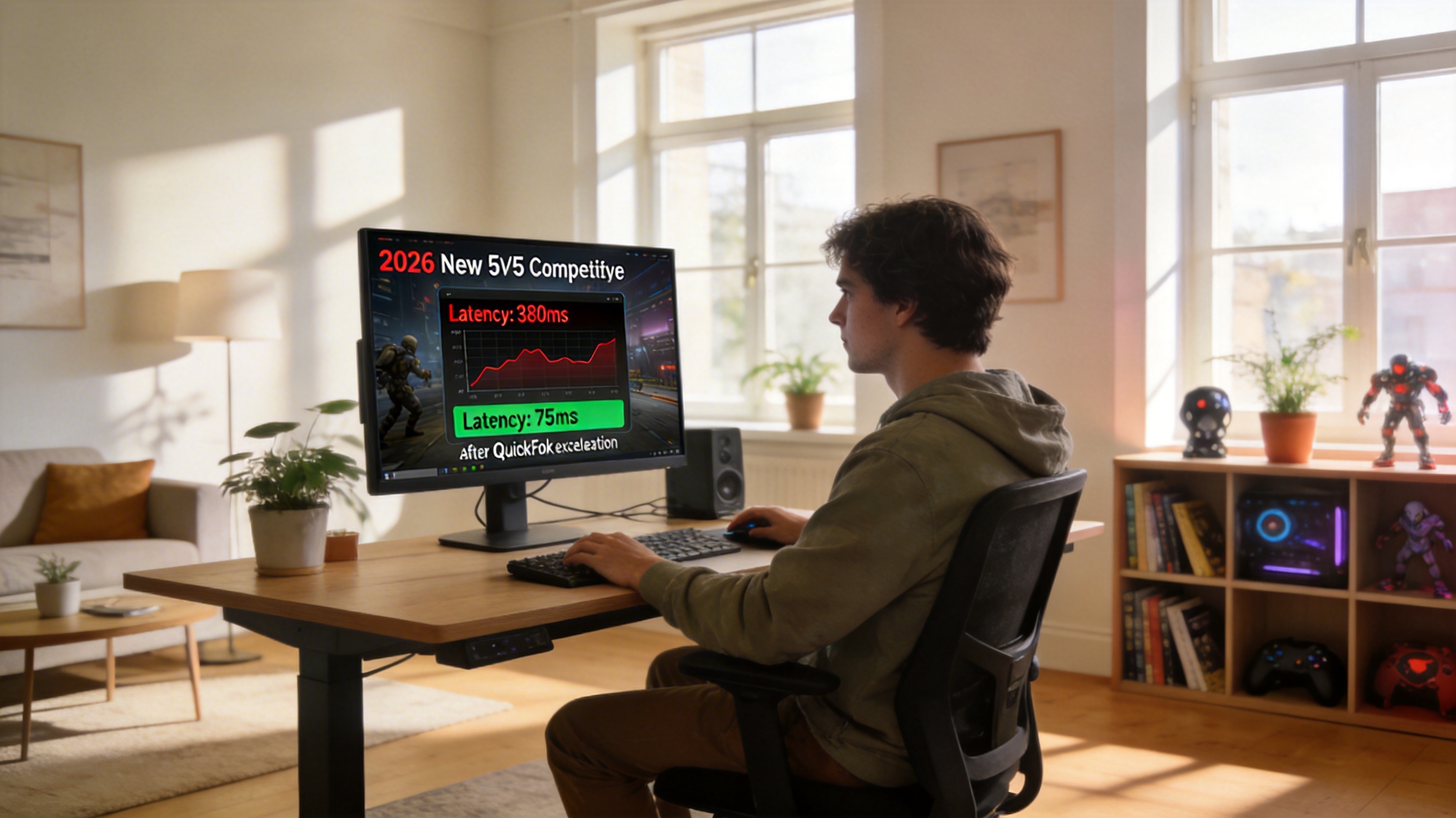
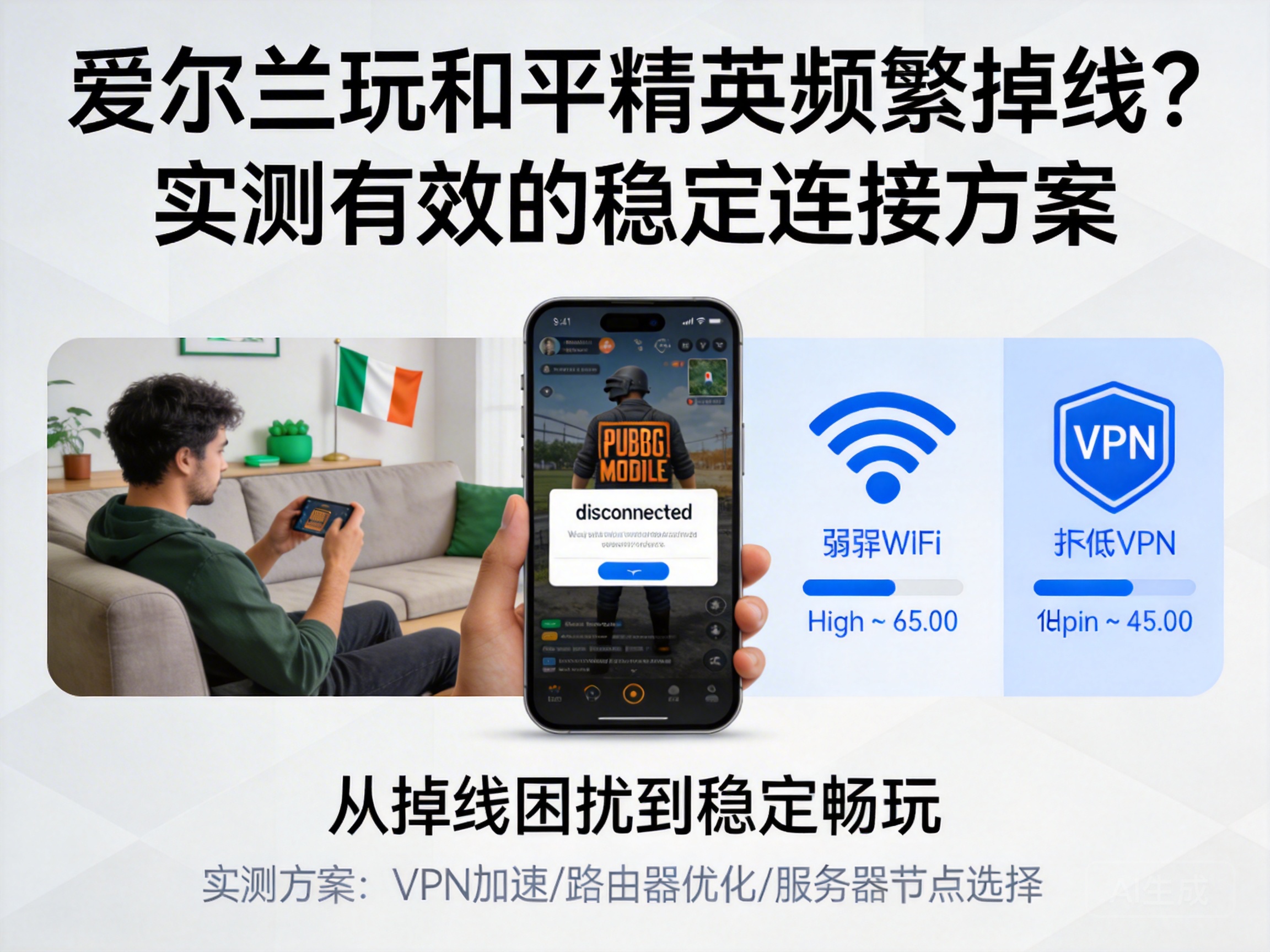
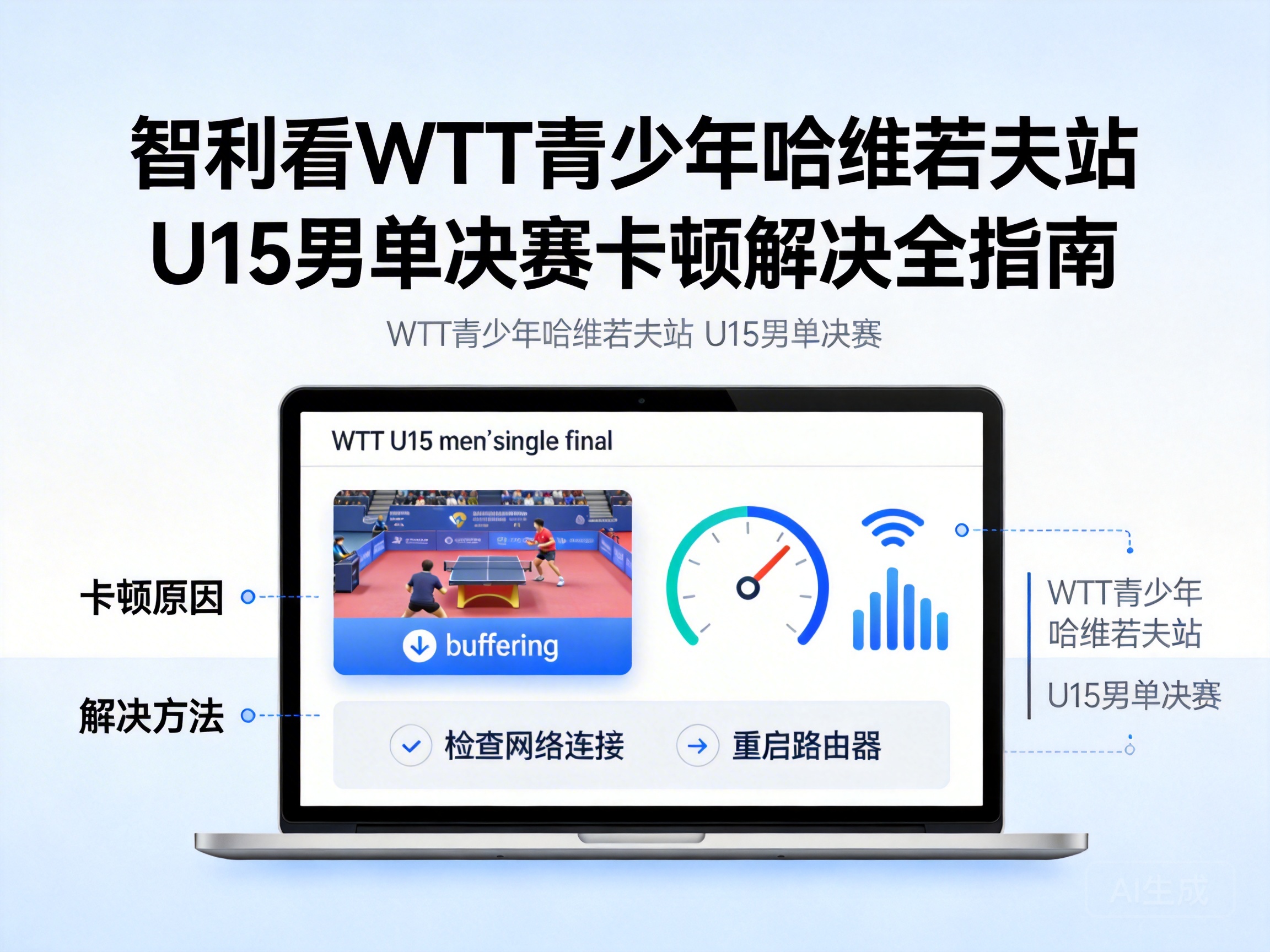
For League of Legends players in Tanzania, the Global Vanguard Finals is a can't-miss esports event. However, limitations in local basic network infrastructure often lead to live stream lag, picture delays, or even disconnections, severely impacting the viewing experience. This article combines the characteristics of Tanzania's network environment to provide practical solutions to lag issues from three dimensions: basic optimization, tool upgrades, and hardware adaptation.
1. Basic Optimization Solutions Based on Tanzania's Network Environment
Fixed broadband coverage in Tanzania is less than 20%, and most users rely on mobile 4G networks to watch live streams. Mobile network signals are greatly affected by terrain and base station load. The first step is signal environment optimization: prioritize open, unobstructed locations near windows, avoid signal dead zones like basements or dense buildings, and turn off bandwidth-consuming functions such as Bluetooth and hotspots on devices or routers.
The second step is refined network parameter adjustment: access device network settings and manually switch the DNS server to Google Public DNS (8.8.8.8) or Cloudflare DNS (1.1.1.1), replacing the local operator's default high-latency DNS. This can reduce domain name resolution time and lower connection packet loss rate.
Note: DNS (Domain Name System) is a service that converts website addresses to server IP addresses. Resolution speed directly affects the initial response time of network connections.
2. Selection and Configuration of Professional Network Acceleration Tools
Since most live servers for the League of Legends Global Vanguard Finals are deployed in North America and Europe, the long-link latency caused by the physical distance between Tanzania and these servers is one of the core causes of lag. At this point, professional network acceleration tools are needed to optimize routing.
When choosing acceleration tools, prioritize service providers that support "international dedicated line acceleration" and have nodes in Africa, such as the international versions of NetEase UU Accelerator and Xunyou Accelerator. These tools bypass congested public network nodes through dedicated network links and connect directly to event live servers, reducing latency by 30%-50%.
During configuration, note the following: open the acceleration tool before launching the live streaming platform, select the dedicated acceleration node for the League of Legends Global Vanguard Finals under the "esports live streaming" category, and avoid the game acceleration mode, which occupies additional bandwidth and affects live stream loading speed. Also, turn off the tool's automatic update function to prevent background downloads from occupying viewing bandwidth.
3. Adaptive Optimization of Live Streaming Platforms and Playback Settings
Differences in bitrate adaptation and CDN (Content Delivery Network) node layout across live streaming platforms can also cause viewing lag for users in Tanzania. First, choose platforms with stronger adaptability: prioritize international platforms like YouTube and Twitch that have CDN nodes in Africa, rather than platforms with nodes only deployed in China. These platforms cache content to local African nodes, shortening data transmission distance.
Second, manually adjust playback parameters: access live stream settings, switch from automatic bitrate to manual mode, select low-bitrate options like 720P or 480P based on current network bandwidth, and turn off high-bandwidth functions such as HD Blu-ray and HDR. Some platforms support a "low-latency mode", which can reduce picture delay from 10-15 seconds to 3-5 seconds while reducing the probability of lag.
- Check if the platform supports hardware decoding: enable hardware decoding in playback settings to reduce device CPU usage and avoid picture lag caused by insufficient device performance.
- Turn off interactive features like bullet comments and gift effects on the platform: these real-time dynamic content items occupy additional bandwidth and increase network load.
4. Emergency Solutions for Extreme Network Environments
If you are in a remote area of Tanzania with no stable 4G signal or fixed broadband, you can use the multi-network aggregation emergency solution: turn on both mobile 4G and portable Wi-Fi networks, and use a network aggregation tool like Speedify to combine the bandwidth of the two networks, improving overall data transmission capacity to meet the peak bandwidth demand of live streams.
In addition, you can download pre-cached event replay clips through official event channels in advance. If the live stream is severely lagging, switch to pre-cached content to avoid missing key event nodes. Note that pre-caching should be done during periods of good network conditions, such as early morning when base station load is low.
Tip: Multi-network aggregation tools require simultaneous access to network signals from two different operators to achieve bandwidth stacking; multiple device connections from a single operator cannot achieve aggregation effects.
Conclusion
The lag problem for users in Tanzania watching the League of Legends Global Vanguard Finals is essentially a mismatch between local network infrastructure and the demands of international event live streaming. Through basic signal optimization, professional acceleration tool adaptation, live streaming platform parameter adjustment, and emergency solutions for extreme environments, viewing smoothness can be effectively improved. Users can choose 1-2 combined solutions based on their own network environment to obtain a stable viewing experience.